












Table of Contents
In 2026, sub-$1,000 3d printers officially progressed from producing rough samples to managing stable, low-volume production runs for small businesses. The most critical factor when selecting a machine is no longer finding the absolute lowest price point. Instead, the focus has shifted toward printing speed, structural stability, material compatibility, and building a highly repeatable workflow for your engineering team. This guide breaks down the core purchasing logic, operational costs, and real-world application scenarios to help you understand exactly how to maximize your investment.
The primary driver behind this shift is the rapid maturation of desktop fdm 3d printer technology. Features like blistering print speeds, fully automated sensor calibration, rigid enclosed structures, and robust remote management software have matured rapidly. Many premium capabilities that once belonged exclusively to high-end industrial systems have now trickled down to budget-friendly desktop machines.
A 2026 PCMag evaluation highlights this exact trend, noting that modern budget and entry-level 3D printers now deliver highly practical features that previously required purchasing a premium machine. For small businesses, this technological leap means you no longer need to exhaust your entire capital budget on hardware acquisition. Instead, you can redirect your financial resources toward scaling production capacity and maximizing inventory turnover efficiency.
From Prototyping to Short-Run Manufacturing
For small businesses, the primary financial value of desktop 3D printing extends far beyond making simple design models. The real benefit comes from taking complete control over your product development and inventory delivery timelines.
Data provided by market analyses like AON3D illustrates a massive gap between in-house production and outsourced manufacturing services. Producing a part in-house using an internal FDM printer can cost as little as $4.24 per unit with a turnaround time of roughly 5 hours. In contrast, relying on an external prototyping service bureau often drives the cost up to $75.79 per unit with a delivery timeline stretching to a full week. This cost and time disparity compounds rapidly when your team is running multiple design revisions, optimizing mechanical geometries, or fabricating custom assembly fixtures.
Cost Efficiency vs. Outsourcing and Traditional Methods
If your business workflow only requires occasional, one-off visual verifications, outsourcing your parts to a third-party service provider remains a reasonable approach. However, the financial logic changes completely once your operations transition into continuous prototyping, frequent design iterations, or steady low-volume manufacturing. At that stage, purchasing your own desktop FDM printer setup delivers a clear advantage in total cost of ownership.
The structural advantages of bringing your production in-house are highly predictable:
-
Eliminating Service Markups: Bypassing external vendor margins instantly drops your cost per part.
-
Zero Expedited Shipping Fees: Avoiding overnight shipping charges for urgent design fixes saves significant capital.
-
Instant Revision Loops: Modifying a CAD file and restarting the 3D printer immediately keeps development moving forward without waiting for external re-quotes.
Key Performance Benchmarks Under $1000
Budget 3D printers that truly suit small businesses require evaluating three specific benchmarks over raw capability: daily operational stability, repeatability after material changes, and whether downtime eats into profit margins. High printing speeds mean little when frequent bed leveling, nozzle clogs, and warping lower actual output. Stable and repeatable performance matters more than peak specification sheets. If your budget is tighter, the same evaluation logic applies when picking the best 3d printer under 500, where stability and repeatability matter even more than headline specs.
How to Choose the Right 3D Printer for Your Business Needs
When choosing a 3D printer, small businesses often make the mistake of treating a production workflow like a hobby setup. A true production environment demands continuous 3D printing, an easy learning curve for the team, stable material output, and fast recovery when issues arise.
Print Speed vs. Print Quality Trade-offs
High speed does not automatically mean high efficiency. Throughput only translates into real revenue when dimensional consistency, layer line control, and first-layer success rates hold up at high speeds. For teams producing appearance parts, functional prototypes, or customer deliverables, the priority rests on stable high speeds over pushing the 3D printer to its absolute limits.
Material Compatibility (PLA, PETG, ABS, TPU)
Different materials serve different business needs:
-
PLA: Ideal for rapid prototyping and display models.
-
PETG: Suited for everyday functional parts.
-
ABS and ASA: Highly sensitive to enclosed chambers and temperature control.
-
TPU: Requires excellent extrusion stability and path control.
If your business involves structural parts, jigs, or assembly fixtures, material compatibility and chamber environments dictate whether you can successfully integrate 3D printing into your production pipeline.
Reliability, Maintenance, and Downtime Risks
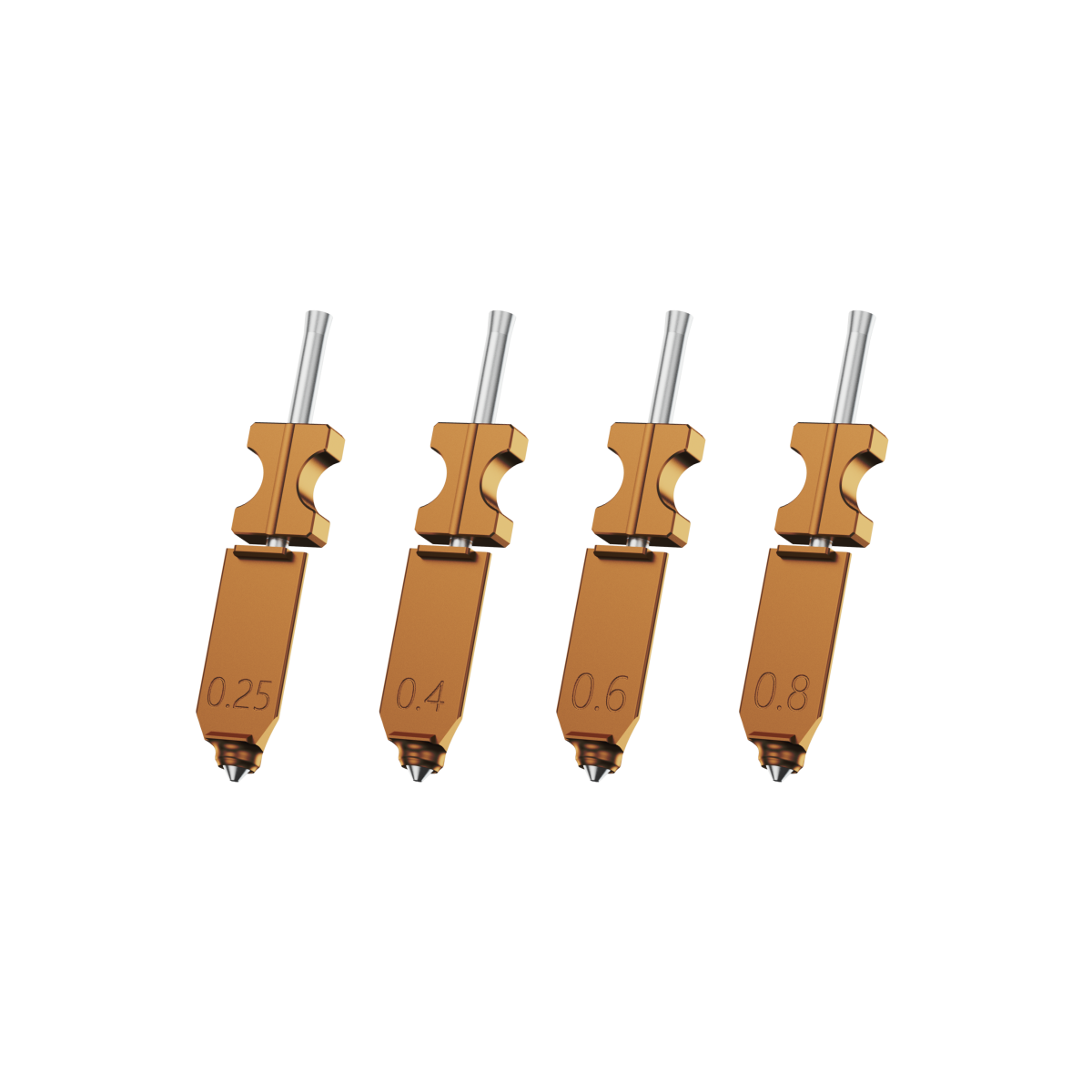
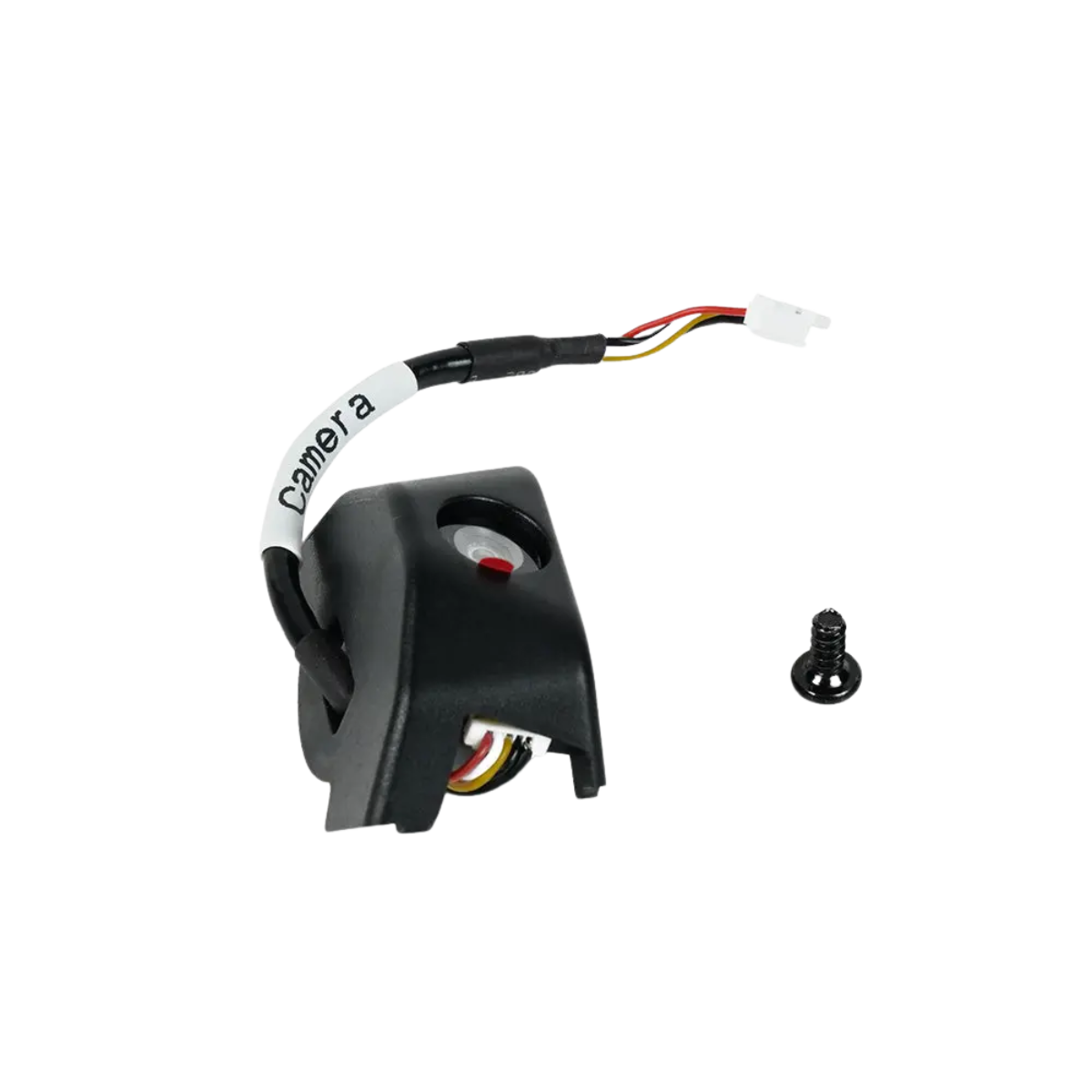
The highest cost for a small business is downtime, not filament. Failed 3D prints, debugging, and waiting for repairs disrupt order schedules. In a production environment, features like modular hotends, automatic bed leveling, filament runout detection, and remote monitoring serve as essential risk-reduction tools.
Build Volume and Batch Production Capacity
If you sell small accessories, custom parts, or educational tools, a 256mm build volume covers most desktop business needs. If you produce assembly parts, jigs, or schedule multi-part batches, you must calculate build plate utilization rather than just focusing on single-part volume. Small businesses need to minimize wasted space rather than chase the largest possible build volume.
Ease of Use for Teams and Workflow Integration
When teams share a 3D printer, workflows fail if only one person knows how to calibrate the setup. Visual interfaces, Wi-Fi connectivity, remote monitoring, automatic calibration, and mature slicing software lower the barrier to entry. These features make it easier to delegate 3D printing tasks across different team members.
Best 3D Printers for Small Business Under $1000 in 2026
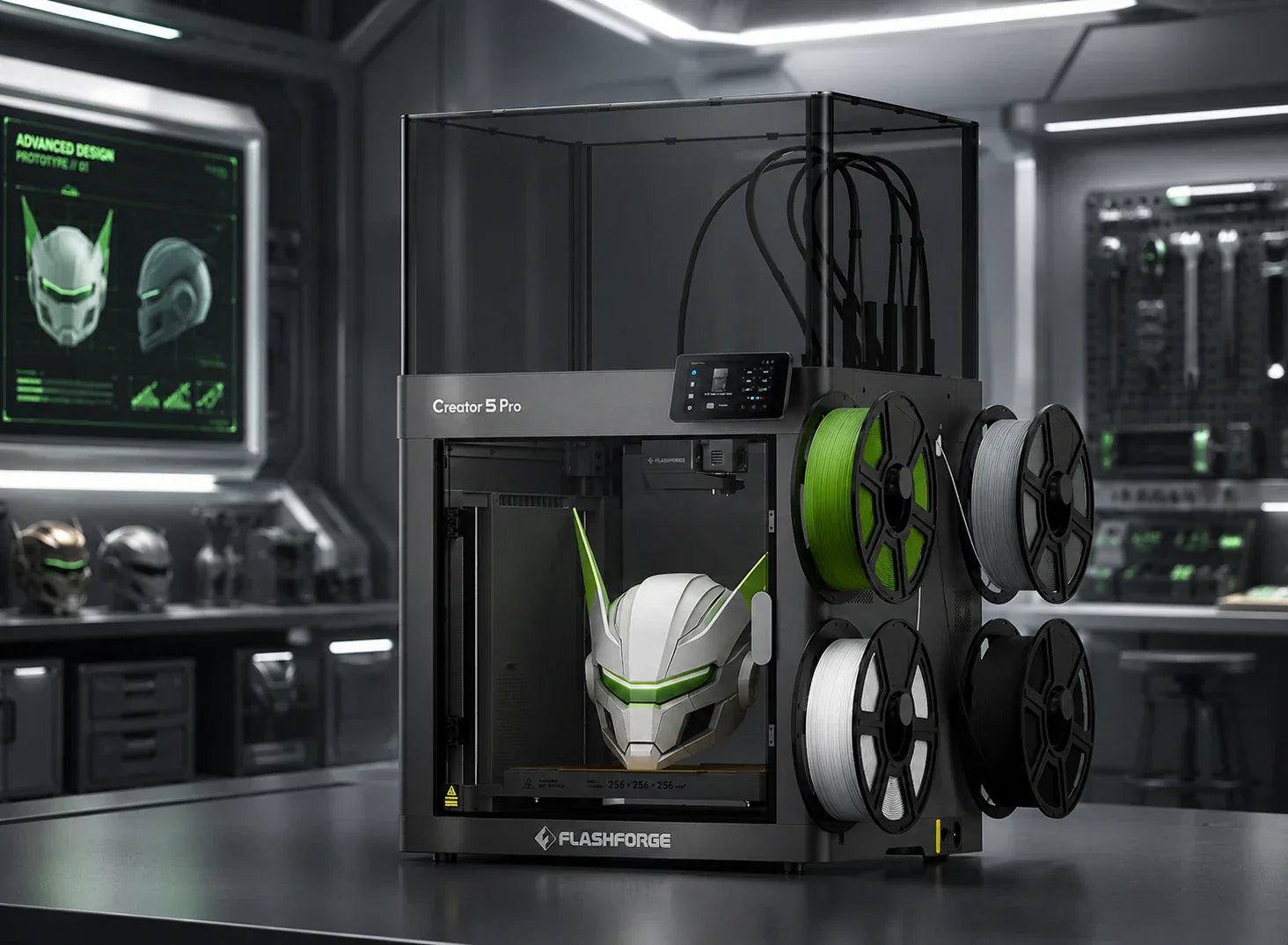
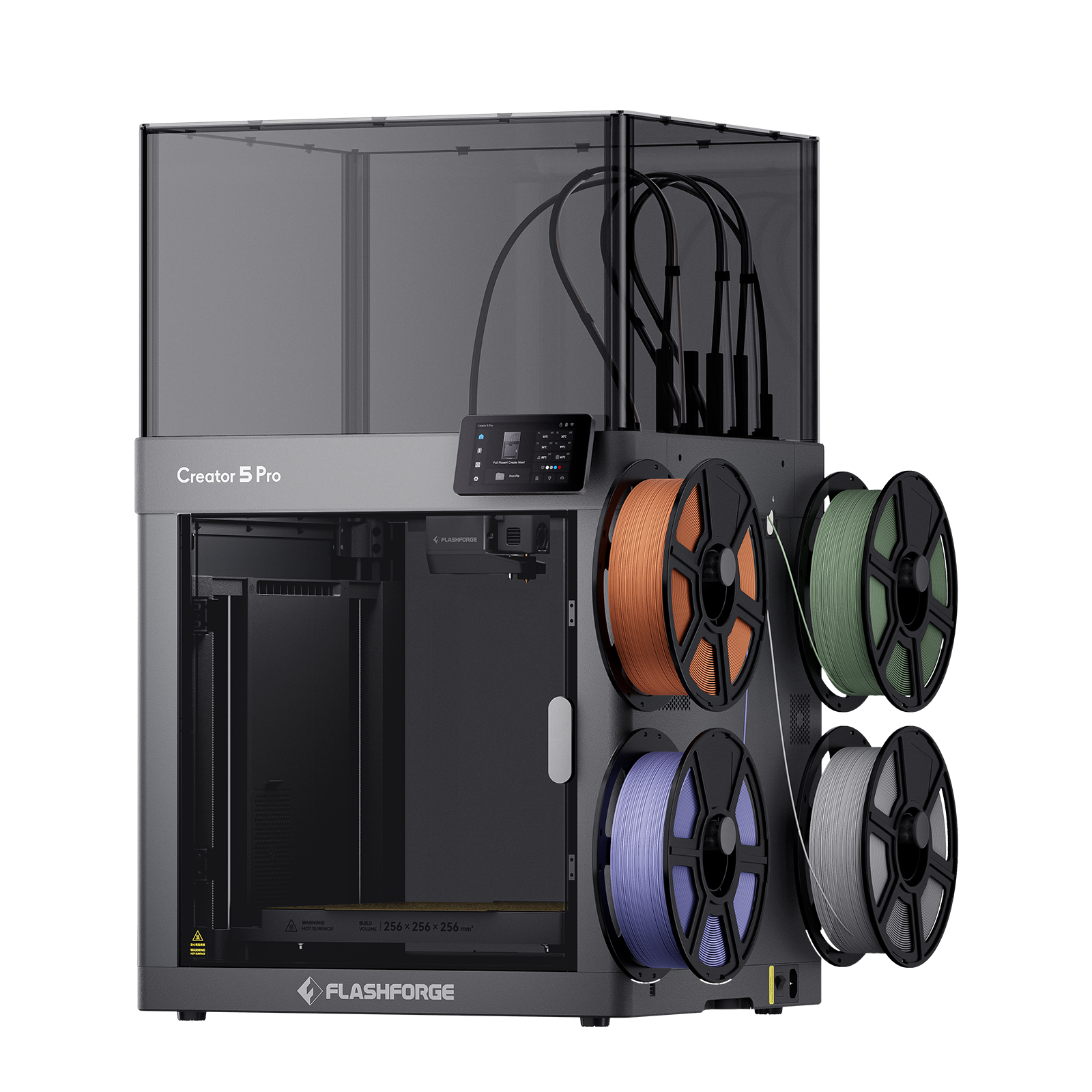
The logic behind these choices does not rely on price alone. It matches five common needs for small businesses: overall performance, speed and production capacity, multi-material functional parts, team usability, and compact space adaptability. If you want to prioritize your budget on a 3D printer that can handle long-term production, the Flashforge Creator 5 Pro serves as a representative workhorse.
Best Overall: Balanced Performance and Reliability

For most small businesses, the best overall 3D printer under $1,000 should combine an enclosed structure, automatic calibration assistance, a decent build volume, and stable multi‑material support. The Flashforge Creator 5 delivers for independent toolheads, a 256 × 256 × 256 mm build volume, and a fully enclosed frame that helps keep prints consistent across common materials like PLA, PETG, TPU, and ABS, making it a strong all‑rounder for prototypes, small‑batch orders, and branded display pieces.
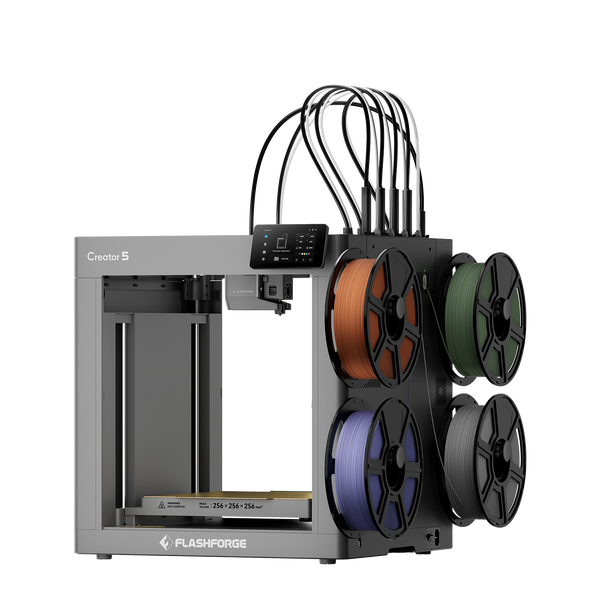
Flashforge Creator 5 4-Toolheads Multi-Color 3D Printer | 500% Faster, Zero Purge Waste
$799.00
Shop Now
Best for Multi-Material and Functional Parts
If your product involves combining soft and hard materials, optimized supports, heat-resistant structural parts, or functional verification, the ability to switch between multiple materials is what truly drives efficiency. The Creator 5 Pro supports PLA, PETG, TPU, ABS, ASA, PA series, and various composite filaments. Its enclosed chamber reaches temperatures up to 65 degrees Celsius. This combination is better suited for functional and engineering parts than for purely decorative 3D printed objects.
Real-World Use Cases: How Small Businesses Use 3D Printing
Small businesses invest in 3D printing because they need faster delivery, lower inventory, and reduced trial costs. Understanding these practical needs helps you choose the right 3D printer for your business.
Custom Product Manufacturing (Etsy, Shopify Sellers)
Custom gifts, desk accessories, storage solutions, pet supplies, and personalized components are ideal for 3D printing. These products command a premium because 3D printing naturally supports low-volume, high-SKU, and quick-turnaround production. For these sellers, a 3D printer shortens delivery cycles and turns customization into a scalable process.
Rapid Prototyping for Startups and Product Design
Startup teams need fast iteration. In-house 3D printing compresses the design, test, modify, and reprint cycle into a matter of hours. This is ideal for prototyping new products, structural verification, and aesthetic validation.
Tooling, Jigs, and Fixtures for Workshops
Jigs, fixtures, and assembly aids are areas where 3D printing provides immediate returns. These parts are often small but directly improve assembly efficiency and consistency. For workshops, maintenance teams, and small manufacturing studios, these 3D printed parts demonstrate a better return on investment than display models.
Educational and Training Applications
Training institutions, labs, and educational spaces prioritize ease of use, low failure rates, and safety. An enclosed 3D printer structure, a filtration system, and shared operation logic make the equipment suitable for multi-user environments.
Tips to Maximize ROI with a Sub-$1000 3D Printer
Buying a 3D printer is just the first step. Process management determines how quickly you recover your investment. Stable 3D printing strategies lead to fewer failures and more controlled costs.
Optimizing Print Settings for Batch Production
For batch production, lock in proven slicing parameters to save time on trial runs. Fixing layer height, infill, and support logic significantly improves the predictability of repeat orders.
Reducing Failure Rates and Material Waste
Reduce failures by ensuring stable first layers, temperature control, cooling, and material feeding. Features such as the automatic calibration, filament run-out detection, and enclosed chamber of the Flashforge Creator 5 Pro help lower rework rates and material waste.
Leveraging 3D Printing for Customization Premiums
Small businesses should use 3D printing to provide customization premiums rather than competing on low prices. When your product offers engraved names, custom sizes, color choices, or structural adaptations, 3D printing transforms from a cost center into a profit driver.
FAQ: Small Business 3D Printing in 2026
In practice, small businesses often ask whether they can make money rather than whether they can print. The answer depends on profit margins per piece, order stability, and the ability of the 3D printer to produce parts consistently.
How profitable is a 3D printing business?
Profitability depends on what you sell, who you sell to, and how well you utilize your 3D printer. High-frequency custom parts, functional components, and jig projects often generate more profit than low-priced models.
How much does it cost to have something small 3D printed?
The cost of small-part 3D printing varies by material, time, and precision requirements. Outsourcing usually costs more per piece than using in-house equipment. The difference in unit costs for the same part between internal production and outsourcing can be significant.
What small business could I start with a 3D printer?
Many directions exist, including custom accessories, office supplies, pet products, teaching aids, jigs, and small functional 3D printed components. The key lies in finding niche demands that are small in size, highly variable, and sensitive to personalization.
What is a good 3D printer for a small business?
If you require stable output, material compatibility, and team usability, an enclosed, multi-nozzle, high-speed 3D printer like the Creator 5 Pro is closer to production needs than an entry-level device. Its value lies in upgrading the capability from just printing to delivering consistent results.
What are the most profitable items to 3D print?
Products that allow high customization, offer high repeat purchase rates, involve high outsourcing costs, and do not require massive dimensions usually provide better profit margins. Jigs, functional accessories, and personalized consumer goods often provide better business returns than decorative models.
Is a small 3D printing business profitable?
It is profitable if you treat the 3D printer as a production tool rather than a hobby device. Consistent in-house production offers advantages in cost and lead time, especially for scenarios involving high-frequency iteration and continuous shipping.
If your goal is to turn a budget under 1000 dollars into production capacity that delivers orders, the answer is clear. It is more cost-effective to choose a stable, fast, enclosed 3D printer designed for team use. For users balancing functional 3D printed parts, multi-material capabilities, and small-batch efficiency, the Flashforge Creator 5 Pro is a powerful and reliable choice.