












Table of Contents
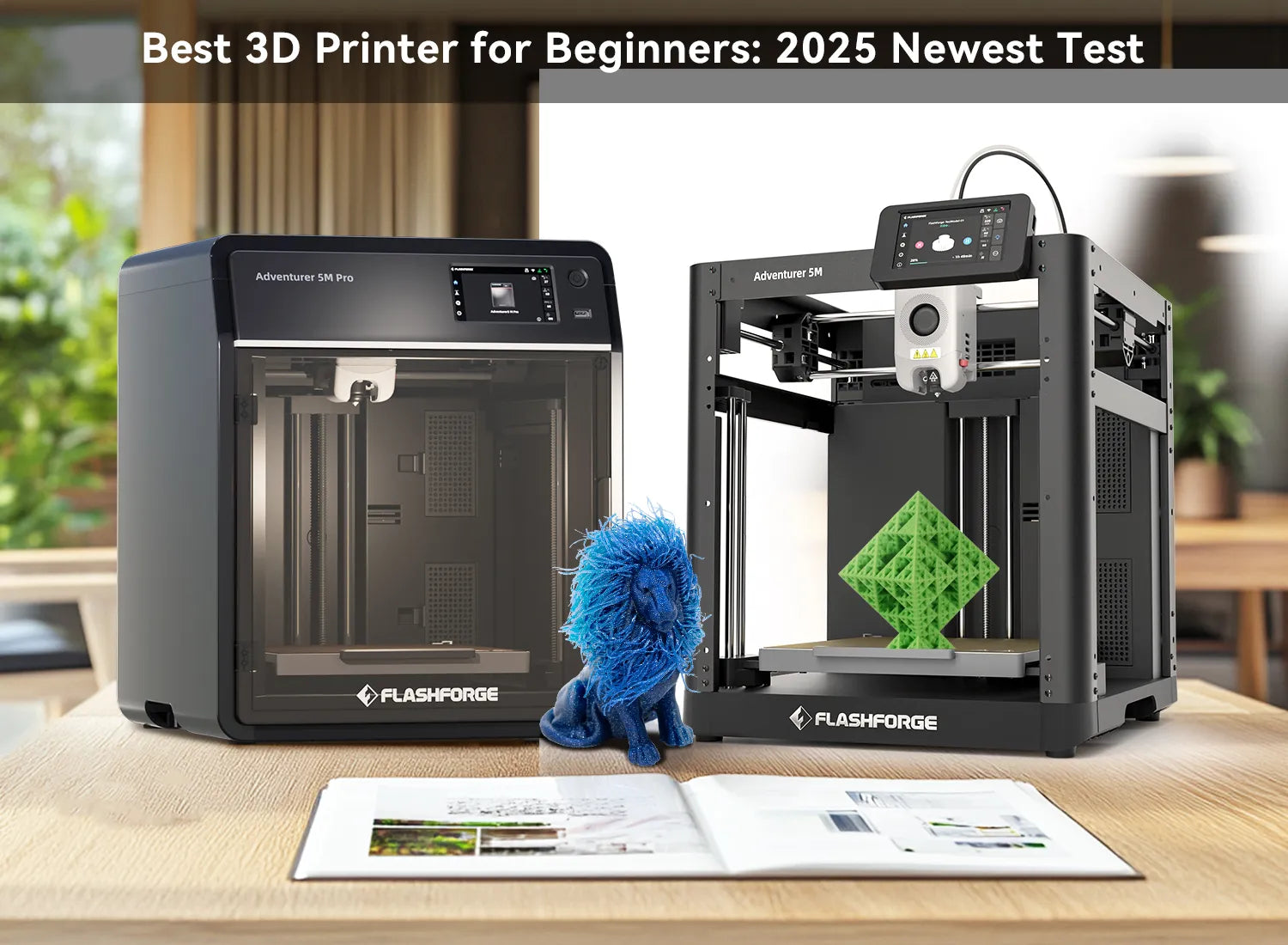
Choosing your first 3D printer does not have to involve hours of assembly, manual calibration, or confusing software settings. Modern beginner-friendly printers can handle bed leveling, motion calibration, and much of the initial setup automatically.
The best 3D printer for beginners should produce reliable first layers, support straightforward slicing software, and require only basic maintenance. This article compares five practical options for home projects, models, prototypes, and everyday creative printing.
What Are the Types of 3D Printers?
We begin with the simplest stuff.
In the market of 3D printers, you must have heard about different types of 3d printers, like FDM 3d printers, as well as resin printers, in case you are a neophyte. In addition to these, there are many professional 3D printers divided by process type that you can learn about in advance. Because this will be helpful for the subsequent selection and purchase of consumables.
FDM 3D printer (Fused Deposition Modeling): It extrudes filaments layer by layer through heating, with low cost and simple operation, suitable for beginners.
SLA 3D printer (stereolithography): It uses ultraviolet light to cure liquid resin, with high precision and smooth surface, suitable for fine models.
SLS 3D printer (Selective Laser Sintering): It uses a laser to sinter powder materials (such as nylon), without support, suitable for complex structures.
DLP 3D printer (Digital Light Processing): It uses a projector to cure resin layer by layer, with fast speed and slightly lower precision than SLA.
MJF 3D printer (Multi-jet fusion): It is an industrial-grade process, with nozzles spraying materials and flux, laser heating and curing, high efficiency and good strength.
Tips for 3D printing beginners:
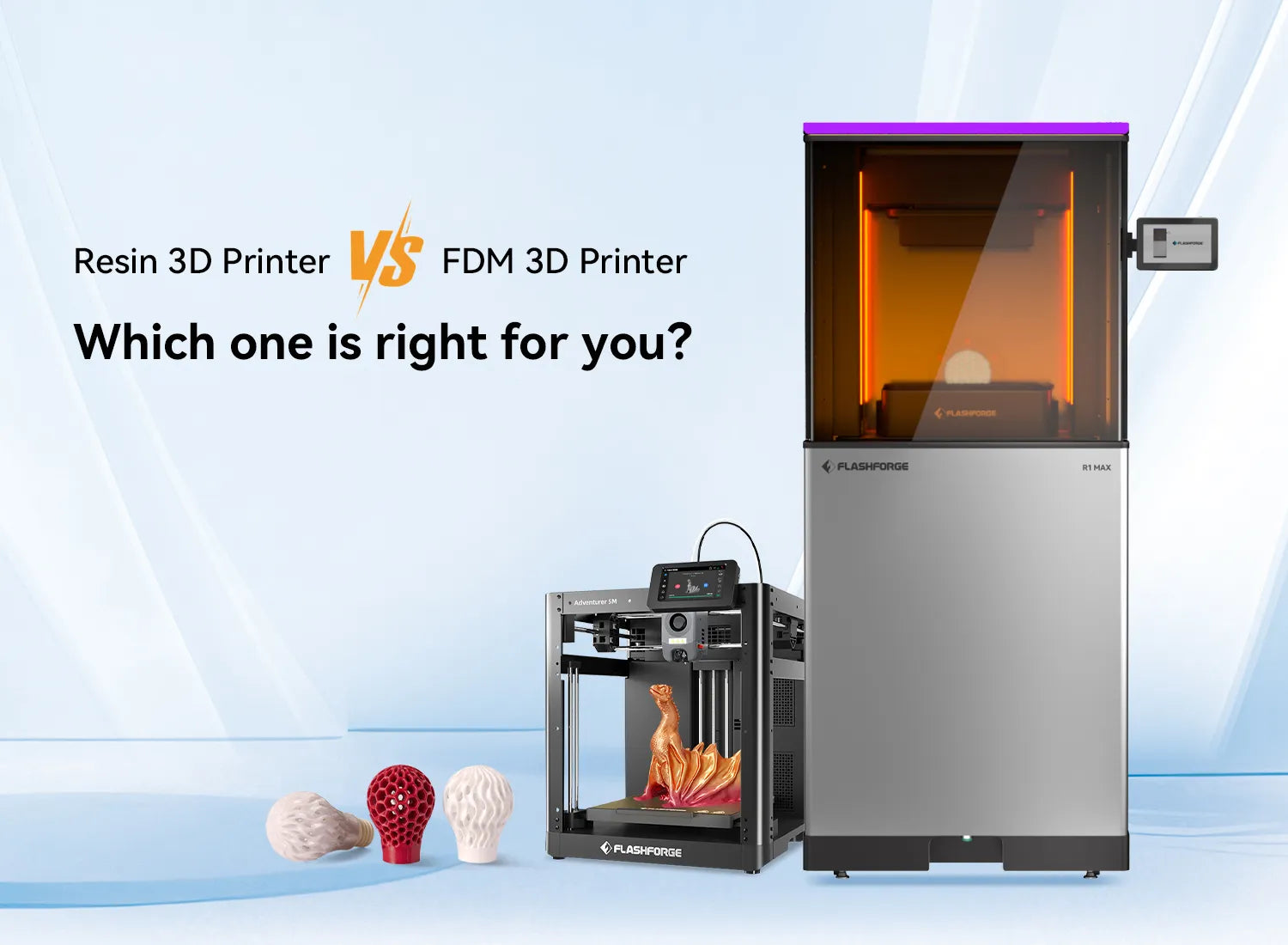
The easiest type of 3D printer is FDM (Fused Deposition Modeling). They use melted plastic filament to produce their own layers, and they are affordable and widely available. Resin printers are based on UV light curing liquid resin, resulting in smoother, cleaner results with crisper detail. They are excellent for figurines, miniatures, and precision components.
What Beginners Should Look for in a 3D Printer?
Not all 3D printers are easy to work with, despite the statement of being so. Here are a few things you should follow:
FDM 3D Printers Are a Smart Start
FDM printers like Flashforge 3d printer are the best option when you want to learn without becoming overwhelmed. These easy to use 3d printers are cheap, highly safe, and even online, these people support lots of them. In addition, it is easier to maintain instead of resin printers.Setting a Realistic Budget
You do not have to spend a fortune. Most of the best 3D printers for beginners would be in the $200–$500 range. For example, the best 3d printer under $500 can give you the ultimate value for money. Shop as conservatively as you feel comfortable, and make sure there is some spare capacity that can be used to purchase accessories and materials (such as filaments or resins).
Core Functions and Configuration
The most useful capabilities in printers are those that make initial prints easy: auto-bed levelling, touchscreen, removable beds, and slicer compatibility. These are not merely features; they are practical and save your time.
Ease of Use and Maintenance
You should have a printer that does not need to be adjusted on a regular basis. An ergonomic interface, reachable components, and simple configuration will carry you far when it comes to getting familiar with how it works.
Safety Considerations
Printer safety is important, particularly when you have a case where a printer is operating over several hours without any supervision. Seek out closed rooms, power-saving gadgets, and temperature regulation. Safety is peace of mind.
Enclosed CoreXY and Multi-Color Options
Beginner printers in 2026 are no longer limited to open-frame bed-slinger designs. Enclosed CoreXY machines are becoming more accessible, combining faster motion, a more controlled printing environment, and simpler automated calibration. Multi-color systems are also moving into lower price ranges, sometimes adding automatic filament loading, refill functions, and active drying. These features can expand what a first printer can produce, although they also add cost, filament waste, and maintenance steps.
Best 3D Printer for Beginners Recommended 2026
In 2026, 3D printer technology has made significant progress in material science, production processes, and intelligence, which provide novices with a more convenient, efficient, and high-quality printing experience. Now, novices can buy more powerful desktop 3D printers at a lower cost, print models faster, reduce waiting time, and have the opportunity to try printing more types of materials.
So, what is the best 3d printer for beginners? Let's discuss the real choices. We tested the following 5 best 3d printers for beginners for usability, value and compatibility. They all present something different on the table.
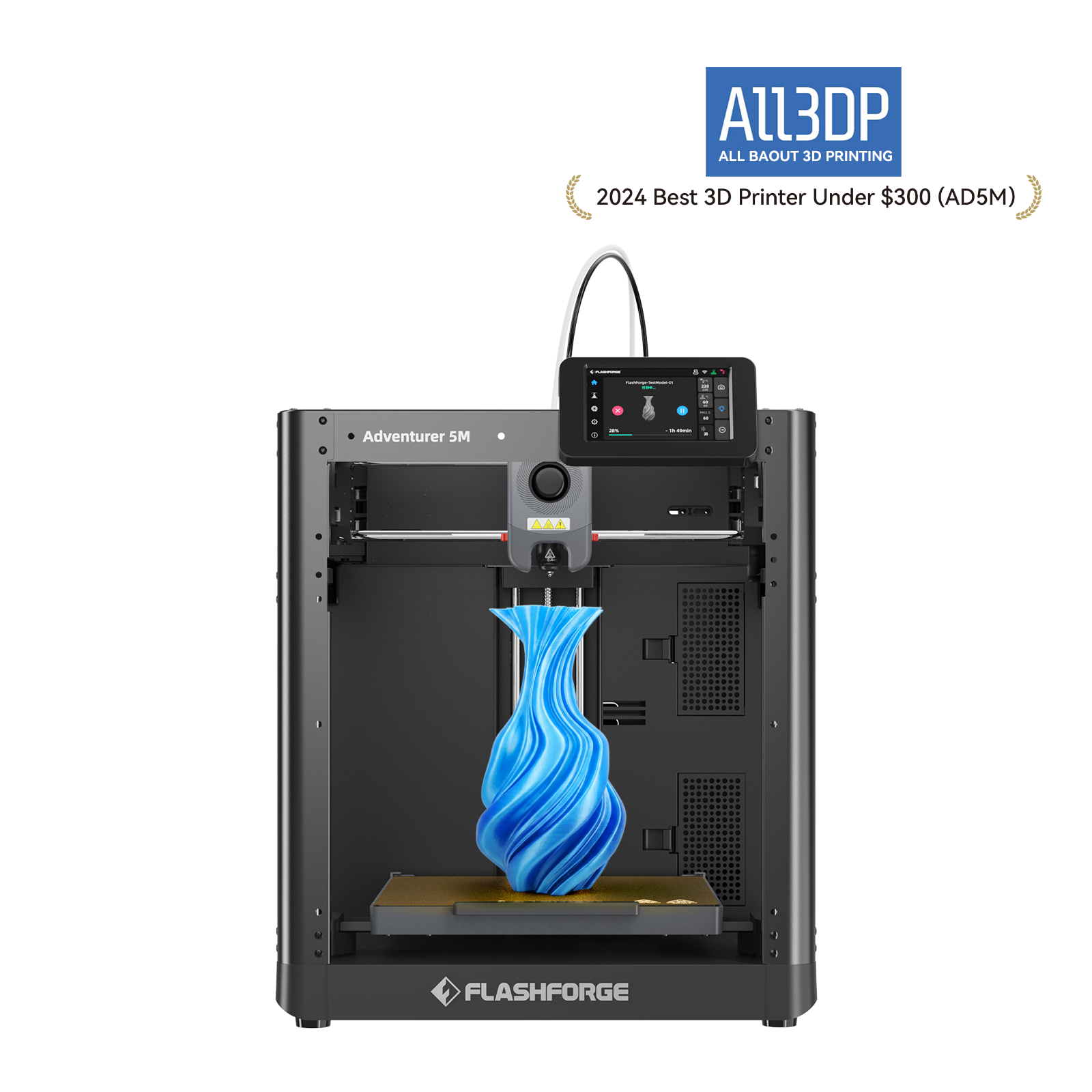
Flashforge Adventurer 5M:Best Overall for Easy Setup

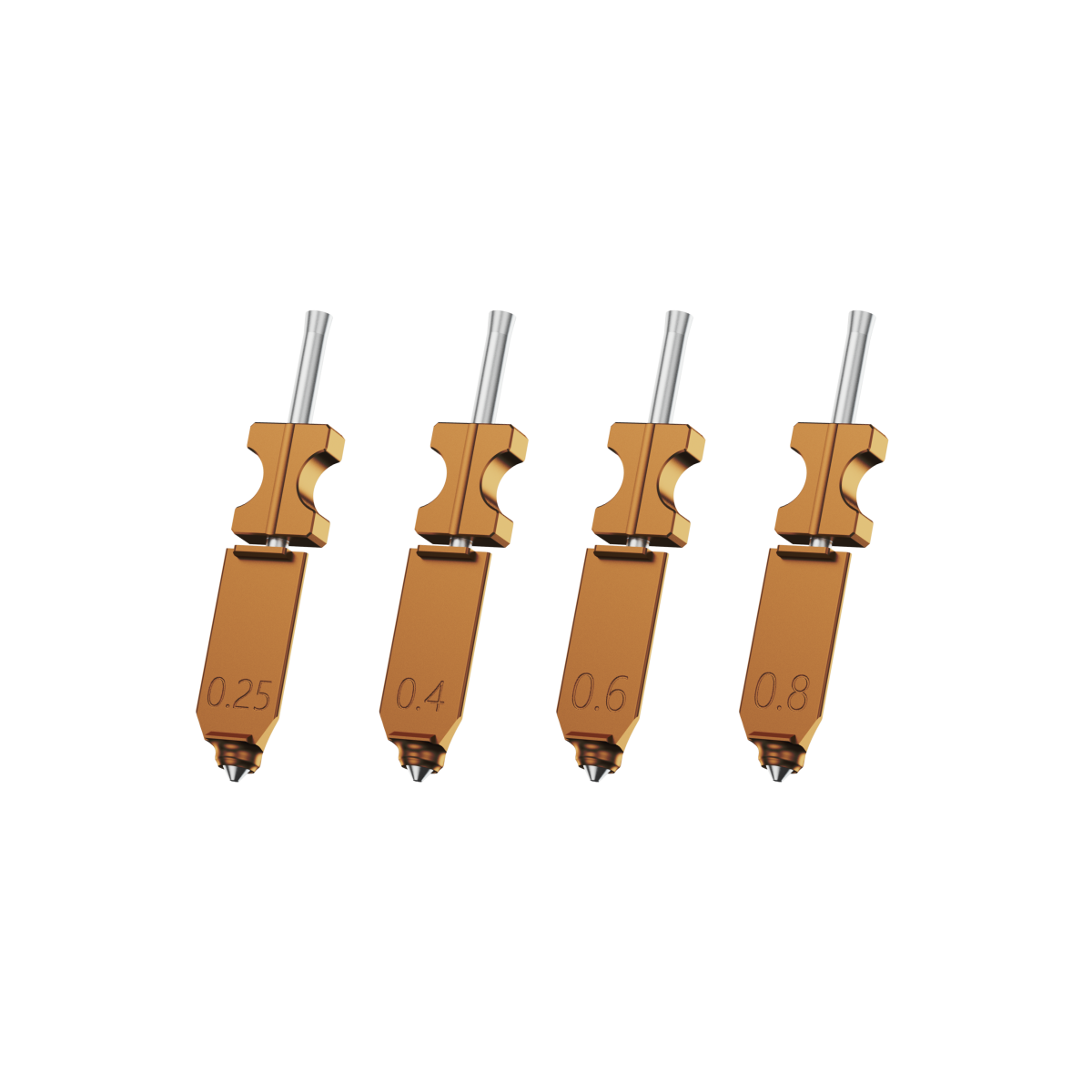
The Flashforge Adventurer 5M is a strong first printer for users who want to start printing without building or heavily modifying the machine. It combines automatic leveling, an all-metal CoreXY structure, quick-detach nozzles, and a 220 × 220 × 220 mm build volume.
Flashforge presents the machine as requiring roughly ten minutes of initial setup. Its removable build plate and accessible nozzle system also make routine print removal and maintenance easier. Because it uses an open-frame design, it is best suited to common PLA and PETG projects rather than materials that depend on a controlled heated chamber.
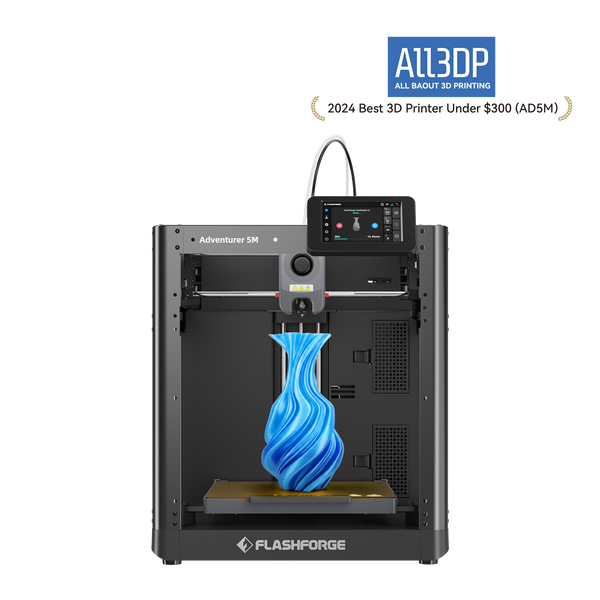
Best for: The best choice for beginners who only want a decent performance ready immediately.
To help you get to know this printer better, we have prepared an unboxing and hands-on video for you. This video will take you deep into the features of the Flashforge Adventurer 5M and show you how to easily start your first print.
Watch the video: Flashforge Adventurer 5M: Unboxing and hands-on video
In this video, you will see:
Unboxing experience: Get to know the package contents and first impressions of the Flashforge Adventurer 5M.
Quick setup: Learn how to quickly assemble and set up the printer so you can start printing without waiting.
Core function demonstration: The video will show the main features of the Adventurer 5M, such as its high-speed printing capability, automatic levelling function, and user-friendly operation interface.
First print guide: Follow the steps in the video to complete your first 3D print.
With its excellent ease of use and stable performance, the Flashforge Adventurer 5M is undoubtedly an ideal choice for beginners to get started with FDM 3D printing. Hopefully, this video will help you master this printer faster and kick-start your 3D printing journey!
Flashforge Creator 5: Best for Low-Waste Multi-Color Printing
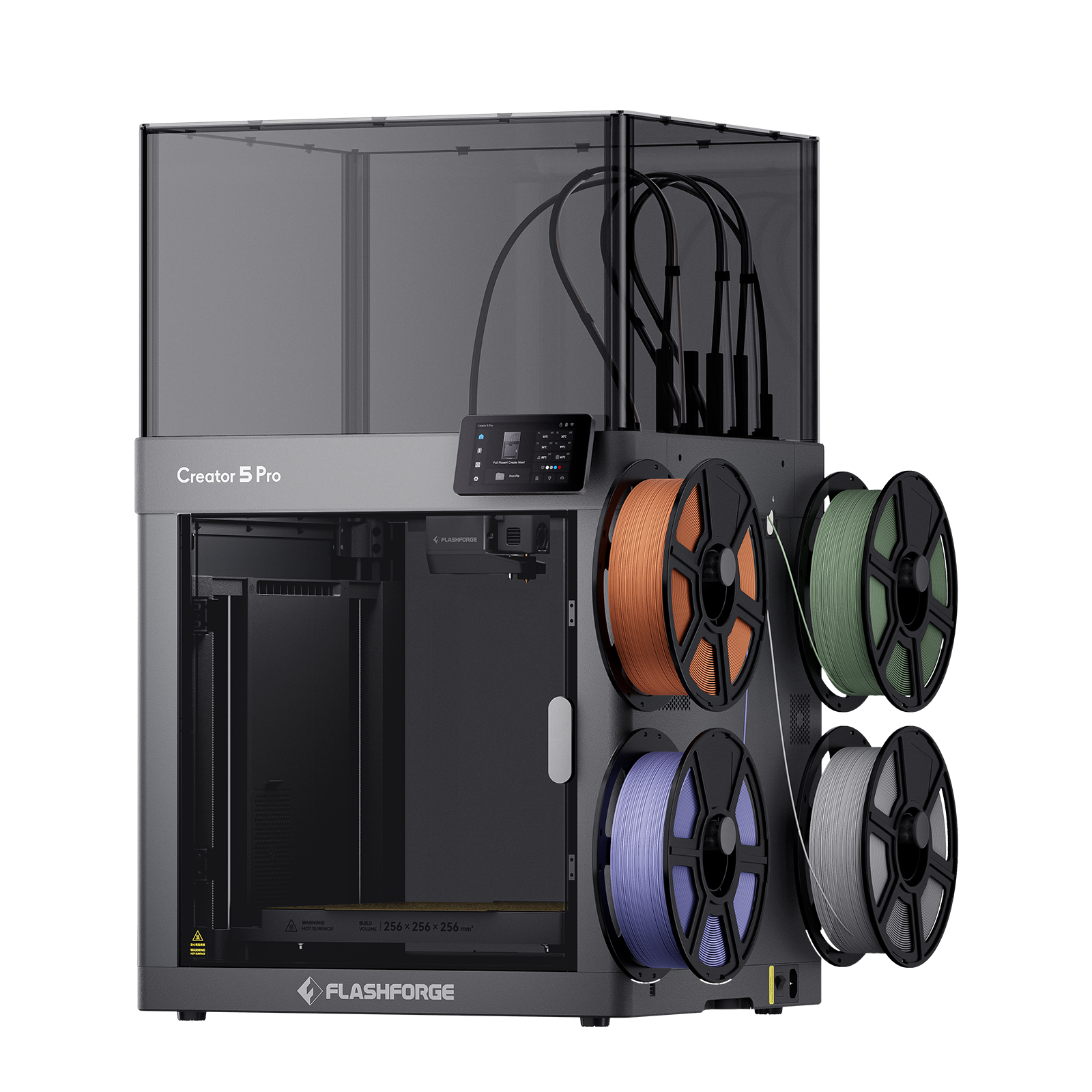
The Flashforge Creator 5 is designed for beginners who want to start directly with multi-color or multi-material printing. Instead of feeding several filaments through one nozzle, it uses four independent FlashSwap toolheads, allowing each color or material to remain loaded and ready.
Tool changes take about 5–7 seconds and require far less filament purging than shared-nozzle systems. Automatic toolhead calibration, bed leveling, vibration compensation, and flow calibration also reduce the setup work normally associated with multi-toolhead printing.
With a 256 × 256 × 256 mm build volume, the Creator 5 supports PLA, PETG, TPU, soluble supports, and selected composite filaments. Its open-frame design is best suited to common and lower-temperature materials. Users who need active chamber heating for engineering materials should consider the Creator 5 Pro.
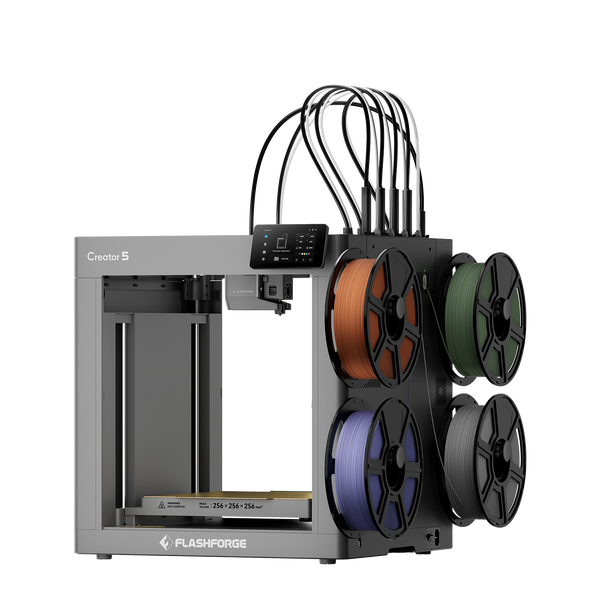
Flashforge Creator 5 4-Toolheads Multi-Color 3D Printer | 500% Faster, Zero Purge Waste
Best for: Beginners who want independent toolheads, multi-color printing, and less purge waste from the start.
Consider another model when: You only need basic single-color printing or require an actively heated enclosure.
Bambu Lab A1
Bambu Lab A1 is slick, contemporary, and very instinctive. It has a feature of auto-calibration, quick printing, and Wi-Fi. The print quality is remarkable for an FDM printer in this category. It is also future-proof, in case you intend to use 3D printing in the future.
Best for: Beginners who are tech-savvy and need polish and performance.
Creality Ender-3 V3 SE
The Creality Ender-3 V3 SE model is spot on when it comes to the cost-performance ratio. It is auto-bed levelled, quick to set, and has an excellent upgrade-friendly modular design. It is not the most glamorous model, but one of the most reliable entry-level printers on the market.
Best for: Budget-conscious beginners seeking a reliable and customizable printer.
Anycubic Kobra 3
The Anycubic Kobra 3 brings beginner printing to the next level of being intuitive. It is very novice-friendly with AI error detection, a simple to use filament loading system, andan intuitive slicer. Moreover, it can hold several filaments, which means it will work for you even when you expand.
Best for: Beginners who would like to have some intelligence and stability without investing a lot of time in them.
Elegoo Neptune 4
The Elegoo Neptune 4 is an inexpensive, precise ,and effortless to configure. It has fast printing, a lack of noise, and a large support community. This is your gateway to the world of 3D printing; in case you are interested in it but do not want to work too hard at it yet.
Best for: Beginners who need quick, silent, and not high-maintenance printing.
Brief Explanation
The table simplifies key factors for beginners:
- • Usability: Focuses on ease of use (e.g., automation, setup).
- • Value: Balances cost with performance and durability.
- • Compatibility: Covers filament types and slicer support for flexibility.
Clear for quick comparisons and search engine readability.
| Printer Model | Usability | Value | Compatibility |
|---|---|---|---|
| Flashforge Adventurer 5M | Auto leveling, quick setup, easy nozzle changes | Best overall value for beginners | PLA, PETG; Flash Studio Desktop |
| Flashforge Creator 5 | Automatic calibration, four independent toolheads | Best for low-waste multi-color printing | PLA, PETG, TPU, support materials |
| Bambu Lab A1 | Full auto calibration, polished interface | Strong value for automation | Common filaments; Bambu Studio |
| Creality Ender-3 V3 SE | Easy setup, accessible components | Best low-budget option | Common filaments; broad community support |
| Anycubic Kobra 3 | Simple loading, multi-color expansion | Good entry to multi-color printing | PLA, PETG, TPU; Anycubic software |
| ELEGOO Neptune 4 | Quick setup, fast printing | Good speed for the price | Common filaments; multiple slicers |
How to Maintain a 3D Printer After Using
Your printer is not a set-and-forget device. Once you have found your 3D printer for beginners, maintenance will make it run smoothly and prolong its life.
First of all, clean the print bed each time after the session. In the case of FDM printers, inspect the nozzle and make sure that the filament path is open. In the case of resin printers, clean and filter your resin and clean the vat. The moving parts should be lubricated monthly and should have the firmware updated frequently.
Small problems should not be overlooked. A tune-up heads off even greater headaches. The learning curve includes maintenance, however, easier than it might sound.
FAQs
Is It Worth Spending Extra for Auto-Bed Leveling as a Beginner?
Absolutely. One of the most annoying things to do the first time is to manually level the bed. Auto-bed leveling will ease your transition into the more successful first few weeks.
What Is the Best 3D Filament for a Beginner?
The most suitable 3D printing material for beginners is PLA filament (polylactic acid). Best PLA filament has a low printing temperature (nozzle 190-210℃, usually no need for a heated bed), is not prone to warping, has a high tolerance for operation, is affordable, and has rich colors, making it very suitable for 3d printer beginners to learn basic printing skills.
Which Is Better: Flash Studio Desktop, Cura, or PrusaSlicer?
There is no single best slicer for every beginner. The right choice depends mainly on your printer model and whether an official, tested profile is available.
Flash Studio Desktop, formerly known as Orca-Flashforge, is the recommended starting point for supported Flashforge printers. It includes Flashforge-optimized profiles, printer connectivity, slicing controls, and supported remote-management features, reducing the amount of manual configuration required.
Cura is a flexible option for users who need broad printer support, community-created profiles, plugins, and access to hundreds of adjustable slicing settings. PrusaSlicer is particularly well suited to Original Prusa printers, although its open-source and feature-rich workflow can also support other compatible machines.
For most beginners, start with the slicer officially supported by the printer manufacturer. Flashforge users can read this article to learn how to set up Flash Studio Desktop and prepare their first print.