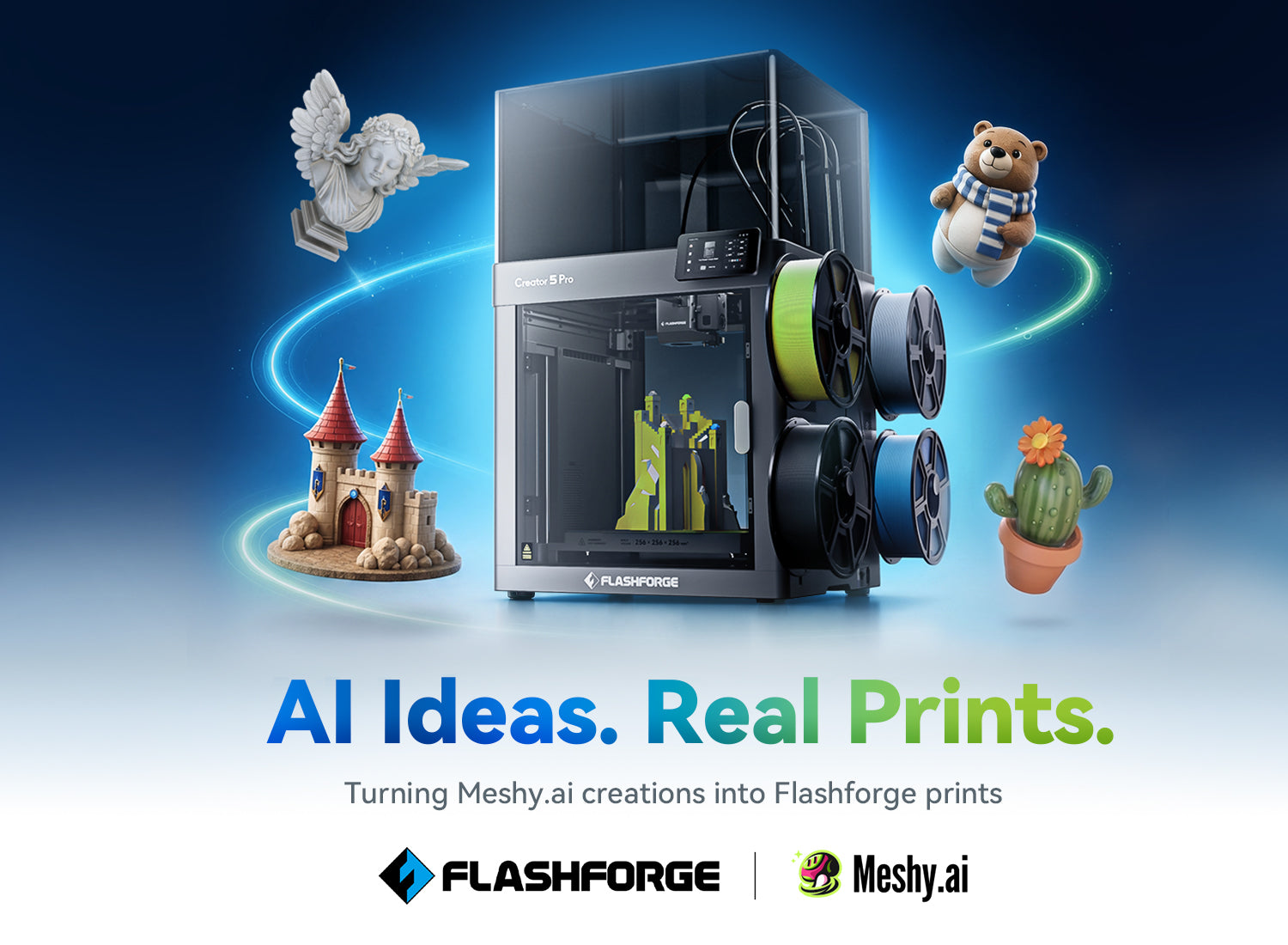
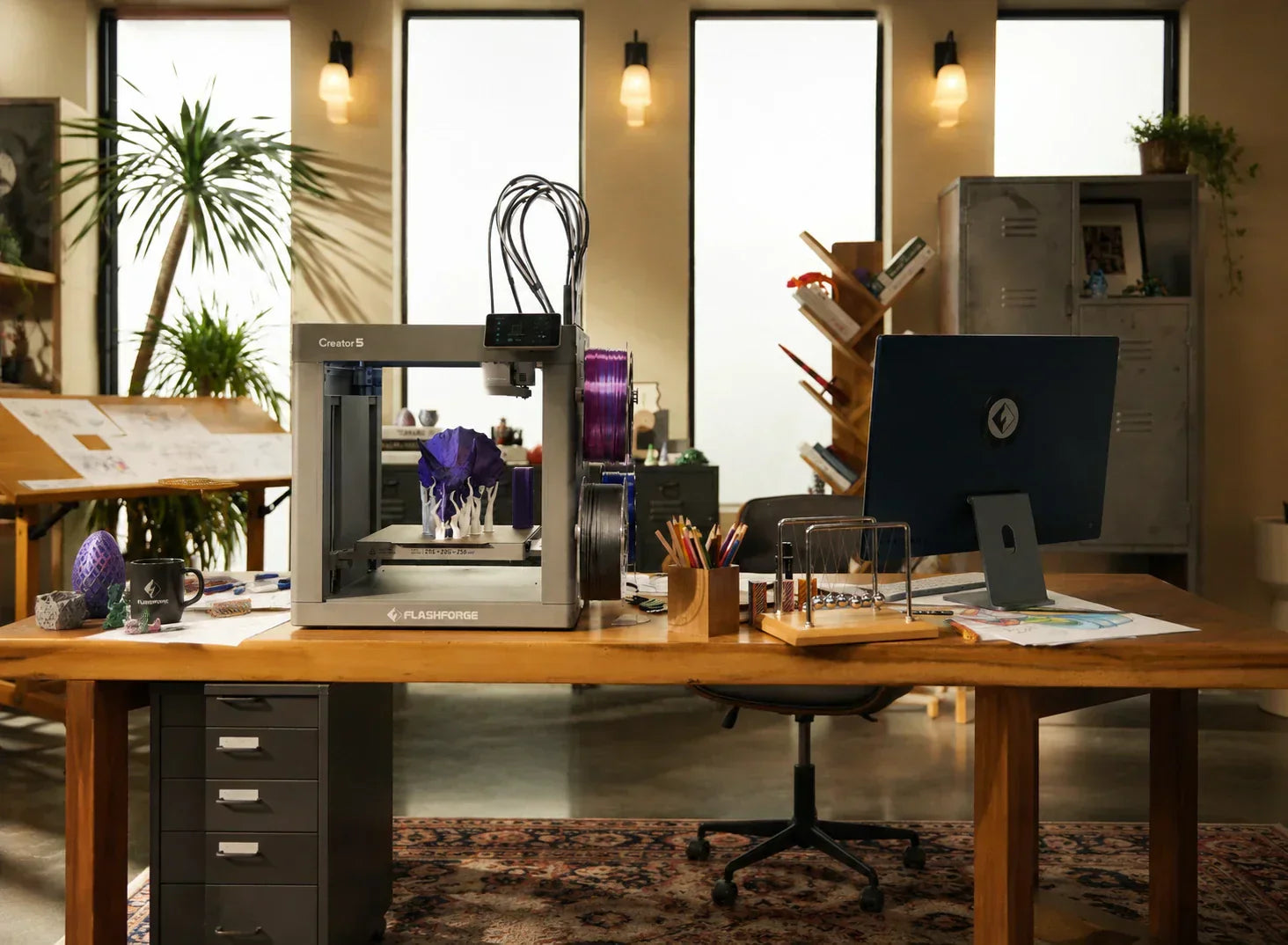
From home gadgets to small studio prototypes, filament 3D printers have clear performance boundaries and cost logic. This article breaks down the technical principles of FDM and uses industry data and user scenarios to turn a spec sheet into an actionable selection checklist.
What Is a Filament 3D Printer and How Does It Work?
Among the three main paths of 3D printing, a filament 3D printer specifically refers to an FDM (Fused Deposition Modeling) machine that uses thermoplastic filament as raw material to build objects layer by layer. In 2026, these units still account for the majority of desktop shipments. Their consumables are reasonably priced, and the workflow is generally simpler when comparing a resin vs filament 3D printer, as it avoids the extra burden of post-curing, solvent handling, or intense odor control.
FDM Printing Technology Overview
The essence of an FDM 3D printer is feeding 1.75 mm diameter filament into a high-temperature hot end. The material is heated to a semi-molten state between 180°C and 320°C and extruded through a precisely controlled nozzle layer by layer. Cooling and hardening then form the 3D structure. During this process, nozzle temperature, heat bed temperature, cooling ducts, motion paths, and acceleration determine the dimensional accuracy, surface quality, and layer adhesion of the final part.
In 2026, the core value of an FDM 3D printer is the ability to switch between PLA, PETG, TPU, ABS, ASA, and carbon fiber materials while maintaining stable efficiency. According to market reports, the global 3D printing market is expected to reach $35.79 billion by 2030, with a compound annual growth rate of approximately 17.2%. FDM technology remains the primary form for education, home use, and small-scale production.

Key Components and Their Functions
A filament 3D printer consists of four main modules. The hot end and nozzle heat the filament to the target temperature. Current mainstream models support 240°C to 320°C, which covers PLA, PETG, TPU, and most engineering materials. A few high-end units can reach 350°C to support high-temperature composites like PPS-CF.
The extrusion system determines the stability of material flow. Direct-drive extrusion works best for flexible TPU, while multi-toolhead systems support several nozzles for multi-color or multi-material combinations. This avoids the waste of repeated purging in a single nozzle. The motion platform defines print speed and structural stability. In the 200–600 mm/s speed range, CoreXY architectures can achieve an XY repeatability of 0.0125 mm. This ensures consistency for batch parts at layer heights of 0.1–0.3 mm.
The build plate structure is vital for the reliability of large parts. Textured PEI steel plates with adjustable heat beds (60–120°C) allow PLA, ABS, ASA, and carbon fiber materials to adhere stably. After cooling, parts can be removed by slightly bending the plate, reducing the need for scrapers or adhesive tapes.
In the real world of 3D printing, a good filament 3D printer is defined by the synergy of stable multi-material support, simplified multi-nozzle workflows, and consistent multi-layer precision.
Common Filament Types and Applications
In 2026, PLA, PETG, and TPU remain the dominant filaments. ABS, ASA, carbon fiber, and nylon are the advanced options for experienced users and studios.
-
PLA: Low shrinkage and minimal odor make it the first choice for beginners and schools. For 180–200 mm models, it yields stable results at speeds of 60–150 mm/s.
-
PETG: Printing at 230–250°C with moderate fan cooling and an 80°C heat bed provides better heat and impact resistance. It is ideal for functional housings, jigs, and structural parts.
-
TPU: Using 210–230°C with low layer heights and fine retraction tuning produces reliable flexible parts. However, it requires stricter control over extrusion and paths.
Many users avoid ABS, but the issue is often an unstable heat field in an open structure, leading to warping and cracking. In an enclosed FDM 3D printer with a 50–65°C heated chamber, the failure rate for ABS models drops from 40–60% to 10–20%. This data highlights the importance of the machine architecture.
What Features Matter Most When Buying a Filament 3D Printer?
In 2026, the technical specifications of filament 3D printers have become highly mature. However, you must understand which features are essential for your specific needs and which are just optional bonuses. Below is a quantifiable guide covering build volume, speed, precision, extrusion, and auto-leveling.
Build Volume and Print Size Capacity
Build volume refers to the box-shaped space where a 3D printer can complete a full print across the X, Y, and Z axes. For home users, a build space with a 200–250 mm side length is enough for toys, models, teaching aids, and small structural parts. For studios and small-batch production, a 250–300 mm range offers more flexibility and reduces the need for splitting and joining parts.
In 2026, the trend has shifted from buying one massive unit to using multiple standard-sized 3D printers in a collaborative workflow. Many users now prefer a print farm approach. For example, connecting 2–4 high-speed FDM 3D printers with a 220–256 mm cube capacity allows for continuous 8-hour or even 24-hour batch cycles. A 3D printer larger than 300 mm is typically only necessary for rare cases requiring a single, massive component.
Print Speed and Precision Performance
The nominal speeds of current mid-to-high-end FDM 3D printers range from 300–600 mm/s. However, practical working speeds usually stay between 150–300 mm/s. The real value lies in whether layer lines remain subtle and overhangs stay stable at 200–250 mm/s.
In real-world testing, a 3D printer equipped with CoreXY and vibration compensation can print a 0.2 mm layer height model at 200 mm/s with surface smoothness similar to an open-frame unit running at 100 mm/s. This 2–3x time saving provides a significant efficiency gap for classroom batches, exhibition samples, or rapid enclosure prototyping.
Extruder Type and Temperature Capabilities
The extrusion system determines your material flexibility. Direct-drive extrusion at 200–230°C is sufficient for PLA, PETG, and TPU. Multi-toolhead platforms offer even more control by managing temperature and material for each head independently. This allows 0.25–0.8 mm nozzles to coexist, ensuring high-precision detail while mixing rigid, flexible, and support materials in a single model.
In 2026, a typical multi-toolhead 3D printer configuration includes 2–4 toolheads. Each head reaches a maximum temperature of 300–320°C with nozzle options of 0.25, 0.4, 0.6, and 0.8 mm. Combined with a 120°C heat bed and a 50–65°C enclosed chamber, these FDM 3D printers support stable printing for everything from PLA to ABS, ASA, carbon fiber, and certain high-temperature nylons.
Bed Leveling and User-Friendly Features
Many still consider bed leveling the biggest hurdle for FDM 3D printers. In 2026, multi-point auto-leveling is a standard feature for mid-range units. When paired with adjustable layer heights of 0.1–0.4 mm, it turns the struggle of first-layer adhesion into a repeatable, automated calibration process.
The modern user experience focuses on reducing friction. A 3D printer with auto-leveling, vibration compensation, quick-swap nozzles, multi-layer duct control, and remote camera monitoring allows an educator to print 10–20 student projects in a single afternoon. It enables a studio to complete multiple prototype iterations in days without constant manual adjustments, long wait times, or wasted filament.
How to Choose the Right Filament 3D Printer for Your Needs
In 2026, buying a filament 3D printer is no longer about picking the fastest machine. It is about choosing the most compatible workflow. Here are typical recommendations for different scenarios to help you match specifications with your specific needs.
Home Use and Beginners
For home users and beginners, the key is not peak speed but peace of mind. A filament 3D printer with a 200–220 mm build volume, support for 60–150 mm/s speeds, auto-leveling, and an enclosed structure is ideal. Such a setup allows you to run the machine quietly in a living room or study. Noise levels stay between 48–55 dB, so you will barely hear the fans while sleeping at night.
In a real home setting, if a parent spends 10–20 minutes leveling the bed every time they print a toy for their child, or has to clear jams and clean plates after every failure, the child will quickly lose interest. On the contrary, a filament 3D printer with auto-leveling, stable airflow, and support for PLA and PETG allows a child to see their creation in 1–2 hours. This helps maintain their excitement for modeling and 3D printing.
Small Business and Prototyping
For small studios, filament 3D printers are now core tools for rapid prototyping and small-batch customization. In 2026, a filament 3D printer with a 250–256 mm build volume and multi-toolhead support allows you to print aesthetic parts, structural components, and flexible parts on the same machine. You no longer have to swap filaments and nozzles manually.
A small design studio using a multi-toolhead filament 3D printer can finish 10–20 prototypes in 8 hours. This is much more efficient than using 3–4 open-frame machines. Automatic toolhead switching allows a 0.25 mm nozzle to handle high-precision knobs while a 0.6–0.8 mm nozzle builds large structural parts simultaneously.
The Flashforge Creator 5 Pro 3D Printer is a perfect primary machine for these tasks. Its 256 x 256 x 256 mm build space covers electronics housings, industrial panels, and modular toys. The four independent toolheads use a swappable system to mount different nozzle sizes or mix materials like PLA, PETG, TPU, and fiber-reinforced filaments in one task. This removes the need for a purge tower in multi-material prints, drastically reducing waste and airtime. The fully enclosed CoreXY frame supports speeds up to 600 mm/s, an active 65°C heated chamber, and a 120°C heat bed with a textured PEI plate. This allows the studio to handle engineering materials like ABS, ASA, PC, and PA with consistent accuracy and surface finish.
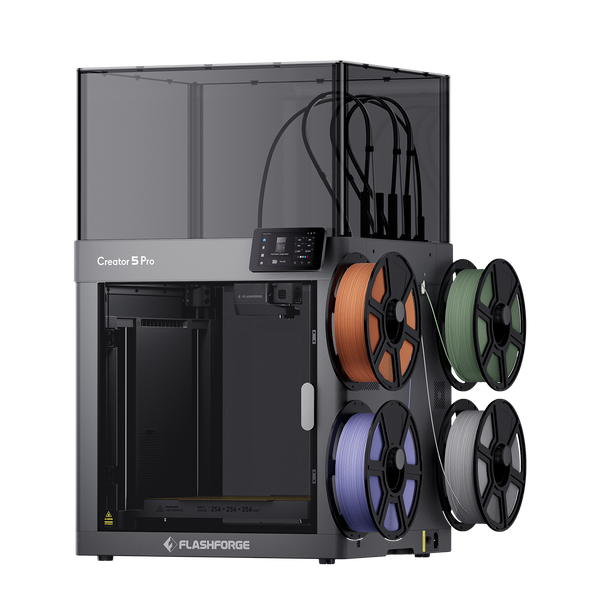
Flashforge Creator 5 Pro 4-Toolheads Enclosed Multi-Color 3D Printer | 500% Faster, Zero Purge Waste
$849.00
$949.00
Shop Now
Education and Classroom Environments
In educational settings, the key metrics for a filament 3D printer are safety and user-friendliness rather than speed. In 2026, a filament 3D printer with an enclosed structure, safety door locks, and auto-leveling is essential. These features prevent students from touching hot nozzles or moving parts. They also minimize the odor and particles generated at high temperatures, keeping the classroom air clean.
High-Speed and Multi-Color Printing Needs
In 2026, multi-color printing has become a new language for productivity. A multi-toolhead filament 3D printer lets you mix PLA, TPU, and transparent materials in a single model. In some cases, using four toolheads allows for seamless switching between four colors without manual intervention.
In real-world use, this can reduce a 1–2 hour print job to 30–40 minutes while maintaining detail and stability. For industries like cultural products, tabletop gaming, and custom toys, this provides a significant advantage in both time and cost.
For these high-speed, multi-material needs, Flashforge Creator 5 3D Printer is a better fit. Its CoreXY motion system and 256 x 256 x 256 mm volume work with the FlashSwap system. It switches the entire toolhead during color changes instead of purging through a single nozzle. This strictly controls waste material. For projects with many small color blocks and frequent changes, filament waste and print time can be cut by more than half. This turns multi-color printing from a creative cost into a scalable daily process.
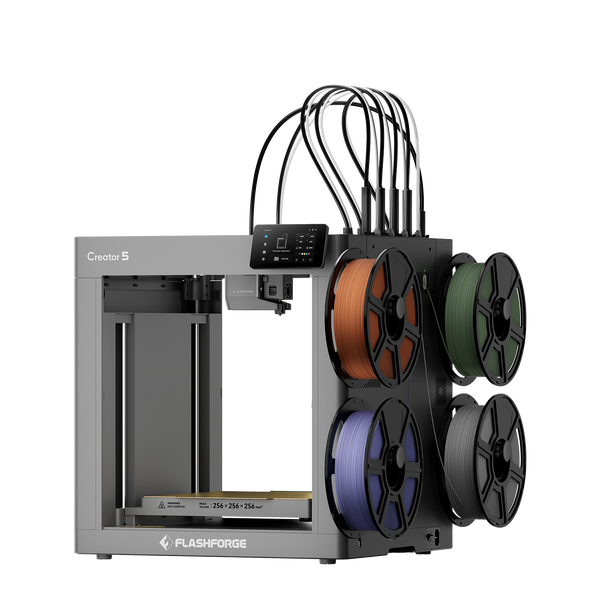
Flashforge Creator 5 4-Toolheads Multi-Color 3D Printer | 500% Faster, Zero Purge Waste
$699.00
$799.00
Shop Now
Filament Compatibility and Material Considerations
In 2026, multi-material and multi-toolhead capabilities are no longer optional bonuses. They are core competitive advantages for any filament 3D printer. The following table summarizes various material types, recommended 3D printer architectures, and the impact of multi-toolhead systems on printing efficiency.
|
Material Type
|
Recommended 3D Printer Style
|
Suggested Speed (mm/s)
|
Multi-Toolhead Advantage
|
|
PLA
|
Enclosed, multi-fan nozzle cooling
|
60–150
|
Multi-color, fine details without nozzle swapping
|
|
PETG
|
Enclosed, active cooling control
|
80–180
|
Multi-color models, better dimensional stability
|
|
TPU
|
Enclosed, low-speed mode
|
20–80
|
Mixed rigid/flexible parts, reduced purge waste
|
|
ABS/ASA
|
Enclosed, 50–65°C heated chamber
|
40–120
|
Multi-color ABS/ASA, less warping, fewer skirt layers
|
|
Engineering (CF, Nylon)
|
Enclosed, high-temp heated bed
|
40–100
|
Mixed material shells and supports, faster tool changes
|
Conclusion
To be honest, by 2026, there will be no truly bad FDM 3D printers on the market. The difference lies in whether a specific machine fits your needs. For home use, pick something quiet and hassle-free that fits in your living room. If you are running a studio, focus on efficiency, material compatibility, and multitasking. For schools, prioritize safety and easy maintenance. If your budget allows, go for an enclosed CoreXY 3D printer. If funds are tight, start with a reliable entry-level FDM 3D printer. This community never lacks reasons for future upgrades anyway. The key is to get the machine running and print that first object that makes you smile. Everything else will fall into place from there.