












Table of Contents
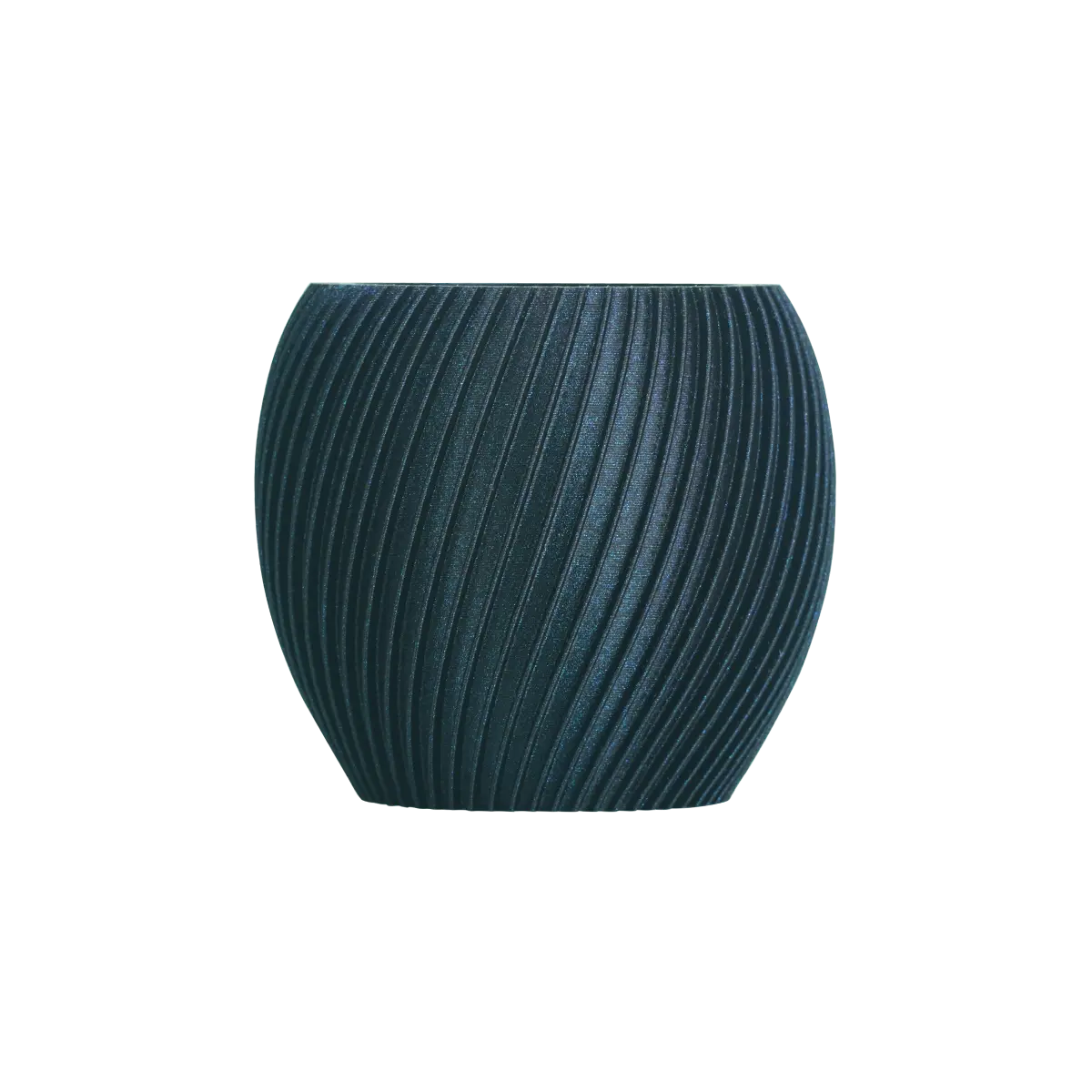
The first time most people see a finished multi-color 3D print, their reaction is almost identical: Wait, this actually came straight out of a 3d printer? A perfectly color-blocked Pikachu, a red-and-white mechanical gear, or a gradient-colored topographic map—no post-processing paint required, the equipment outputs this exact visual directly. After seeing it, you will likely want one yourself. However, when you open a shopping page, you will find that multi-color 3D printer models, configurations, and price gaps are vast enough to leave you completely confused. Do not worry. This article is written to help beginners clear up the confusion.
The Evolution of Multi-Color 3D Printing
Multi-color FDM has evolved rapidly. The experience has shifted dramatically from the early days of manually pausing to swap filament to selecting colors directly in the slicer while the equipment executes the task automatically. Desktop 3D printing market analyses show that the global desktop 3D printing market size sat at approximately 5.88 billion USD in 2024 and is projected to grow to about 20.93 billion USD by 2030. Multi-color and multi-material capabilities are listed as major factors driving the growth of high-end desktop equipment. This shift is the direct result of both hardware and software maturing simultaneously.
From Manual Filament Swaps to Automated Systems
Early multi-color methods relied heavily on G-code pauses and manual filament changes. Every color swap required waiting for the equipment to pause at a specific height, manually retracting the filament, loading the new color, and resuming the print job. This workflow demanded significant time and patience, and a single mistake could ruin the entire model.
With the widespread adoption of multi-channel feeding setups and tool-changing systems, the equipment now switches between multiple materials automatically within the exact same layer. Users only need to assign color zones during slicing, requiring virtually no intervention mid-print. This automation has successfully transformed multi-color 3D printing from a niche hobbyist challenge into a feature that beginners can confidently use.
Why Beginners No Longer Need Advanced Tuning Skills
The biggest issue with early multi-color systems was low fault tolerance. Slight variances in retraction length, wiping paths, or stepper calibration caused nozzle clogs, stringing, and severe color bleeding during changes. Today, beginner-friendly FDM printers handle most critical tuning steps at the factory. Features like automatic flow calibration, automatic extrusion compensation, and one-click filament testing turn the user experience into a setup wizard rather than a machine tuning course. Many reviews note that new users no longer need to understand complex multi-channel feeding designs. They simply follow the wizard through initial calibration to produce complete, small multi-color models.
The Rise of AMS, ACE, and CFS Ecosystems
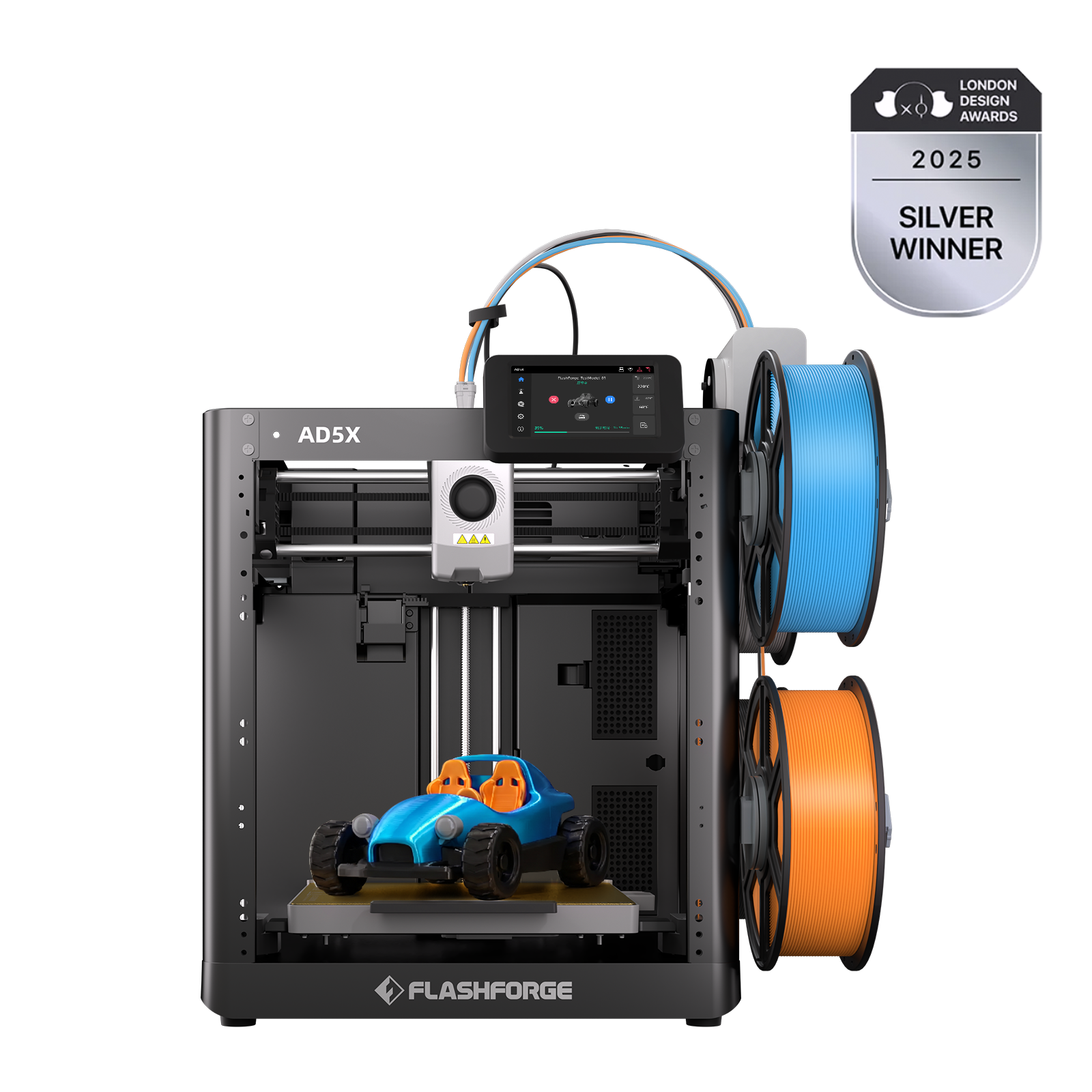
Over the past two years, multi-color systems have evolved into comprehensive ecosystems. One approach uses external material stations to handle color switching through multi-spool management systems like AMS, ACE, or CFS. Another approach integrates the multi-color system directly inside the chassis, as seen on the Flashforge AD5X. This design combines the IFS intelligent filament system with a high-speed CoreXY platform, reducing the footprint and connection complexity of external modules. Different manufacturers choose different paths, but they all abstract multi-color capabilities from a mechanical challenge into software-configurable modules for easier slicing and remote management.
Multi-Color Printing Is Now About Software, Not Just Hardware
The real difference in the modern multi-color experience comes down to software. Slicing software must make it easy to paint or assign colors by model zones, textures, or layer heights. It needs to show color layering clearly in a preview screen and manage print queues seamlessly across different equipment variants. Desktop market trend analyses indicate that software and services account for a growing share of the desktop 3D printing value chain. Hardware growth is increasingly driven by advanced features, including multi-material and multi-color workflows. For beginners, a mature slicing ecosystem often proves more critical than raw hardware specifications.
Critical Features for Practical Multi‑Color 3D Printing
Once you understand the evolutionary path, the key question becomes what multi-color features actually benefit a beginner. Many flashy specifications matter little during long-term use. Instead, specific experience details dictate whether you will continue using the FDM printer over time.
Easy Setup Matters More Than Maximum Speed
Multi-color 3D printing naturally involves more variables. If getting started requires complex assembly and hours of debugging, beginners give up easily. Real user feedback shows that fdm 3d printers allowing users to unbox, connect to Wi-Fi, run automatic bed leveling, and complete their first multi-color print within an hour are rated highest for beginners. Simple setup wizards, automated filament loading, and one-click test designs lower the barrier to entry, making top speeds a secondary concern.
Reliable Filament Switching
The success of a multi-color print depends heavily on the stability of the color transition step. Typical failure points include color contamination from incomplete purging, nozzle clogs or air printing from inconsistent retraction lengths, and tangled filament that ruins the entire job. FDM printers like the Flashforge AD5X address this structurally. They use the IFS intelligent filament system alongside dual-stepper control to manage loading and unloading. The system cleans itself automatically before and after each switch, pairing with a stable CoreXY motion path to deliver sharp color boundaries and high repeatability.
Automatic Calibration and Bed Leveling
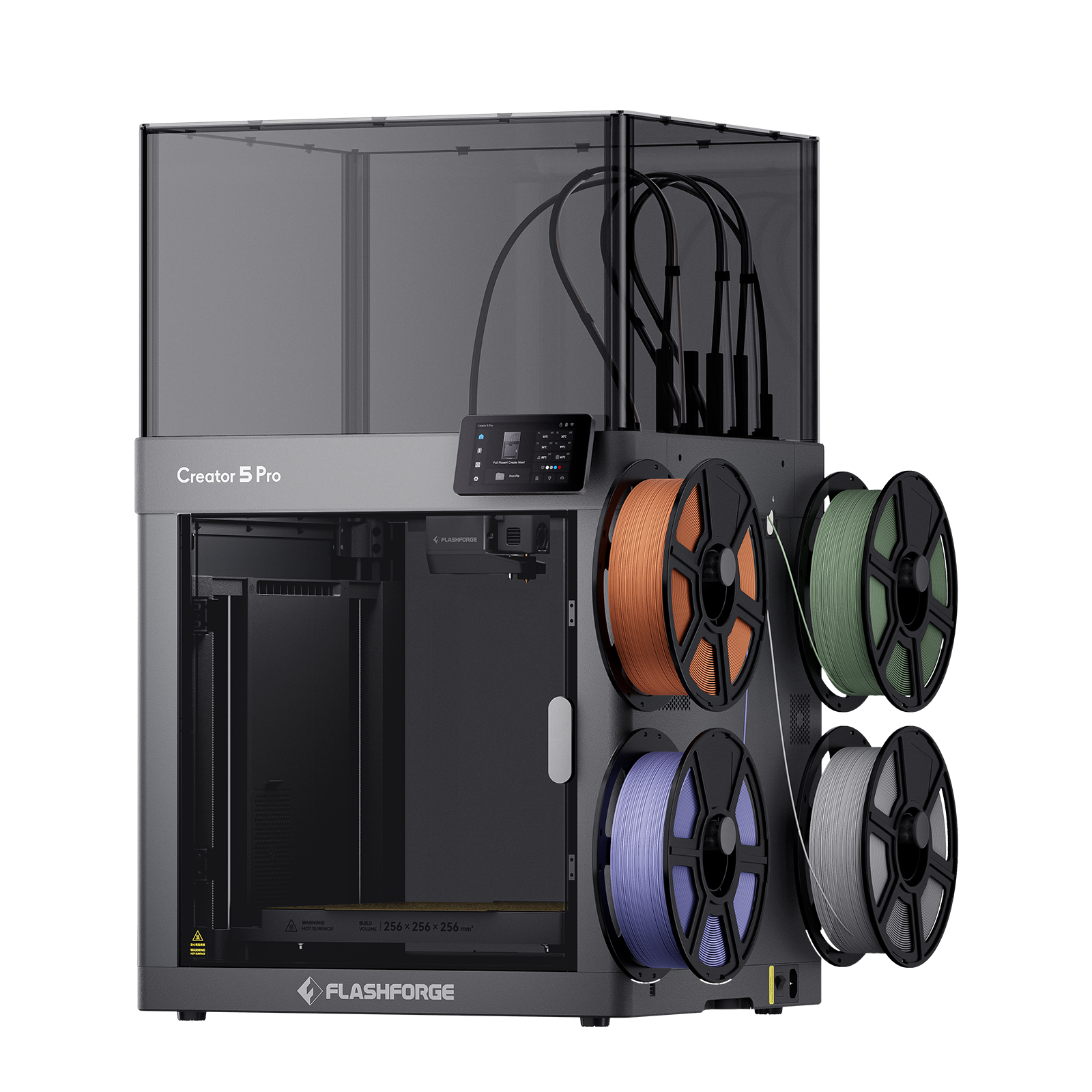
Multi-color projects are often long print jobs that have zero tolerance for poor bed leveling or bad first-layer quality. Automatic leveling and automatic Z-offset compensation are essential in single-color scenarios, but they become mandatory baselines in multi-nozzle or multi-channel setups. For instance, the Creator 5 Pro utilizes fully automated bed leveling checks and multi-toolhead offset calibration to align its four independent nozzles under a single reference point. Beginners do not need to align toolhead positions manually to achieve accurate multi-color finished pieces.

Waste Reduction During Color Changes
Multi-spool material stations typically require a purge tower or prime block to prevent color bleeding, which generates a surprising amount of waste material. Multi-color 3D printing market analysis reports routinely list filament waste and increased print times as two major hurdles limiting widespread adoption.
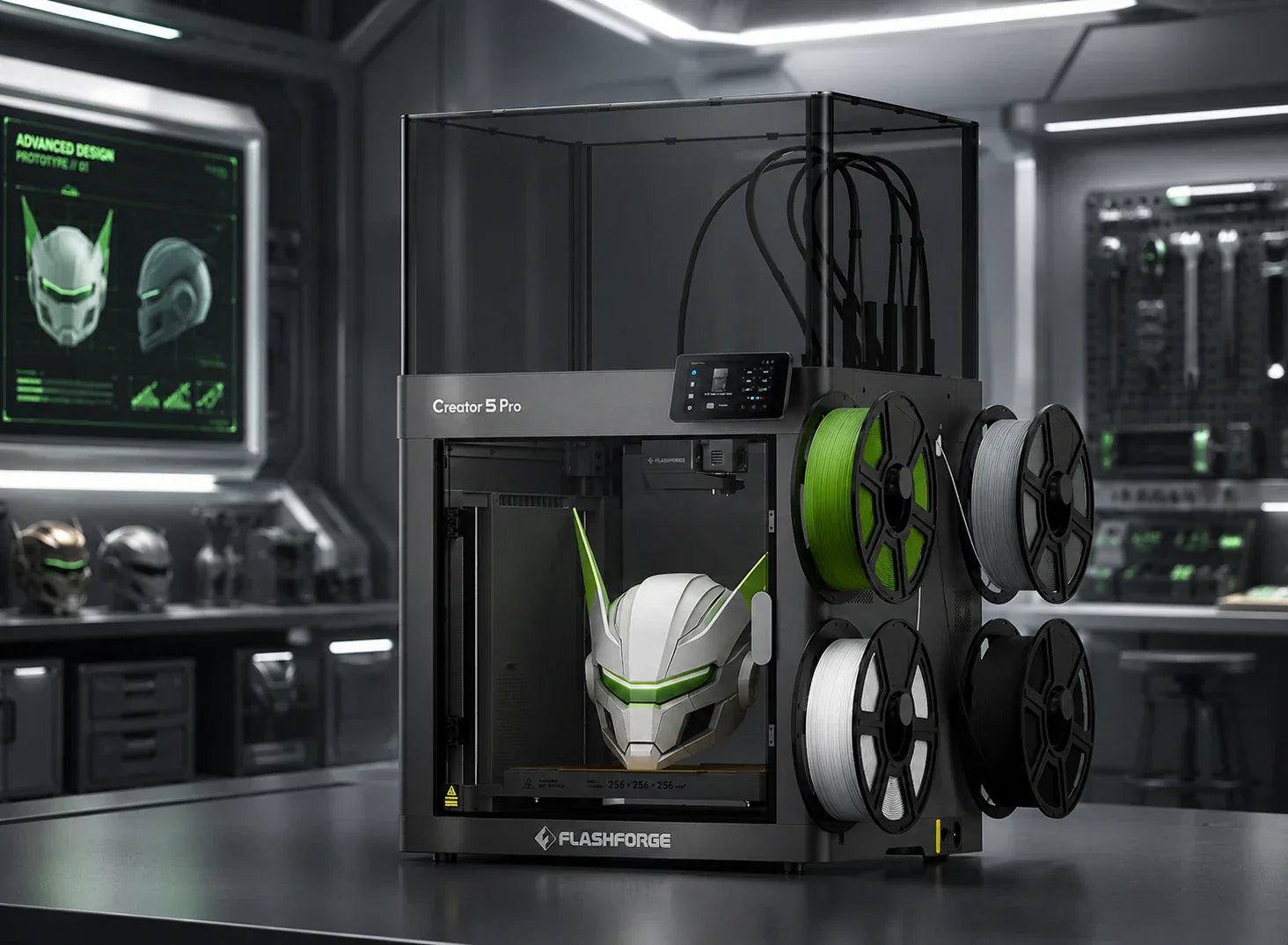
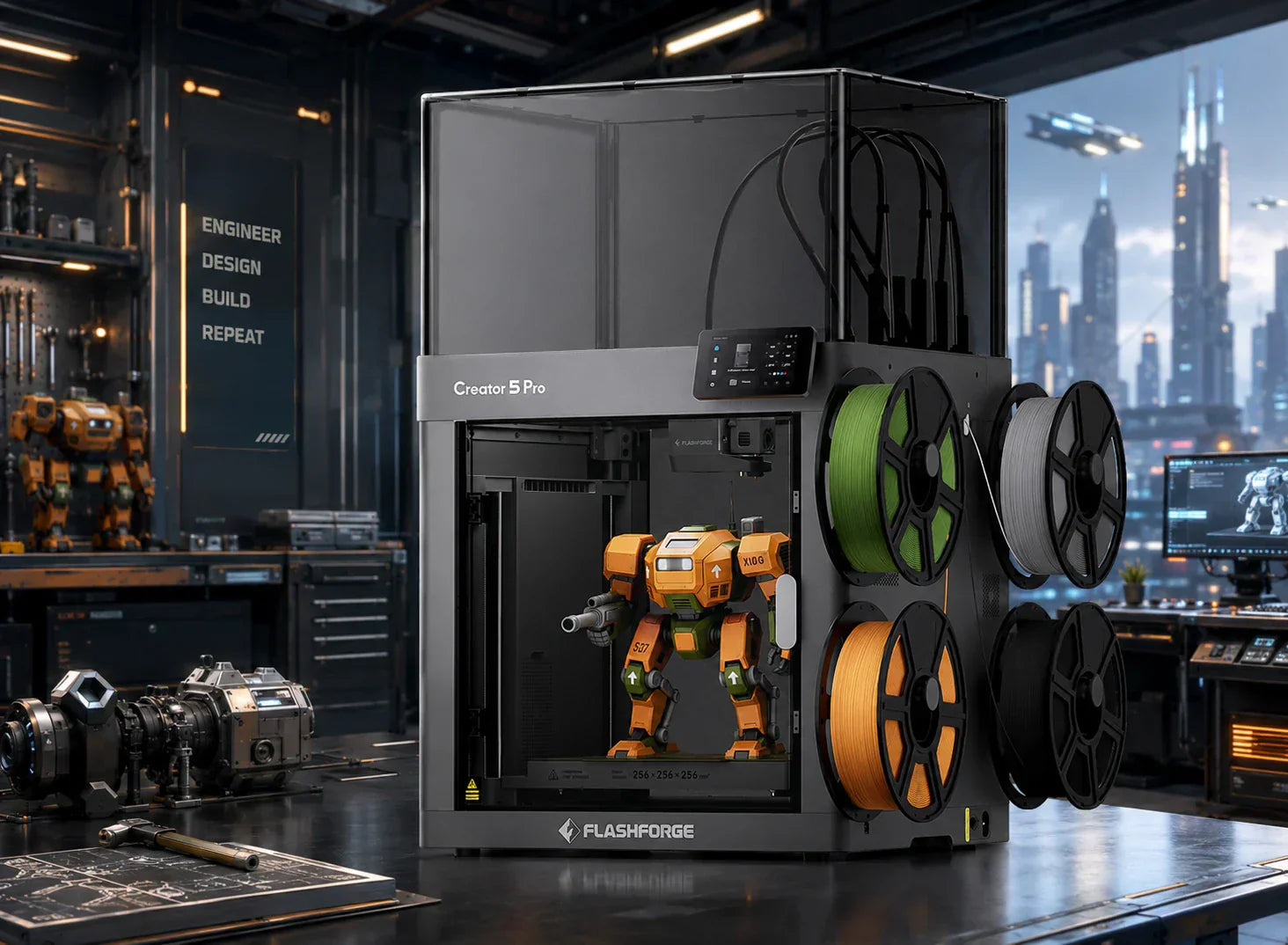
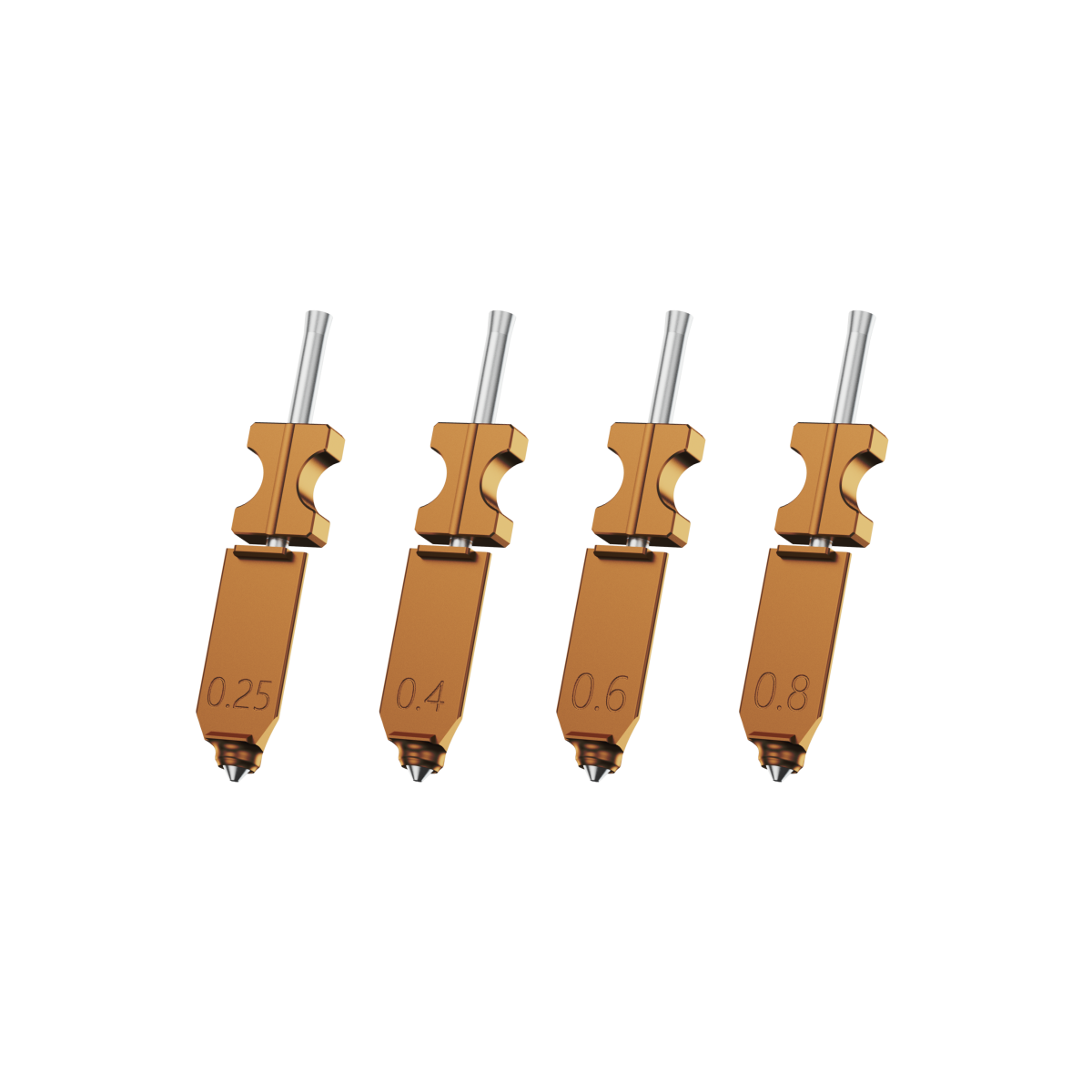
The Flashforge Creator 5 series addresses this issue by using a FlashSwap design with four independent toolheads. Each color has its own nozzle and short filament path. Swapping colors eliminates long-distance retractions and large purge towers, creating virtually zero extra waste. This efficiency is highly attractive to users focused on operating costs.
Why Ecosystem and Community Support Matter
Slicing profiles, bug fixes, and 3D print templates increasingly come from community sharing. Multi-color 3D printing relies heavily on accumulated experience. Being able to directly import verified multi-color slicing files and configuration profiles cuts down on trial-and-error costs for beginners. FDM printers backed by active documentation, consistently updated slicing software, and vibrant user communities tend to maintain better long-term reputations.
Best Multi-Color 3D Printers for Beginners in 2026
Applying these traits to specific products shows that the ideal beginner multi-color 3D printer is not necessarily the one with the highest specifications. It is the one that balances price, ease of use, and room for user growth. The following models serve as typical roadmaps for multi-color entry in 2026.
Bambu Lab A1 Combo — Best Overall for Beginners
For beginners chasing an out-of-the-box workflow who want to see multi-color results quickly, this combination of a multi-spool automatic material station and a closed-loop motion platform offers high refinement. This platform has accumulated numerous presets and user experiences across the multi-color community, making it a reliable, straightforward recommendation.
Flashforge AD5X — Best Budget Alternative
Budget-conscious users who want a true multi-color workflow can look toward integrated options like the Flashforge AD5X 3D printer featuring a built-in 4-color IFS system. The AD5X offers a 220×220×220 mm build volume, a CoreXY structure, maximum travel speeds of 600 mm/s, and 20000 mm/s² acceleration. By integrating the multi-color module directly into the chassis, it uses automated filament loading, unloading, and nozzle wiping to deliver clean color boundaries. It remains compatible with common materials like PLA, PETG, and TPU 64D, making it capable of handling most character models, educational prototypes, and home decor pieces.
Bambu Lab A1 Mini Combo — Best Compact Option
Users with limited space who still want a multi-color experience will lean toward a smaller footprint with lower operational noise. A compact chassis paired with an integrated multi-spool feeding system allows multi-color toys and display models to run right on a desk or bookshelf, making it a good fit for student dorms or home studies.
Flashforge Creator 5 — Best for Larger Projects
When multi-color requirements combine with engineering needs, the Creator 5 series is better suited to act as a core platform. The Creator 5 features four independent toolheads, a 256×256×256 mm build volume, a 320°C hotend, and a 120°C heated bed. It supports a wide catalog of materials including:
-
PLA and PETG
-
TPU 90–95A
-
PLA-CF and PETG-CF
-
ABS, ASA, and PA-CF
Through its FlashSwap tool-changing mechanism, it delivers true zero-waste multi-color and multi-material 3D printing. For users who want a single 3D printer capable of handling multi-color character designs, structural parts, and engineering validation prototypes, this combination of multiple toolheads, high temperatures, and adequate build volume offers much better long-term scalability than a standard multi-spool feeding system.
Real‑World Drawbacks & Material Considerations in Multi‑Color 3D Printing
Multi-color 3D printing offers an undeniable visual appeal, but it comes with real-world trade-offs. Focusing solely on finished pieces shown on social media makes it easy to overlook the practical constraints of time, material waste, and compatibility.
Purge Waste Is Still a Major Issue
Multi-channel filament systems still clear the nozzle by discarding material. The volume of the resulting purge towers and prime blocks becomes particularly massive during large-scale projects. Some creators note instances where a multi-color board game model weighing under 200g generated nearly 300g of purge waste. This hidden cost accumulates rapidly during long-term use. The Creator 5 targets this exact paint point by using an independent toolhead architecture that delivers a purge-free workflow.
Multi-Color Prints Take Longer Than Expected
Because multi-color tasks require frequent toolhead or material changes, overall print times increase significantly even if individual layer times remain short. Multi-spool stations require retracting, cutting, purging, and re-extruding for every single color switch. Tool-changing platforms also introduce extra travel movements to manage toolhead positioning and temperature adjustments. Beginners frequently underestimate this time investment when scheduling multi-color projects, leading to unexpected overnight runtimes.
Some Filaments Create More Reliability Problems
Filament behavior varies wildly across different colors, brands, and batches within the same multi-color ecosystem. Certain materials tend to string or jam during long-distance retraction cycles, while others leave residue during the purging phase to cause color bleeding in subsequent layers. This variance is why experienced multi-color users rely heavily on verified filament compatibility charts and community testing to avoid troubleshooting pitfalls.
Why Cheap Systems Often Fail at Color Switching
Low-cost multi-color solutions frequently suffer from oversimplified mechanical structures. Long filament travel paths, a lack of independent wiping mechanisms, and lower-precision stepper motors create small but highly disruptive failures during long print jobs. A truly practical multi-color system requires significant engineering investment in frame rigidity, sensor arrays, and firmware logic, which serves as an important warning for beginners comparing entry-level prices.
The Difference Between Multi-Color and True Multi-Material Printing
Users often confuse multi-color 3D printing with true multi-material capabilities. Simple multi-color printing changes only the appearance by using filaments of identical material properties. True multi-material 3D printing allows you to combine rigid sections, flexible elements, dissolvable supports, and engineering materials within the exact same print job. High-temperature four-toolhead platforms like the Creator 5 Pro excel in multi-material scenarios. For example, a single functional handle can use PLA-CF for the structural shell, TPU for the ergonomic grip, and PVA for complex internal support, delivering a level of utility far beyond a basic multi-color display model.
Is a Multi-Color 3D Printer Worth It for Beginners?
The choice ultimately comes down to a straightforward question: is multi-color 3D printing a wise investment for someone just starting out? The answer depends entirely on what you intend to create.
Best for Toys, Decor, and Creative Projects
If your primary goals involve creating colorful characters, custom intellectual property models, or personalized gifts, a multi-color platform will significantly boost your sense of achievement. Many new users note that their first successful multi-color print helped them understand the true appeal of 3D printing. This immediate positive feedback provides excellent motivation for continued learning.
This immediate positive feedback provides excellent motivation for continued learning. Parents shopping for younger family members often experience a common dilemma: choosing between a 3D printing pen vs. a 3D printer for kids. Since these two tools serve entirely different age groups and creative goals, understanding their unique strengths is key to making the right investment.
Great for Learning 3D Design Faster
The constraints of multi-color printing encourage you to learn more structured modeling techniques early on. To separate colors effectively across a single design, you will naturally use assembly splitting, boolean operations, and parametric workflows. These advanced modeling skills remain highly valuable when transitioning later to single-color engineering components.
Single-Color Printing Is Still Better for Some Users
If your current needs center on functional brackets, enclosures, and replacement components, multi-color capabilities are rarely a necessity. Many users find success by starting with a single-color FDM printer to master the fundamentals of modeling, slicing, and material management on a lower budget before adding multi-color tools to their workflow.
When It Makes Sense to Upgrade Later
When you find yourself spending excessive time manually painting models, applying decals, or wrapping components, it is time to evaluate whether a multi-color system can optimize your workflow. This transition typically happens after completing dozens of single-color projects or when starting a custom 3D printing storefront. Upgrading to multi-color platforms like the AD5X or Creator 5 series at this stage delivers clear efficiency returns.
The Future of Beginner Multi-Color Printing
Industry forecasts indicate that multi-color and multi-material platforms will continue moving toward higher automation and lower material waste. Software will assume a larger role in handling automatic color zoning, texture mapping, and error compensation. For beginners, this means future platforms will feel closer to a one-click color assignment tool, eliminating the need to diagnose complex filament loading and unloading routines.
Conclusion
For beginners, the ideal multi-color 3D printer is one that allows you to confidently click start without worrying about failures during color transitions. Market trends show the desktop 3D printing sector expanding rapidly, and multi-color, multi-material capabilities are transitioning from a novelty into a baseline expectation for high-end desktop units. If you want multi-color models and creative projects to anchor your workspace, the Flashforge AD5X serves as a cost-effective entry point. For projects requiring larger build volumes and engineering-grade multi-material execution, the Flashforge Creator 5 series offers a more reliable, long-term growth path that bridges multi-color utility with high-temperature industrial filaments.