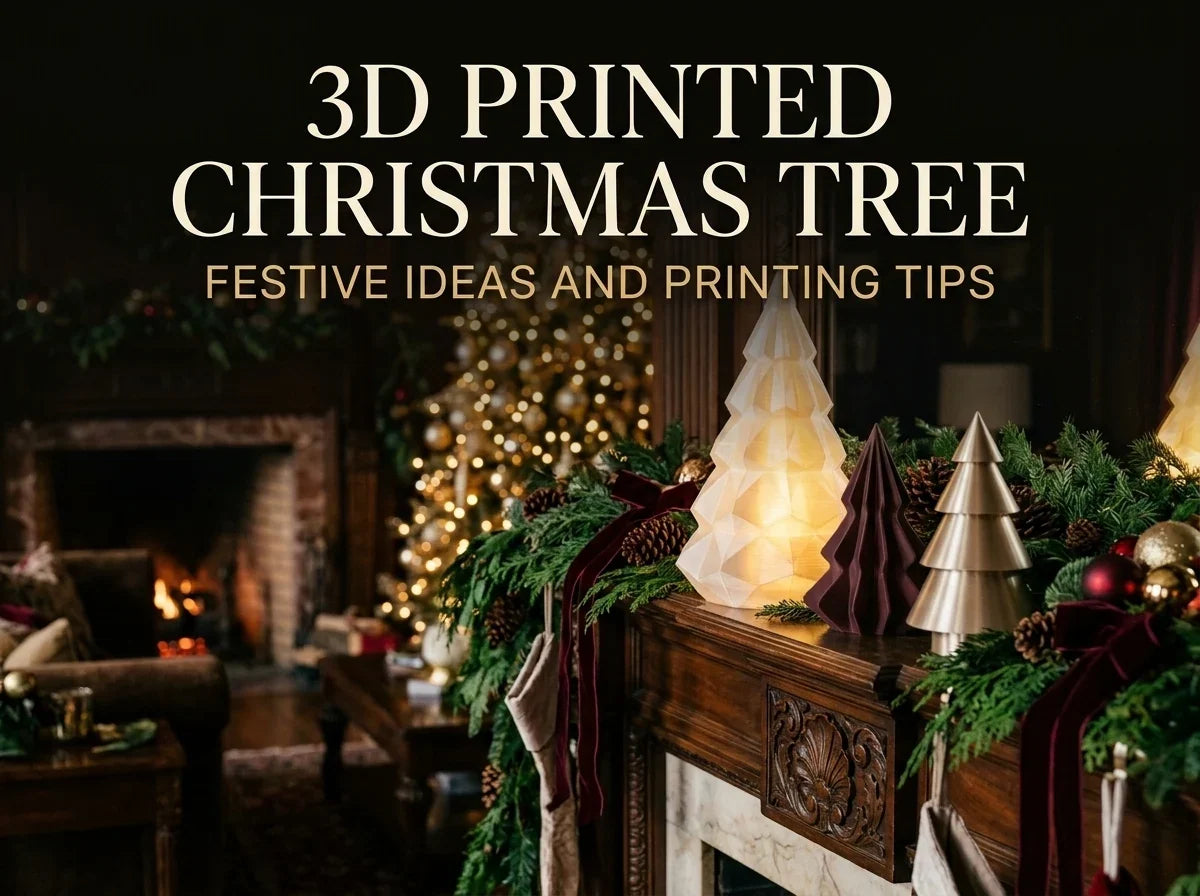



The first ornament you print for your tree can be as simple as a green tree shape with a gold ribbon. Once you’ve made one, it’s easy to see where the fun is: you can match your holiday colors, put a different name on every gift, or make a snowman whose arms actually move.
These 20 3D printed Christmas ornaments range from flat shapes you can print in one color to photo keepsakes and designs with moving parts. Use the tips under each idea to pick a model and check it before printing.
5 Easy 3D Printed Christmas Ornaments for Beginners
For your first ornament on a desktop 3D printer, look for a flat back, a built-in hanging hole, and a shape with few thin points. A flat back gives you a clear side to place against the build plate.

1. Mini Christmas Tree Ornament
Pick a flat tree shape with a hole near the top. Print it in green PLA, a common plastic filament supplied on a spool, then thread a gold ribbon through the hole. For a first project like this, the Flashforge Adventurer 5M automatically adjusts for variations in the build plate, the surface the ornament prints on. That saves you from leveling it by hand.
2. Flat Snowflake Ornament
A white snowflake with broad arms shows up nicely against dark branches. Look for a design with a solid center and short, rounded tips. Thin branches can snap when you thread the ribbon or pack the ornament away.
3. Eight-Point Christmas Star
Choose a star with a flat back and a beveled front. The angled edges catch your tree lights and give a single-color ornament a little depth. Put the hanging hole on the centerline above the middle so the star hangs straight.
4. Reindeer Silhouette Ornament
A brown reindeer silhouette works well at a small size when the antlers are short and sturdy. If you scale the model down, check that the tips still appear in the layer preview. Add a red ribbon for a splash of color.
5. Christmas Bell Ornament
A flat bell with an outline and a raised band is a straightforward first print. Try gold 3D printer filament for a metallic look, and choose a model with a solid loop wide enough for the cord or ribbon you plan to use.
5 Personalized Christmas Ornaments to Give as Gifts
Flat shapes also give you a place to add a name, date, or short message with 3D printing. For a gift, check that the personal detail will still be readable at the size you plan to print.

6. Family Name and Year Ornament
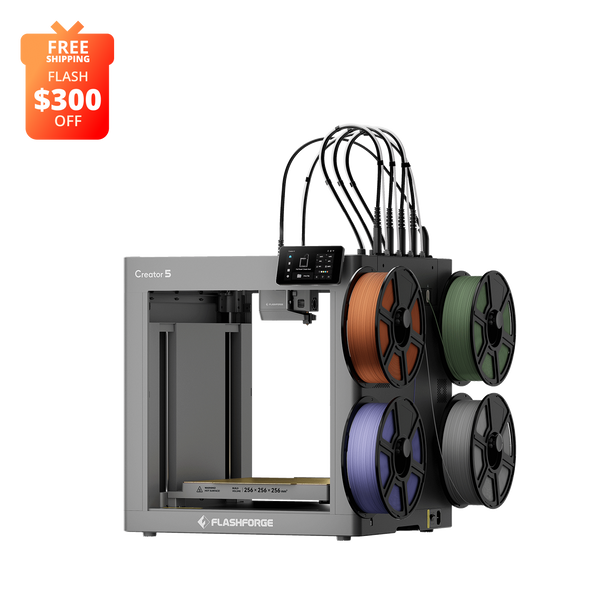
Make a matching set with a deep green base and white lettering, then change the name on each ornament. If you’re printing several two-color versions, the Flashforge Creator 5 lets you keep both PLA colors loaded on separate toolheads. Use the same color assignments across the set and check each name in the preview before printing.
7. Baby’s First Christmas Ornament
Try a stocking or a round ornament with the baby’s first name and the year. A short name can sit above the date. For a longer name, widen the ornament or split the text into two lines to keep the letters easy to read.
8. Pet Paw Print Ornament With a Name
Put your pet’s name below a raised paw print. If you’re working from an ink impression, simplify the outline before making the model so the individual pads stay distinct. A plain border gives you room for both the name and the hanging hole.
9. Handwritten Message Ornament
Use a short phrase from a holiday card and turn the handwriting into raised lettering on a flat ornament. Thicken faint strokes, and check that dots and other small marks sit on the base. Preview the lettering at its final size before you print.
10. Photo Lithophane Ornament
A lithophane uses thinner and thicker areas to reveal a picture when light shines through it. Start with a bright, tightly cropped photo and use white filament. Hang the finished piece in front of a tree light so the image is visible. See Flashforge’s guide to turning a photo into a printable lithophane for the conversion steps.
5 Classic Christmas Ornaments to 3D Print in Color
Familiar shapes make it easy to plan a palette for multi color 3D printing. Decide which details need their own color before you download or design the model, especially if several colors need to appear on the same layer.
11. Santa Claus Face With a White Beard
Use red for the hat, white for the beard, and a separate shade for Santa’s face. A broad beard and a simple cap read clearly from across the room. If the eyes disappear in the preview, scale up the ornament or choose a model with larger features.
12. Gingerbread Man With Icing Details
Give the gingerbread man a brown cookie base, white icing cuffs, and red buttons. Choose a model whose details you can color separately in your slicer, the software that turns a 3D model into printer instructions. After you assign and load the three PLA colors, the Flashforge AD5X automatically switches filaments through its single nozzle as the ornament prints.
13. Santa Hat With a White Brim and Pom-Pom
A red cap with a wide white brim is easy to recognize at a glance. Choose a flat model with a thick connection between the pom-pom and the cap, especially if the model places the hanging hole near the tip.
14. Christmas Wreath With Red Berries
Pair a green ring with clusters of red berries and a white or gold bow. Look for large, distinct leaf shapes that read clearly at ornament size. For a wreath with separate berries, test the fit of one piece before printing the rest.
15. Red-and-White Candy Cane Ornament
A striped candy cane is a good project for alternating two colors. Pick wide stripes so the pattern reads clearly from across the room. For a cane without a loop, tie the ribbon near the top of the curve.
5 Christmas Ornaments With Texture, Transparency, or Movement
Some ornaments rely on how light passes through them or how a part moves once it’s printed. Before printing a set, make one sample and test the effect on the tree.
16. Translucent Icicle Ornament
Use translucent filament and hang the icicle near a tree light to bring out its shape. A model with a thicker top leaves more plastic around the hanging hole, while the tapered bottom gives the ornament its long, narrow profile.
17. Hollow Ribbed Christmas Bauble
Ribs give a classic round bauble texture and catch the light as the ornament turns. Check the preview for supports, the temporary structures that hold up overhangs. They can be difficult to remove from inside a hollow shell.
18. Spinning Star Inside a Ring
A star that rotates inside a frame gives the ornament two distinct silhouettes as it turns. For a print-in-place design, whose moving pieces come off the printer already assembled, keep the designer’s recommended size and check that the gaps between the moving parts remain open in the preview.
19. Articulated Snowman Ornament
Choose a snowman with hinged arms or linked body segments so it can wiggle once it’s on the tree. Follow the designer’s support instructions so material doesn’t get trapped in the joints. Let the print cool before gently testing the movement.
20. Layered Winter Village Shadow Box Ornament
Print a shallow frame and separate layers for houses, trees, and snowy hills. Use contrasting shades to keep the scene readable. Dry-fit the layers before securing them, then hang the assembled ornament to see whether the extra depth makes it tilt forward.
How to 3D Print Christmas Ornaments That Hang Well
An ornament can look right on screen and still twist on the branch or weigh it down. Check the model and material before committing to a batch.

Start With a Model That Matches Your Skill Level
When choosing a 3D printer Christmas ornament file, look for clear print notes and a flat side that can rest on the build plate. Import it into your slicer, select your printer and material, then check each layer in the preview. Pay attention to thin lettering, holes, and areas that may need supports. If this is your first print, follow Flashforge’s step-by-step guide to using a 3D printer for setup and first-layer checks.
Choose a Filament for the Finish You Want
Regular PLA is a practical starting point for indoor tree ornaments. A matte finish suits silhouettes and lettering, while translucent filament is a better fit when you want light to shine through an icicle.
Consider an enclosed 3D printer when moving beyond indoor PLA projects to temperature-sensitive materials such as ASA.
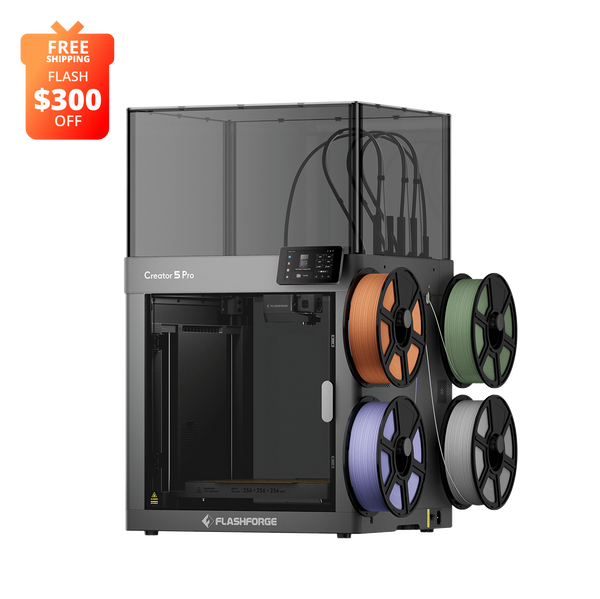
If you’re printing a bell or snowflake for an outdoor wreath that gets direct sun or rain, consider ASA filament for its UV and weather resistance. The Flashforge Creator 5 Pro has an enclosed, actively heated chamber that helps maintain stable conditions when printing ASA. Follow the filament maker’s instructions and use appropriate ventilation.
Check the Hanging Hole, Weight, and Balance Before Printing
Size the hole for the actual ribbon or hook you’ll use, and recheck it after scaling. For larger ornaments, compare estimated filament use in the slicer or choose a hollow model to reduce weight. Print one sample and hang it from the branch you have in mind. If it leans or pulls the branch down, adjust the hanging point or choose a lighter model before printing the rest.
Conclusion
For a matching set of Christmas ornaments, 3D print one sample first. Hang it at eye level and take a few steps back. If you can’t read the name or make out the shape, enlarge the detail before you print the rest.
FAQs About 3D Printed Christmas Ornaments
Check what your printer can do before choosing a file, especially if the model calls for multiple colors.
What Is the Easiest Christmas Ornament to 3D Print?
A flat Christmas tree or a sturdy snowflake is a good first print. Look for a model you can lay flat and print in one color without supports. A large, built-in hanging hole also keeps assembly simple.
Can You Make Multicolor Ornaments With a Single-Color 3D Printer?
Yes. You can swap filament at a chosen layer if the printer supports a pause, which works for raised lettering over a base. For colors side by side at the same height, print separate pieces and assemble them, or paint the finished ornament.
How Long Does It Take to 3D Print a Christmas Ornament?
Check the time estimate after slicing the model with your own printer settings. Size, layer height, supports, and filament changes all affect print time. If you’re making a set, slice the full plate to estimate the batch.
Where Can You Find Christmas Ornament STL and 3MF Files?
Start with “3D printer Christmas ornaments” on VoxelShare, then narrow your search to a design like a flat snowflake or a custom name ornament. An STL contains the shape, while a 3MF file can also carry color or material information. Check the creator’s notes, file compatibility, and license before downloading, especially if you plan to sell the prints.