



Larger Build Volume
Larger Build Volume
 CJ270
CJ270

The Desktop 3D Printer for True Full-Color Creation

The Flagship Enclosed 4-Toolhead 3D Printer

The Best-Selling 4-Toolhead 3D Printer

The Best-Selling Entry-Level Multi-color 3D Printer

The Best Value Entry-Level 3D Printer

The Perfect 3D Printer for Homes and Gifts
Full-Color 3D PrinterNew
Creator 5 SeriesNew
Adventurer Series
Changing language does not affect your region
Carrinho
O seu carrinho está vazio
Type
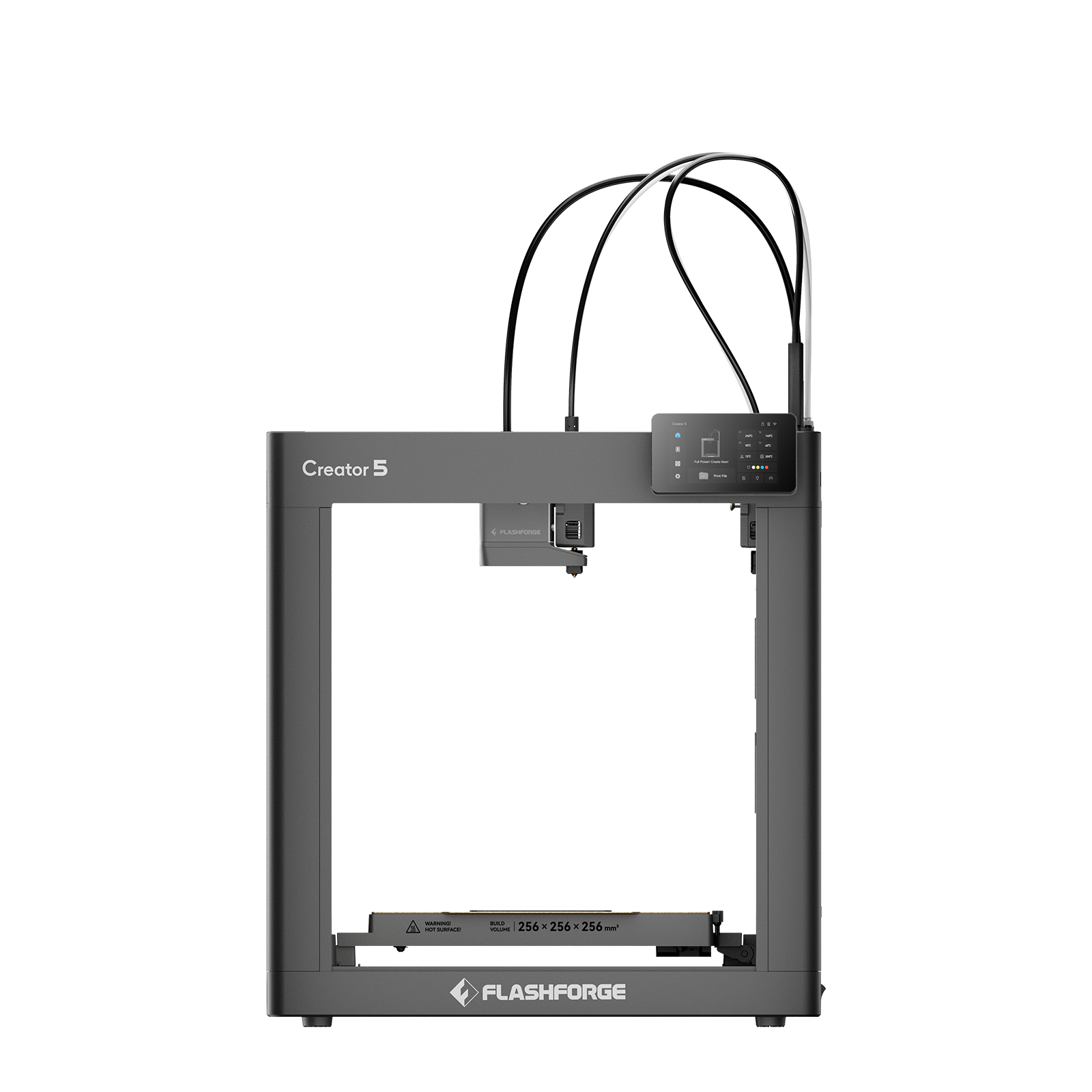
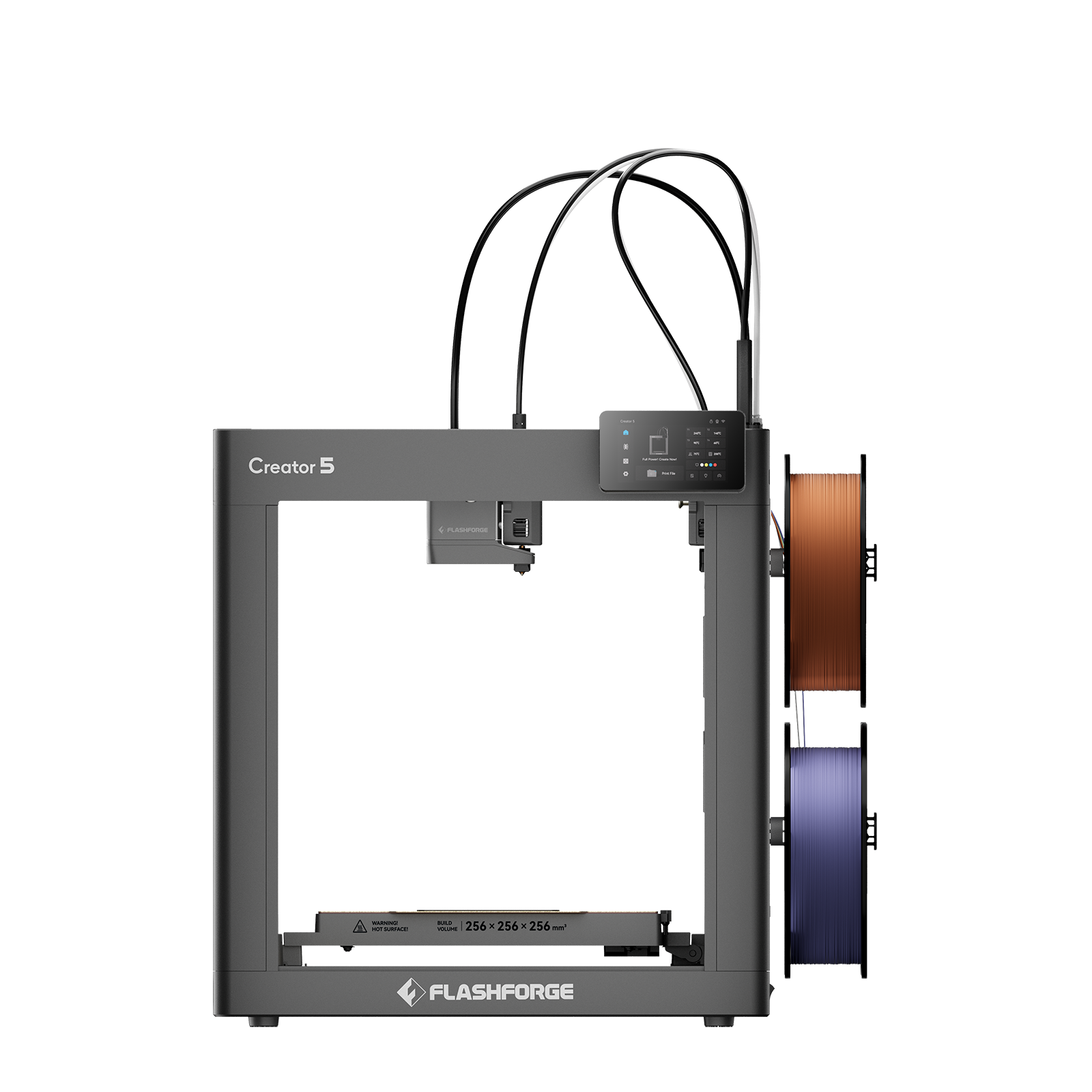
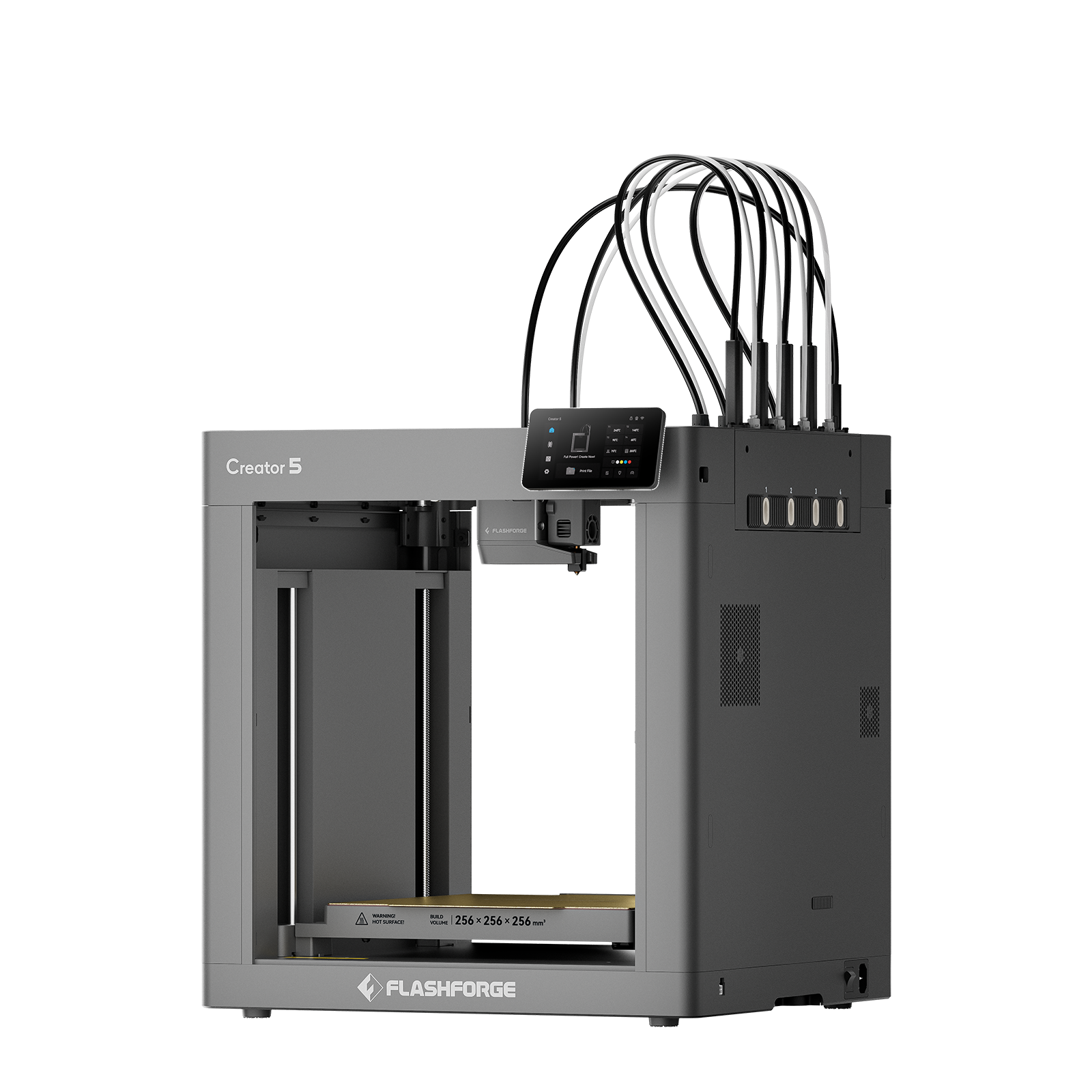
In Stock


 Uncle Jessy
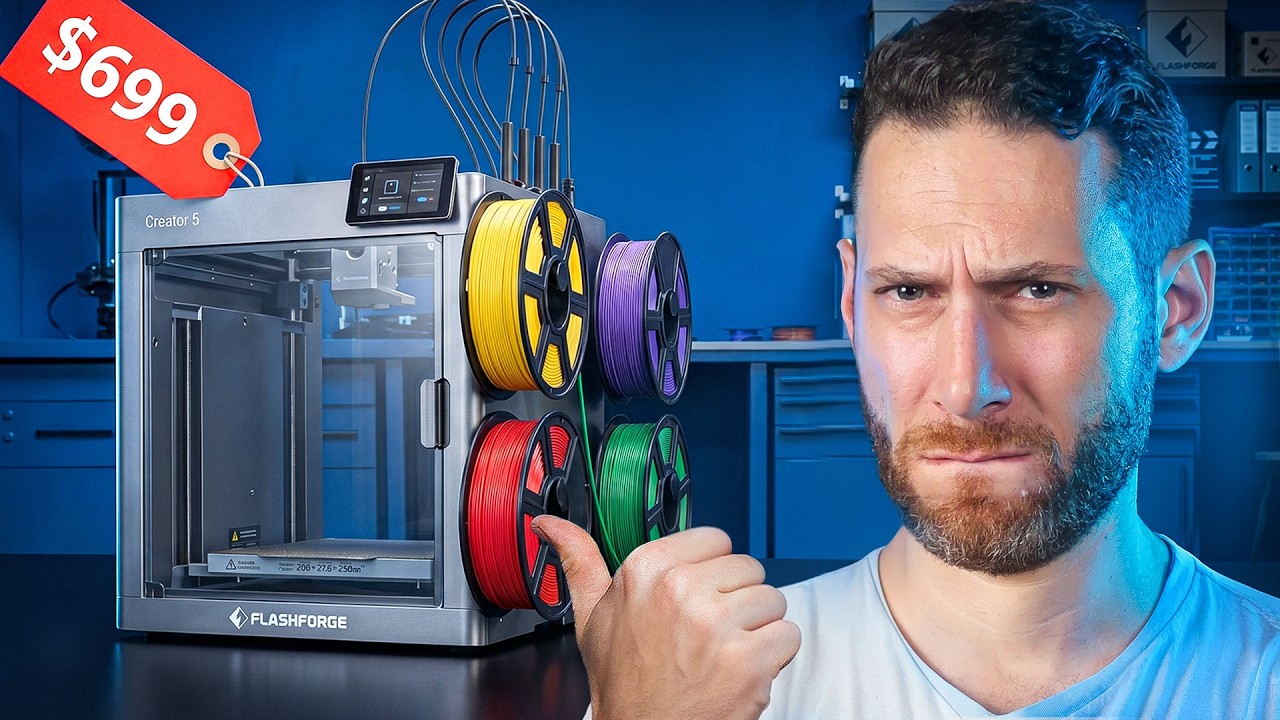
4 Toolheads… for $699?! Flashforge Creator 5
 The Next Layer
How Good Can a $699 Tool Changer REALLY Be?
 JJ Shankles
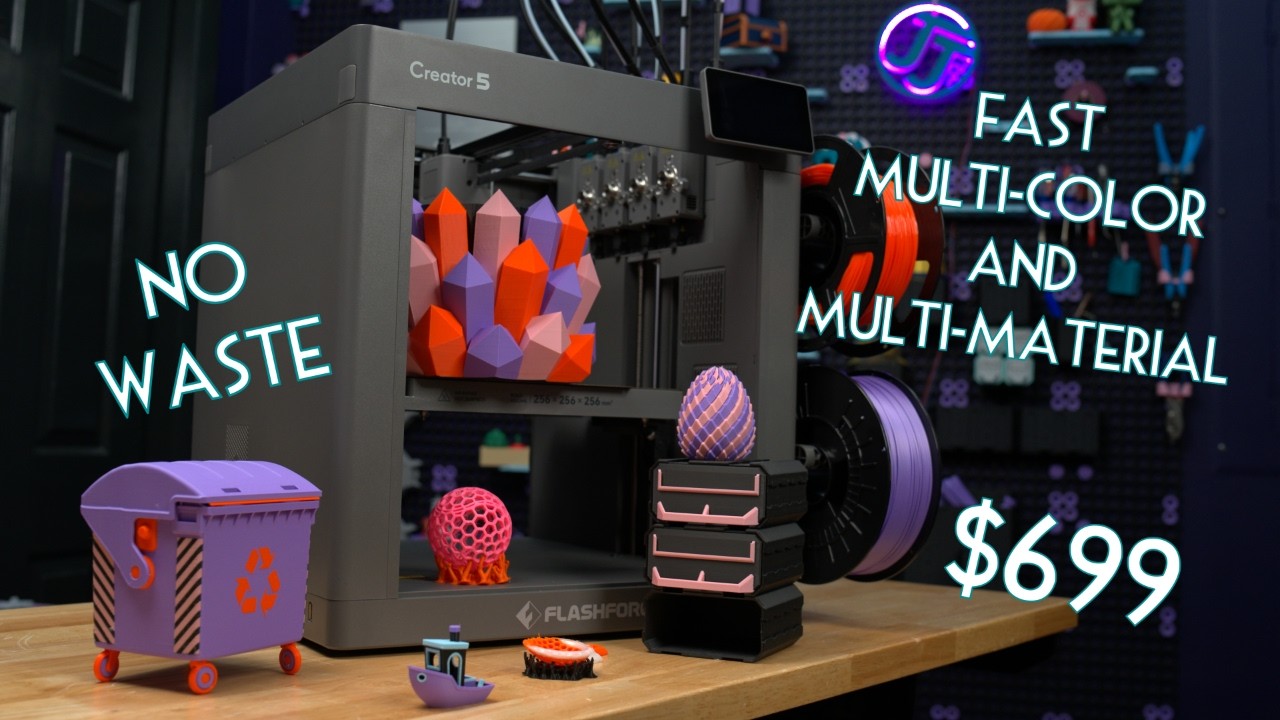
This Lives Up to the Hype - Flashforge Creator 5 Review


4 Independent Toolheads
Max. 120 °C
256 × 256 × 256 mm
PEI Flexible Steel Build Plate (Textured)
✓ (Automatic)
32 mm³/s
320 °C
0.4 mm (Standard)
0.25 mm / 0.6 mm / 0.8 mm
✓
4-inch 800 × 480 Full-Color Touchscreen
✓ (Auto PA Calibration)
PLA、PETG、TPU-90A (Top external mount)、TPU-95A、TPU-64D、PLA-CF、PETG-CF、SILK、PVA、BVOH
✓ (Run-out Sensor)
ABS、ASA、HIPS、ABS-GF、PA-CF、ASA-CF、ASA-GF、S-Multi、S-PAHT、PET-CF、PAHT-CF、PPA-CF、PPS-CF
✓
Max. 600 mm/s
✓
Max. 300 mm/s
✓ (Built-in Full HD Camera, 1280*720 @ 30 fps)
Max. 30,000 mm/s²
✓
USB / WiFi
2.4 GHz / 5 GHz Wi-Fi
Orca-Flashforge, OrcaSlicer
✓
520 × 443 × 710 mm(including filament tube and filament holders)
436 × 432 × 480 mm(without filament tube and filament holders)
Net: 14kg ; Gross:18kg
Input: 100~120V/200~240V AC ,50/60Hz
700W
Open Frame Design

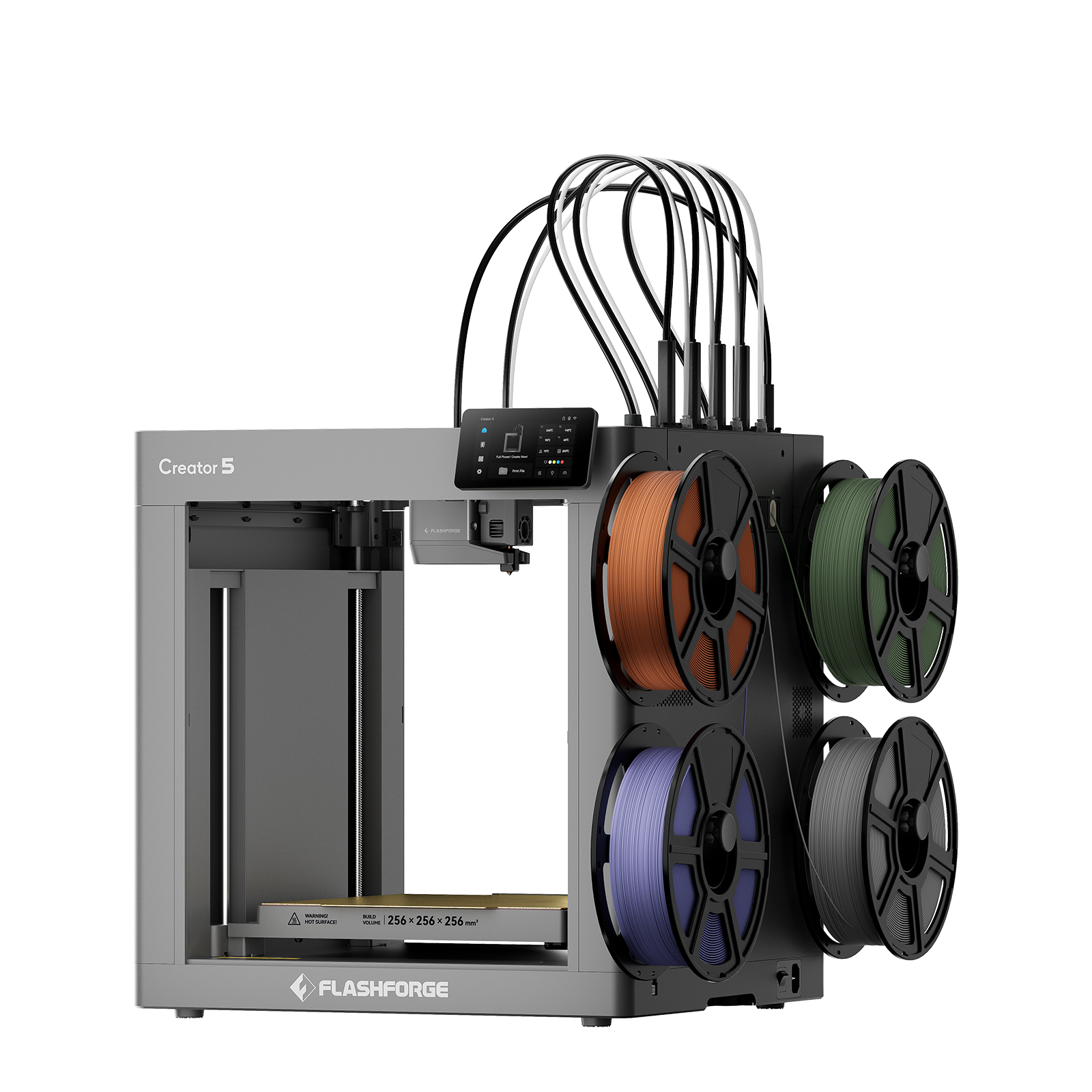
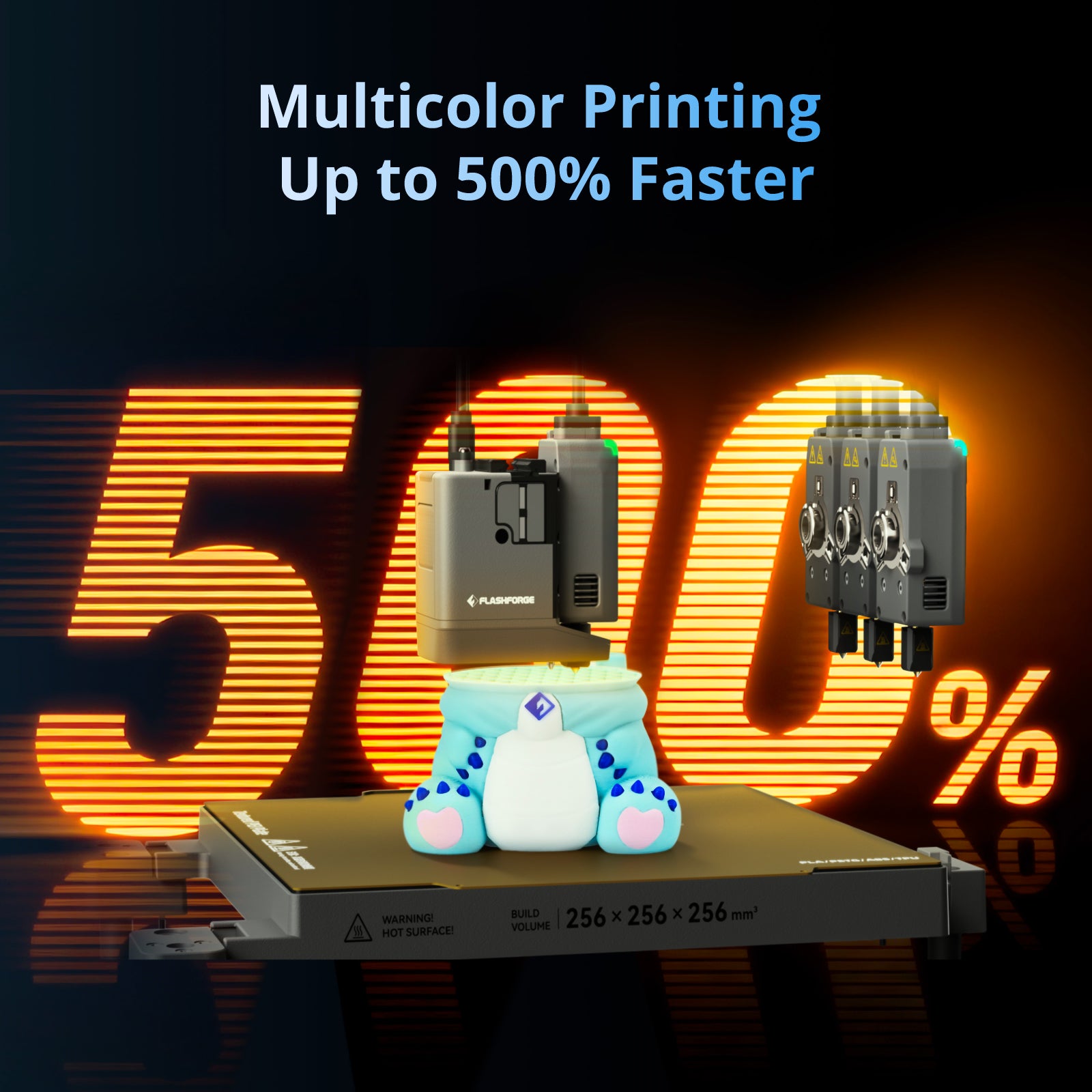
The Creator 5 is a multi head 3d printer with four independently controlled toolheads. When one toolhead is printing, the other toolheads remain parked in their docking stations. The printer automatically switches toolheads according to the sliced model.
This independent-toolhead system combines multi-color flexibility with the speed and motion stability associated with a modern corexy 3d printer. All four toolheads can access the full 256 x 256 x 256 mm build area.
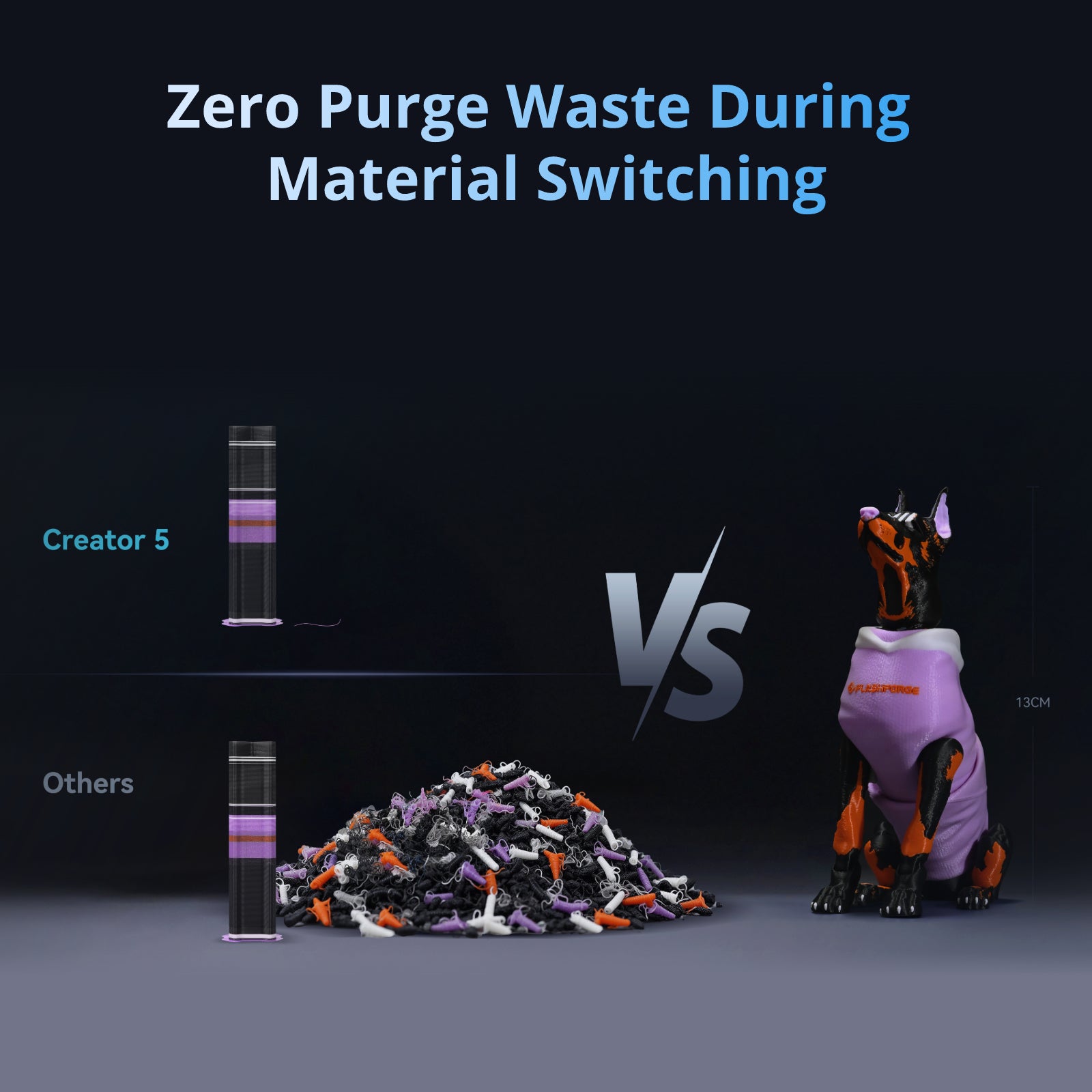
A multi tool head 3d printer uses separate nozzles for different colors or materials. Compared with a conventional filament 3d printer using one shared nozzle, the Creator 5 offers several advantages:
These features make complex multi-color and multi-material projects more practical.
The Creator 5 can print with up to four colors in a single model using its four independent toolheads, with one color assigned to each toolhead in Flash Studio.
For advanced makers with the technical skills and hands-on experience to experiment with custom workflows, the test version of Flash Studio can also enable color-mixing printing. This makes it possible to create a wider range of colors beyond the standard four-color setup, rather than being limited to four fixed colors.
For designers comparing the best 3d printers for multi-color production, the Creator 5 avoids feeding multiple colors through a single shared nozzle. Actual results, especially with experimental color-mixing workflows, depend on model design, filament settings, calibration, material compatibility, and user setup.
Yes. In addition to multi-color printing, the Creator 5 supports multi-material printing within the same model. Compatible filaments such as PLA, PETG, and TPU can be assigned to different toolheads and used together in a single print project.
This makes it possible to combine rigid and flexible sections, use different materials for functional features, or add support materials such as PVA or BVOH. Actual compatibility depends on the temperature requirements, adhesion, and printing settings of the materials being combined.
This makes the Creator 5 a versatile fdm 3d printer for applications requiring multiple colors or material properties. Before combining materials, users should consider printing temperature, adhesion, shrinkage, inter-material bonding, and support-removal requirements.
Yes. The Creator 5 supports TPU-90A, TPU-95A, and TPU-64D. For TPU-90A, using the top external spool position is recommended because it provides a shorter and smoother filament path.
As with any desktop 3d printer, flexible-filament performance depends on proper material storage and a low-resistance feeding path. Dry the TPU before printing and avoid unnecessary bends between the spool and toolhead.
TPU softer than 90A is not currently included in the official compatibility list and may require additional testing.
The Creator 5 is designed primarily for:
Its 320°C hardened-steel nozzles support standard and moderately abrasive materials. For reliable 3D printing, always select a material profile that matches the filament manufacturer's temperature and drying recommendations.For ABS, ASA, nylon, and high-temperature composites that benefit from a controlled chamber, the enclosed Creator 5 Pro is recommended.
Yes. Automatic bed leveling, automatic calibration, and prepared material profiles simplify setup. However, a four-toolhead Multi-Color 3D Printer has more configuration options than a standard single-nozzle machine.
New users should begin with a single-color PLA model, followed by a two-color test, before progressing to four-color or multi-material projects.
Not really. While the two printers look similar, the Creator 5 Pro’s active chamber heating system is built into the machine itself, so it isn’t something that can simply be added to a Creator 5 later. The Pro can actively heat the chamber up to 65°C for more temperature-sensitive materials.
If you already own a Creator 5, you can still print or build an enclosure around it to help retain heat and keep the printing environment more stable. Just keep in mind that this is passive heat retention, not the same as the Creator 5 Pro’s actively controlled chamber heating.
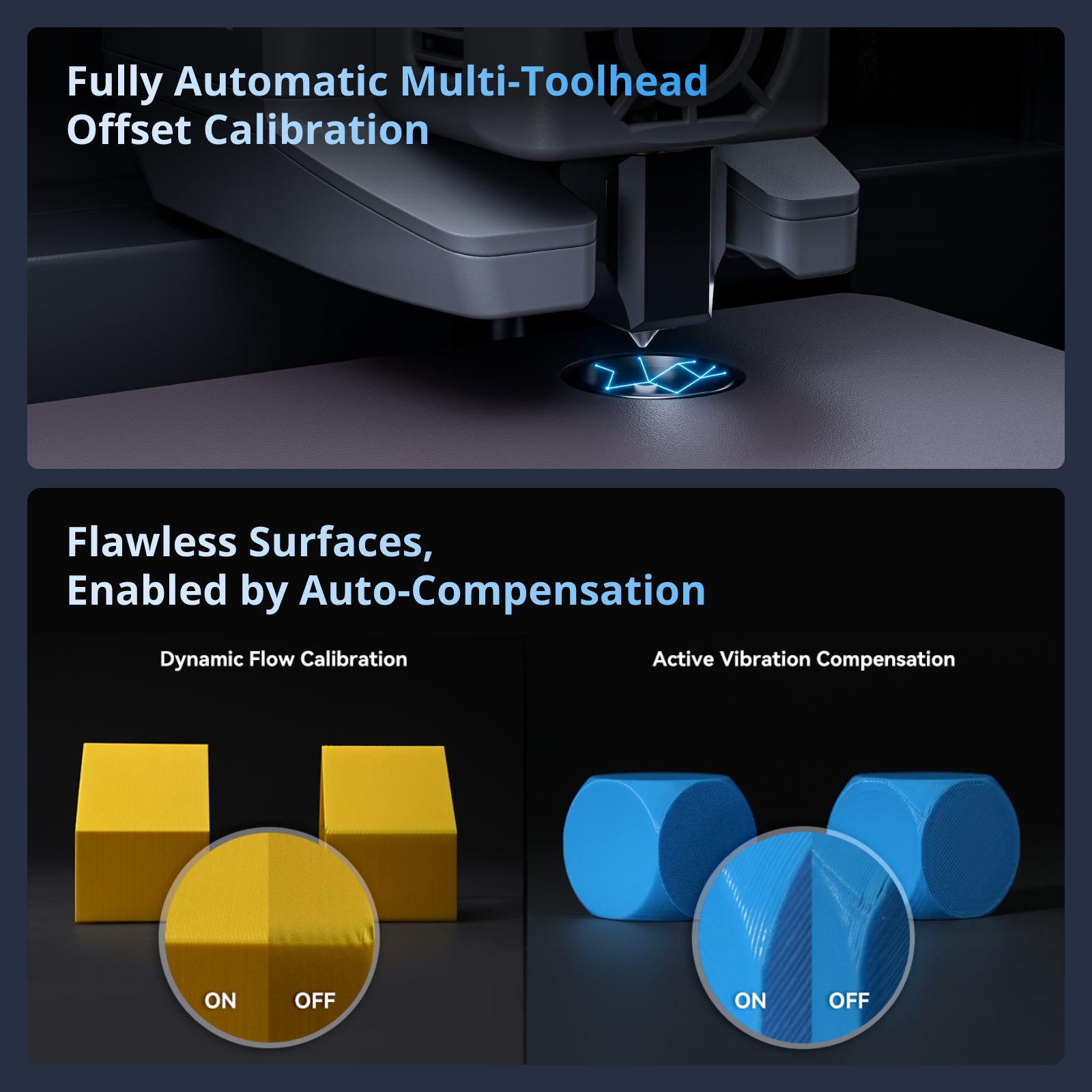
Print head offset calibration is required in the following situations:
The calibration process typically takes about 15–20 minutes.
The C5 series printers offer three printing modes. In silent mode, the noise level can be controlled below 55 dB.
The Creator 5 features filament runout and tangle detection, while the Creator 5 Pro adds door-open detection and chamber temperature monitoring for enhanced safety and stability.
Yes, the Creator 5 series supports dual-band 5G/2.4G Wi-Fi networks.