Dear Flashforge AD5M/AD5M PRO New Users,
Before the first use of your AD5M/AD5M Pro 3D printer, please remove the four Z-axis securing screws using the included 2.0mm hex wrench.
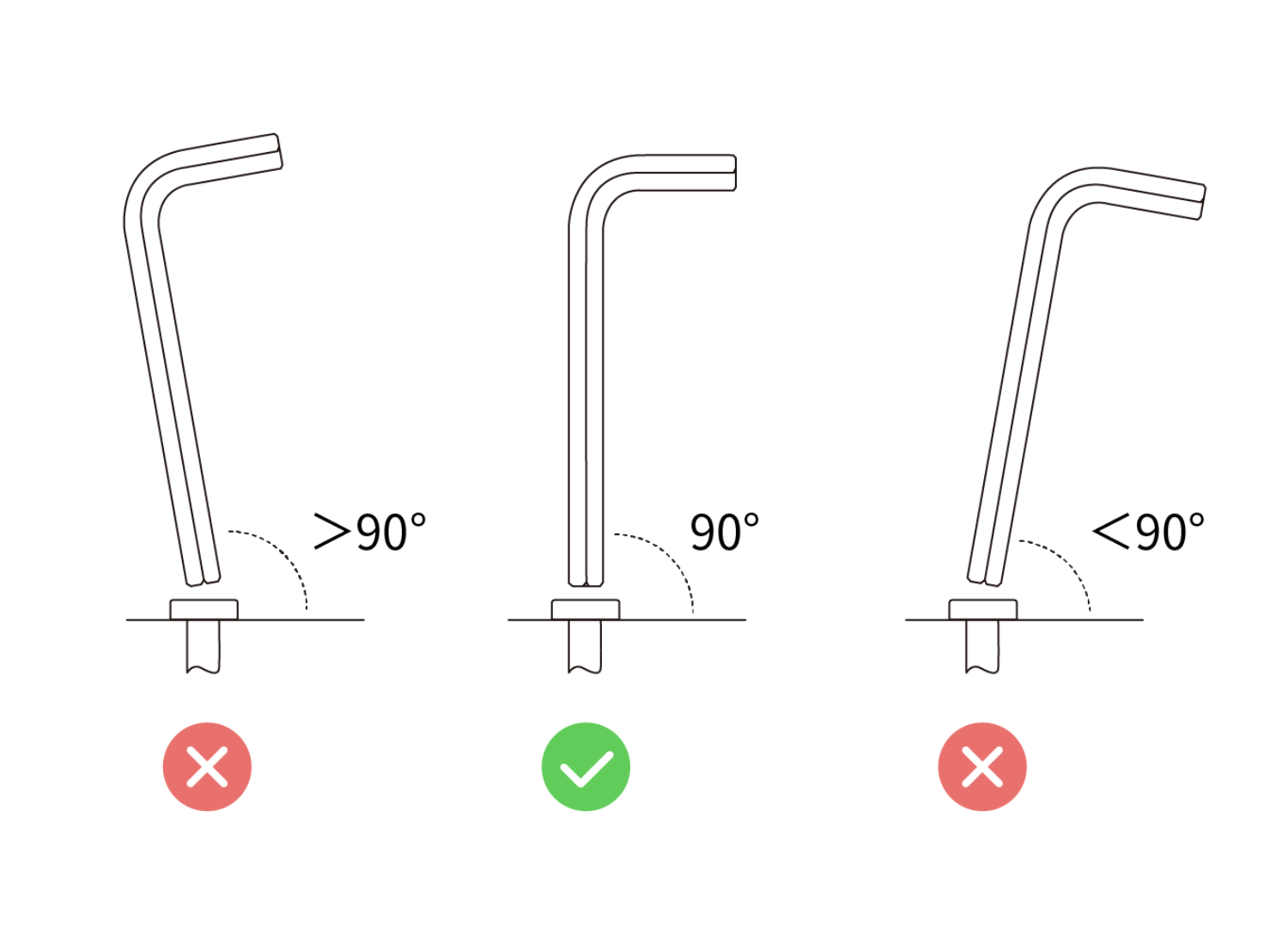
Critical Note: Ensure the hex wrench is inserted at a 90-degree perpendicular angle to the screw head and rotate gently. Improper alignment may result in screw head stripping, making the screws difficult to remove.

If stripping occurs, we recommend:
-
Using another 2.0mm non-ball-end hex wrench (non-included tool);
-
Contacting Flashforge Technical Support for assistance.
Best regards,
Flashforge Team