



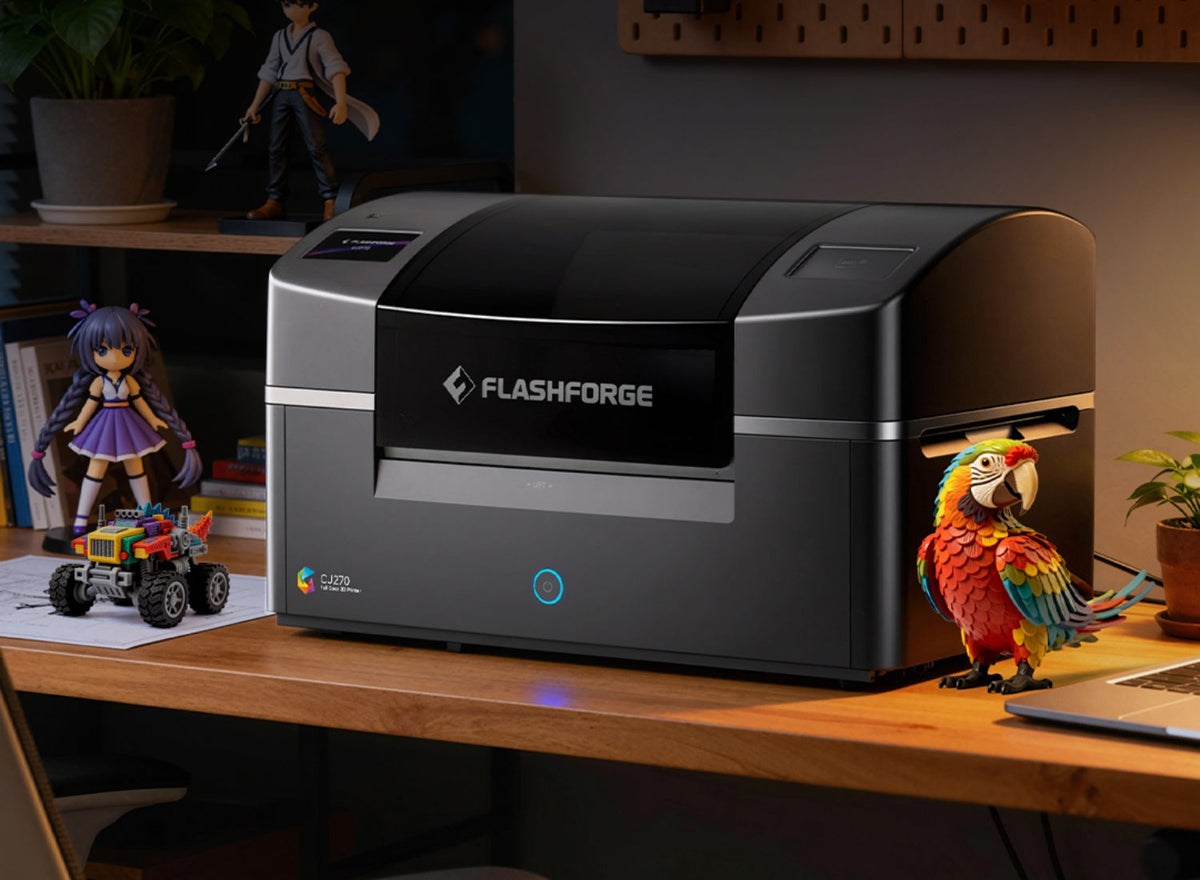
People often associate 3D printing with functional parts, but some projects depend just as much on color and surface detail as they do on shape. Custom figurines, pet models, tabletop miniatures, and art toys all become more recognizable when expressions, patterns, clothing, and other visual features can be reproduced directly in the print.
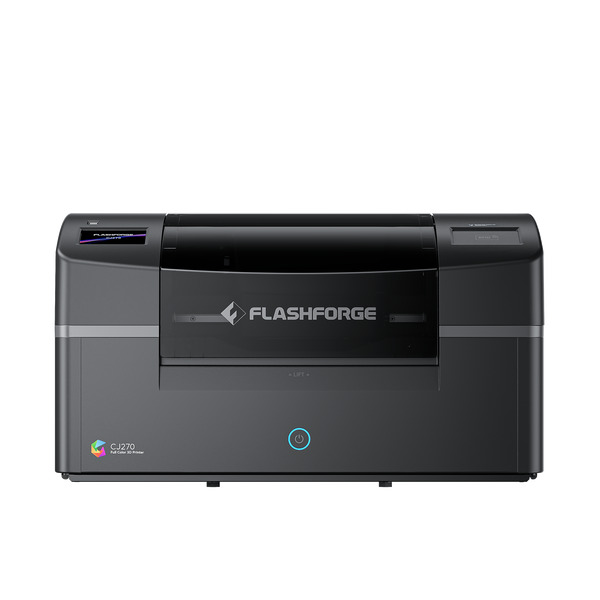
The Flashforge CJ270 is designed for these small, detail-rich display models. It uses Multi Jet Printing (MJP) with CMYK, white, clear, and water-soluble support materials to build the model and its colors together. With a 180 × 120 × 100 mm build volume and a minimum layer thickness of 7 μm, it is particularly suited to objects intended to be viewed up close. This guide explores what you can make with the CJ270, which projects suit it best, and what to check before printing.
What Is the Flashforge CJ270 Best Suited For?
Before choosing a 3D printing project, it helps to understand where the CJ270’s full-color process offers the most practical value.

Full-Color Display Models Rather Than Functional Parts
The CJ270 makes the most sense when appearance is central to the object. Examples include a personalized figurine with a recognizable face, a game character with detailed clothing, or a presentation model that needs to communicate its intended colors.
Its MJP process jets photosensitive materials and cures them layer by layer. Color is incorporated as the object is built, reducing the hand-painting required for one-off figures or small batches.
However, that does not make the CJ270 a general-purpose filament 3D printer for mechanical parts. Its dedicated materials and compact build volume favor visual models, collectibles, and presentation pieces. For a load-bearing bracket, moving component, or heat-exposed housing, select the material and process according to the required mechanical performance.
What CMYK, White, and Clear Materials Add to a Design
CMYK materials create a broad color range. White supports pale areas, highlights, and lettering, while clear material can add translucent-looking accents.
A character may combine varied skin tones, patterned clothing, and a clear accessory. These results still require suitable source data: the printer cannot reproduce information missing from the 3D file.
If you are comparing printing approaches, Flashforge’s guide to multicolor versus full-color 3D printing explains the difference between changing 3D printer filament colors and reproducing detailed surface color.
For filament-based alternatives, multi color 3D printing with Creator 5 suits color-separated designs, while an enclosed 3D printer such as Creator 5 Pro is intended for broader material workflows.
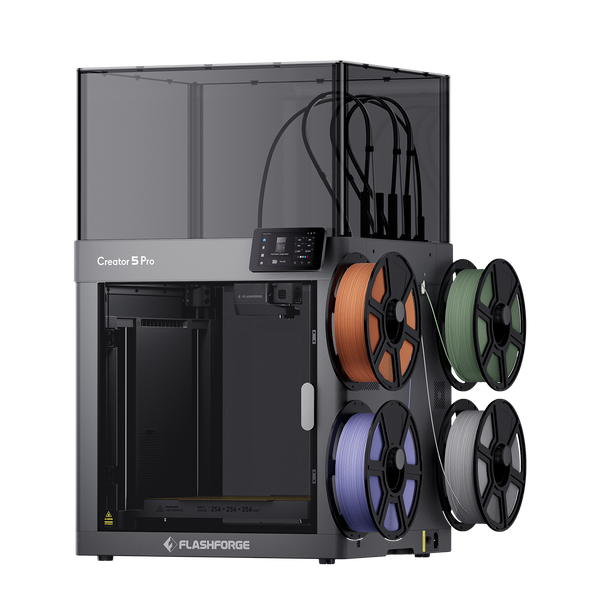
Flashforge Creator 5 Pro 4-Toolheads Enclosed Multi-Color 3D Printer | 500% Faster, Zero Purge Waste
What Can You Make With a Flashforge CJ270?
The best applications differ from typical projects for a desktop 3D printer: color adds meaning, recognition, or presentation value rather than serving as simple decoration.
Custom Figurines and Character Models
Custom figurines are a natural fit because their appeal often lies in small visual details. A creator can print an original character with distinct facial features, hair, clothing patterns, and accessories as part of the model rather than painting each element afterward.
Plan the figure around its final display size. A compact pose with a stable base is easier to produce than one balanced on a narrow foot. Inspect facial features, fingers, and props at actual print scale; something clear on an enlarged screen may be barely visible after printing.
Full-color printing reduces painting work but not file preparation or post-processing. The model still needs printable geometry and color data, followed by support removal, drying, and finishing.
Pet Portraits and Personalized Keepsakes
A pet figurine can preserve recognizable features such as ear shape, coat patches, expression, and collar color. The CJ270 is particularly useful when these markings matter as much as the sculpted form.
One photo is rarely enough because it leaves parts of the animal unseen. Collect front, side, and rear views, especially if markings differ on each side. Review the model before printing; a convincing face cannot compensate for an incorrect body shape.
The same workflow suits family portraits, commemorative figures, and gifts based on original illustrations. Prioritize the features that make the subject recognizable.
Miniatures and Tabletop Game Pieces
The CJ270 can produce original full-color miniatures for role-playing games, strategy games, and wargames. Color can distinguish factions and equipment without requiring every piece to be painted by hand.
Inspect weapons, fingers, and other narrow features at their final size, and use a stable base. For games such as Dungeons & Dragons or Warhammer 40,000, print only models you created or have permission to reproduce. Owning a game does not grant the right to sell protected designs.
Original Art Toys and Collectibles
Art toys often combine a bold silhouette with expressive surface graphics. The CJ270 lets an artist test faces, gradients, patterns, and clear-looking details without hand painting every version.
This makes it useful for comparing colorways before choosing a final design or production method. It can also support limited runs if preparation and finishing time are included. Simplify fragile projections, deep recesses, and enclosed spaces when they make support removal difficult.
Colorful Design Mockups and Presentation Models
A physical model can communicate form more clearly than a screen image. The CJ270 can create product concepts, character proposals, architectural pieces, and other small mockups with their intended colors applied.
Use these prints to discuss appearance and proportions. Validate exact brand colors, production-material feel, and engineering fit separately; a convincing mockup is not a manufacturing specification.
|
Project |
Why Full Color Helps |
What to Check Before Printing |
|
Custom figurine |
Captures facial details, clothing, and gradients |
Pose, small features, and color data |
|
Pet keepsake |
Reproduces distinctive coat markings |
Reference views and model accuracy |
|
Tabletop miniature |
Differentiates characters and equipment |
Scale, thin features, base, and usage rights |
|
Original art toy |
Supports patterns and colorway testing |
Fragile details and finishing plan |
|
Presentation model |
Communicates the intended appearance |
Build size and color requirements |
In short, the CJ270 is most useful when full color helps the viewer understand or connect with the object.
Can You Turn a Photo or AI Image Into a CJ270 Print?
A two-dimensional image can provide the visual reference, but it must pass through several preparation steps before it becomes a printable object.
Convert the Image Into a 3D Model First
A photo or AI image can start a project, but it shows only visible surfaces. The back, depth, and hidden details must be created or inferred.
Sculpt a model from references or use an image-to-3D tool as a starting point. Multiple views improve a recognizable likeness. Treat AI geometry as a draft, especially around faces, hands, and unseen areas. Once ready, import the model into Flashforge ColorPrint for layout and print preparation.

Check the Shape, Color Texture, and Printability
Rotate the model and look for holes, missing surfaces, merged features, and details that become too thin. Check that surface colors or textures remain attached; a colorful reference cannot produce a colorful print if that data was lost during conversion.
Confirm that the model stands securely, fits in a workable orientation, and allows support removal. Solving these issues digitally is easier than correcting them after printing.
What Makes a Good CJ270 Project?
Beyond the subject itself, a suitable project needs the right combination of visual detail, manageable dimensions, and realistic finishing time.
Designs That Benefit From Gradients and Fine Surface Details
Faces, fur markings, fabric patterns, illustrated textures, and gradual color changes give the full-color process a clear purpose. A simple object with two solid color sections may not need this level of capability.
Design for the actual viewing size. The 7 μm minimum layer thickness supports fine detail, but a feature still needs enough physical size and source data to remain visible. Print a sample when an important detail is uncertain.
Models That Fit the Build Volume or Can Be Split Into Parts
The CJ270’s build volume is 180 × 120 × 100 mm. Check all three dimensions after orienting the model and allowing for support. Height alone does not determine whether a pose will fit.
Larger artwork can be divided into parts, but this creates assembly work and visible seams. Place joins in less noticeable areas. For a much larger object, another production method may be more efficient.
Projects With Time for Support Removal and Finishing
Water-soluble support reduces cutting around delicate details, but the print still needs cleaning, drying, and inspection. Some pieces may also need light surface finishing.
Include these steps in deadlines and quotes, especially for batches. Flashforge’s CJ270 review provides more context on applications and post-print work.
What Should You Avoid Printing With the CJ270?
Knowing the printer’s limits is just as important as identifying attractive applications, particularly when safety, fit, or material performance matters.
Load-Bearing, Heat-Resistant, or Snap-Fit Parts
Do not select the CJ270 merely because a functional part would look better in color. Brackets, heat-exposed housings, flexible clips, and snap-fit parts need materials proven for their working conditions. The CJ270’s strengths center on color and visual detail.
If a project combines visual and structural requirements, consider producing the full-color display element and load-bearing component separately. The final assembly must still be designed and tested for its intended use.
Projects Requiring Exact Color Matching or Tight Dimensional Tolerances
Screens, source textures, lighting, materials, and finishing can affect the physical color. When an exact brand shade is required, print a sample and compare it with the project standard.
A visual prototype may communicate shape, but a tightly fitted part needs its own tolerance checks. Define those criteria before choosing the process.
Conclusion
The Flashforge CJ270 is a strong match for small objects whose color is part of their purpose: custom figurines, pet keepsakes, original tabletop miniatures, art toys, and presentation models. Its value is clearest when detailed surface color would otherwise require extensive hand painting.
Start with sound geometry, verify the color information at the intended size, and allow time for cleaning and finishing. If strength, heat resistance, exact color matching, or mechanical fit is the main requirement, evaluate a different material or process before printing.
FAQ
Can I Make a Figurine From a Single Photo With the CJ270?
Yes, but the photo must first become a 3D model. A single view leaves the back and sides unknown, so those areas must be designed or inferred. Additional views generally produce a more recognizable result.
Can I Print an AI-Generated 3D Model With the CJ270?
Yes, if the file includes suitable geometry and color information. Check its size, missing surfaces, distorted details, and physical printability before preparing it in ColorPrint.
Does the CJ270 Print in Full Color Without Hand Painting?
Yes. The planned colors are built into the print, so hand painting is not required to add them. Support removal, drying, inspection, and any desired surface finishing remain part of the workflow.
How Large Can a CJ270 Print Be?
The stated build volume is 180 × 120 × 100 mm. The model must fit within that space in a workable orientation. Larger designs may be divided into parts if assembly and seam placement are planned in advance.
Can CJ270 Prints Be Used as Functional Parts?
The CJ270 is primarily suited to visual models. Do not assume its full-color materials meet load-bearing, heat-resistant, flexible, or close-fit requirements without relevant material data and testing for the intended use.
