












Table of Contents
Choosing the best 3D printer in 2026 requires more than comparing maximum speed. A beginner may need a simple setup and reliable first layers. A studio may prioritize engineering filaments, multi-material printing, or a larger build volume. Creative projects may benefit from multi-color printing, while miniature models often require the fine detail of a resin printer.
This guide compares 3D printers by real use case. The recommendations draw on published hands-on tests, manufacturer-reported benchmarks, and verified specifications. Flashforge models cover most FDM printing needs, while selected alternatives are included where they serve a distinct purpose.
What Makes a 3D Printer Worth Buying in 2026?
A good 3D printer should produce consistent parts without requiring constant adjustment. Maximum speed matters, but it does not describe the full workflow. A printer must also maintain stable motion, reliable extrusion, sufficient cooling, and accurate calibration as print speed increases.
Material support is equally important. PLA and PETG work well for general household projects, classroom models, and prototypes. ABS, ASA, PC, PA, and fiber-reinforced filaments need more controlled conditions. An enclosure, a suitable nozzle temperature, and stable chamber conditions become more important when printing these materials.
Ease of use also affects long-term value. Automatic leveling, quick nozzle replacement, camera monitoring, and clear slicer profiles reduce setup time. A printer with the right workflow can be more practical than a faster machine that needs frequent manual adjustment.
Value is not defined by the lowest price alone. A well-priced 3D printer should reduce setup work, support the materials required by the project, and remain practical as printing needs grow. Features such as automatic leveling, quick nozzle replacement, camera monitoring, and reliable slicer profiles can make a printer more cost-effective over time by reducing manual adjustments and avoidable downtime.

How We Tested and Ranked These 3D Printers
This ranking combines publicly available hands-on tests, verified product specifications, and manufacturer-reported benchmarks. The models were not tested under one identical laboratory protocol, so the published figures should not be treated as a strict head-to-head speed test.
Third-party results are identified as independent or external tests. Brand-published figures are labeled as manufacturer-reported benchmarks. Where no public hands-on data is available, the recommendation is based on verified specifications and workflow fit.
| Evaluation Area | What We Compared |
| Speed | Published print times, practical speed, acceleration, and the difference between print speed and travel speed |
| Accuracy | Surface finish, dimensional consistency, visible ringing, and first-layer reliability |
| Ease of Use | Setup time, leveling, filament loading, nozzle changes, and slicer workflow |
| Reliability | Long-print stability, material compatibility, maintenance requirements, and monitoring features |
| Value | Build volume, enclosure design, multi-color capability, included features, and current price |
Best 3D Printers in 2026 by Category
No single printer is best for every project. The models below are ranked by workflow, material requirements, build volume, and budget.
Best Overall 3D Printer for Most Users
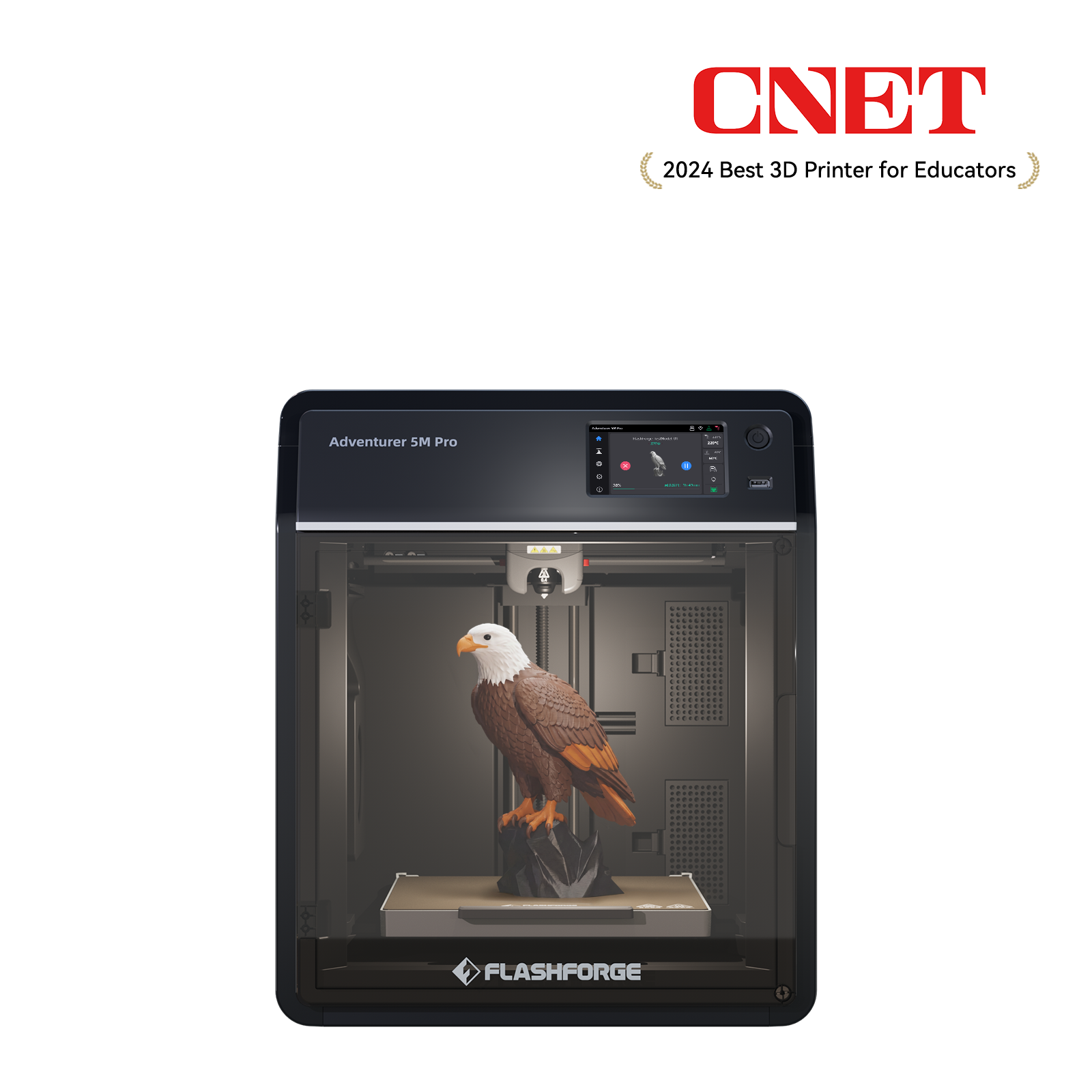
Recommended model: Flashforge Adventurer 5M Pro
The Adventurer 5M Pro offers one of the strongest price-to-feature balances in the Flashforge desktop lineup. It combines a 220 × 220 × 220 mm build volume with an enclosed CoreXY structure, automatic leveling, vibration compensation, camera monitoring, and HEPA with activated carbon filtration.
This combination makes it a practical choice for home printing, classrooms, and small studios. Buyers can move beyond basic PLA projects without immediately stepping up to a larger professional machine.
Flashforge lists a maximum print speed of 600 mm/s, a maximum acceleration of 20,000 mm/s², and a nozzle flow rate of 32 mm³/s. Practical speed still depends on the model, filament, layer height, and quality settings.
A third-party comparison by Makers Empire used the same sample design and a 0.4 mm nozzle across three Flashforge printers. The Adventurer 5M Pro completed the sample in 1 hour and 25 minutes. The Adventurer 4 Pro required 2 hours and 23 minutes, while the Adventurer 4 required 4 hours and 36 minutes. The result applies to that specific model, but it shows how the newer CoreXY platform can reduce print time in a real workflow.
Published test: Makers Empire Adventurer 5M Pro review
The enclosed structure also expands material support. The Adventurer 5M Pro is suitable for common PLA and PETG projects, while its enclosure makes it a stronger option for ABS and ASA printing.
Best for: Home projects, classrooms, small studios, enclosed desktop printing, and broader filament compatibility.
Best 3D Printer for Beginners with Easy Operation
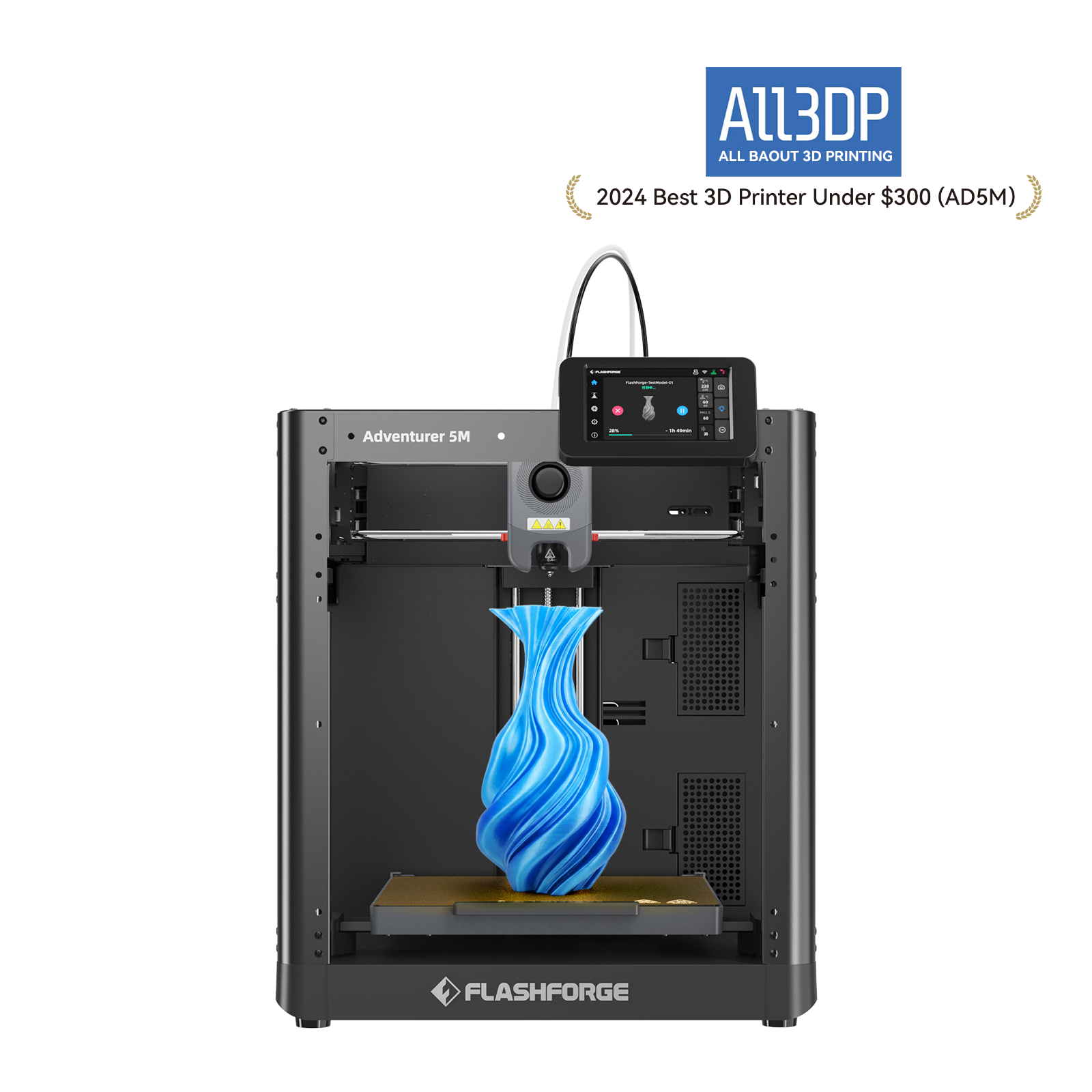
Recommended model: Flashforge Adventurer 5M
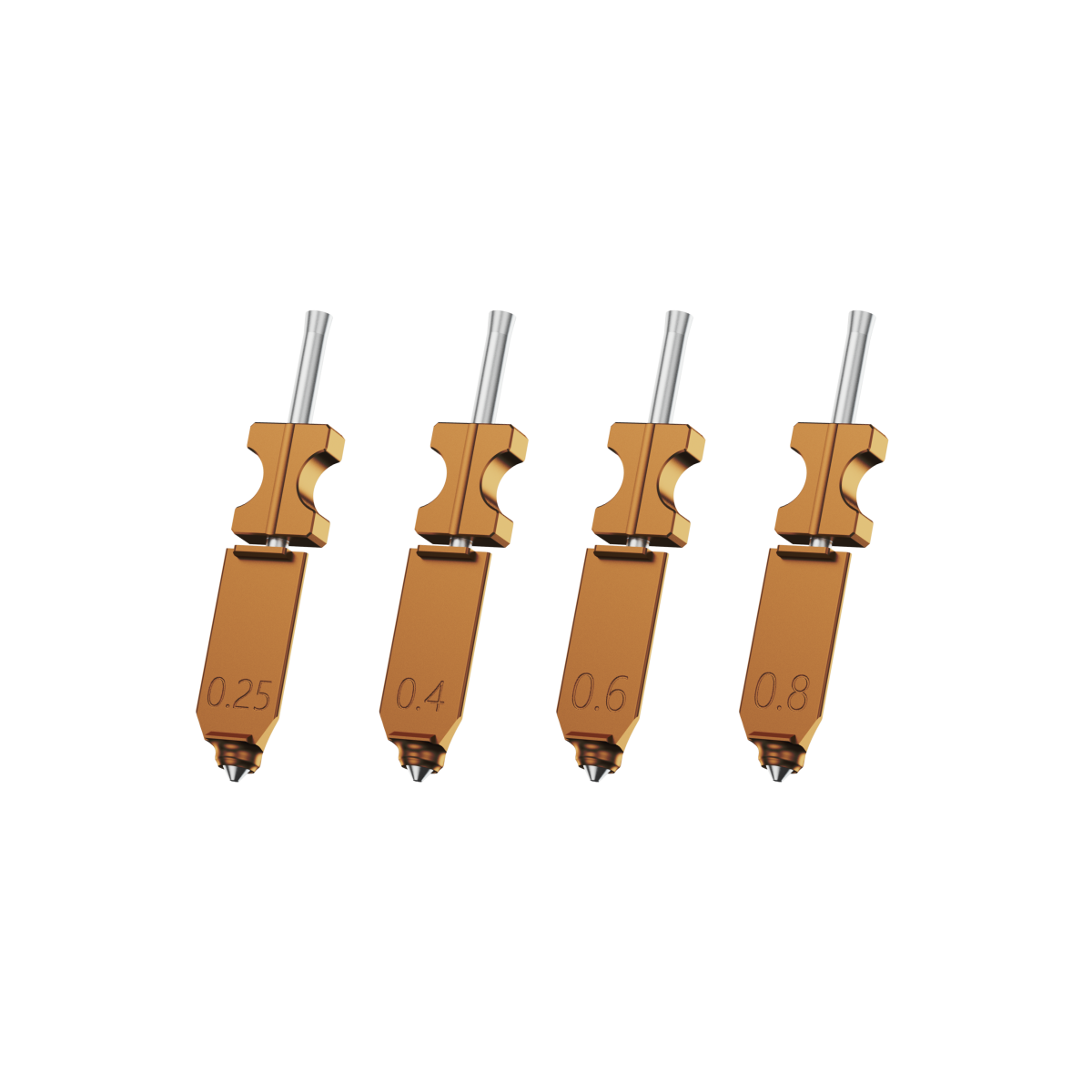
The Adventurer 5M is a value-focused first 3D printer for beginners and hobbyists. It brings CoreXY motion, automatic leveling, quick-detach nozzles, and a 220 × 220 × 220 mm build volume into an accessible desktop format.
This makes it suitable for buyers who want faster everyday printing and simpler maintenance without paying for an enclosure or multi-material system they may not need.
Flashforge lists a maximum print speed of 600 mm/s and a maximum acceleration of 20,000 mm/s². In Flashforge’s published Adventurer series review, the printer was ready to run in about 12 minutes and completed a Benchy in 26.8 minutes. The same review noted that the default profiles may require additional tuning for the best surface finish.
Published test: Flashforge Adventurer series review
The open-frame design suits PLA and PETG projects. Flashforge states that ABS-series filaments are not compatible with the standard Adventurer 5M setup. Buyers who plan to print ABS or ASA should consider an enclosed model.
Source: Flashforge Adventurer 5M product page
Best for: Beginners, PLA projects, PETG parts, hobby printing, and simple maintenance.
Best Budget 3D Printer
Recommended model: Bambu Lab A1 mini
The A1 mini is a compact option for buyers with limited desk space and a smaller budget. Its 180 × 180 × 180 mm build volume is smaller than the Adventurer 5M series, but it is sufficient for toys, organizers, miniatures, and small household parts.
Tom’s Hardware recorded a Speed Boat Benchy time of 19 minutes and 15 seconds. The review described the result as clean, with defined edges, smooth layers, and no visible ringing. This benchmark does not represent every project, but it shows that a lower-cost bed-slinger printer can still deliver fast results on smaller parts.
Published benchmark: Tom’s Hardware 3D printer speed hierarchy
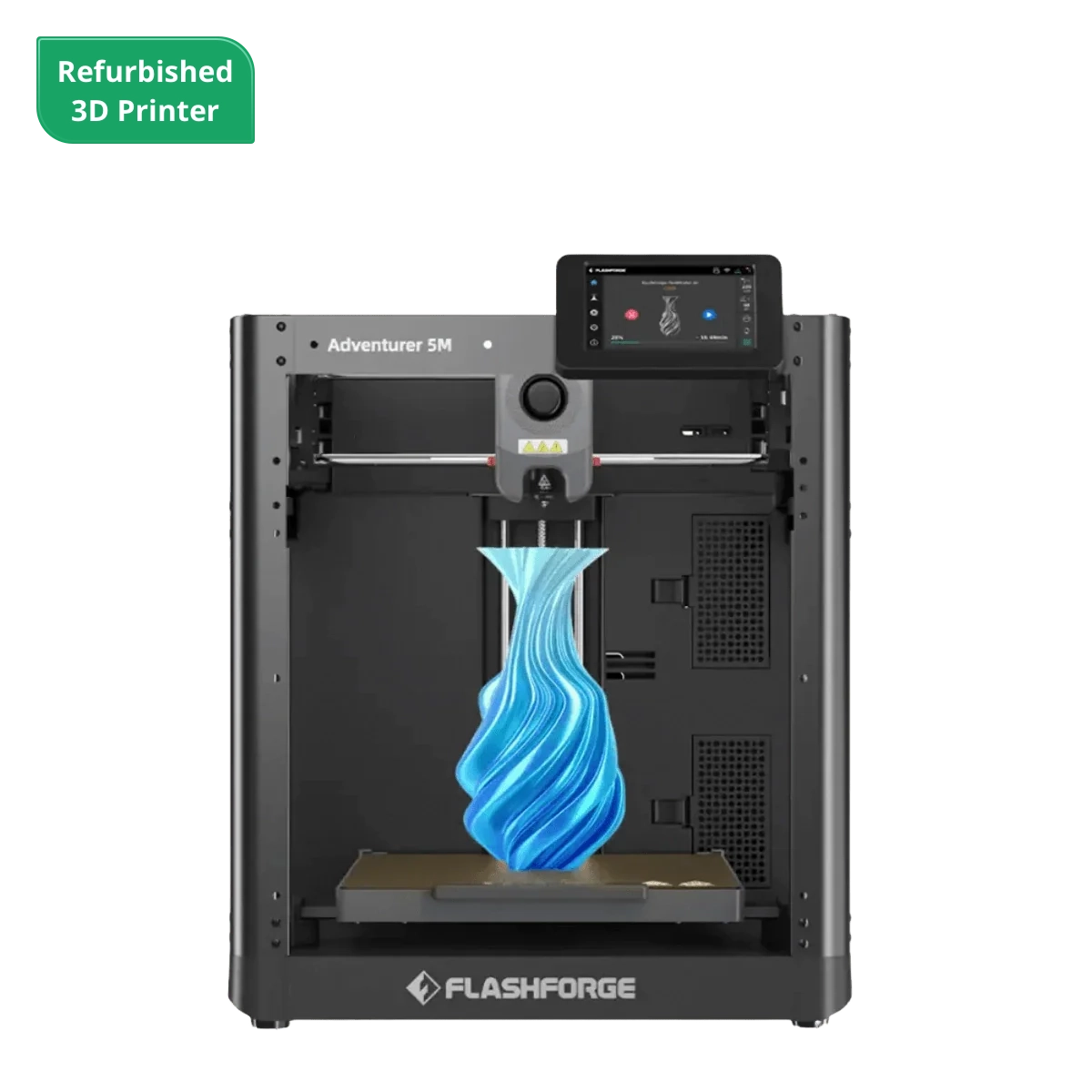
Flashforge alternative: Adventurer 5M Refurbished
The Adventurer 5M Refurbished is worth checking when inventory is available. It provides a larger 220 × 220 × 220 mm build volume and CoreXY motion at a lower entry price than a new printer.
Best for: Lower budgets, compact workspaces, and smaller beginner projects.
Best Multi-Color 3D Printer for Creative Design and Personalization
Recommended model: Flashforge AD5X
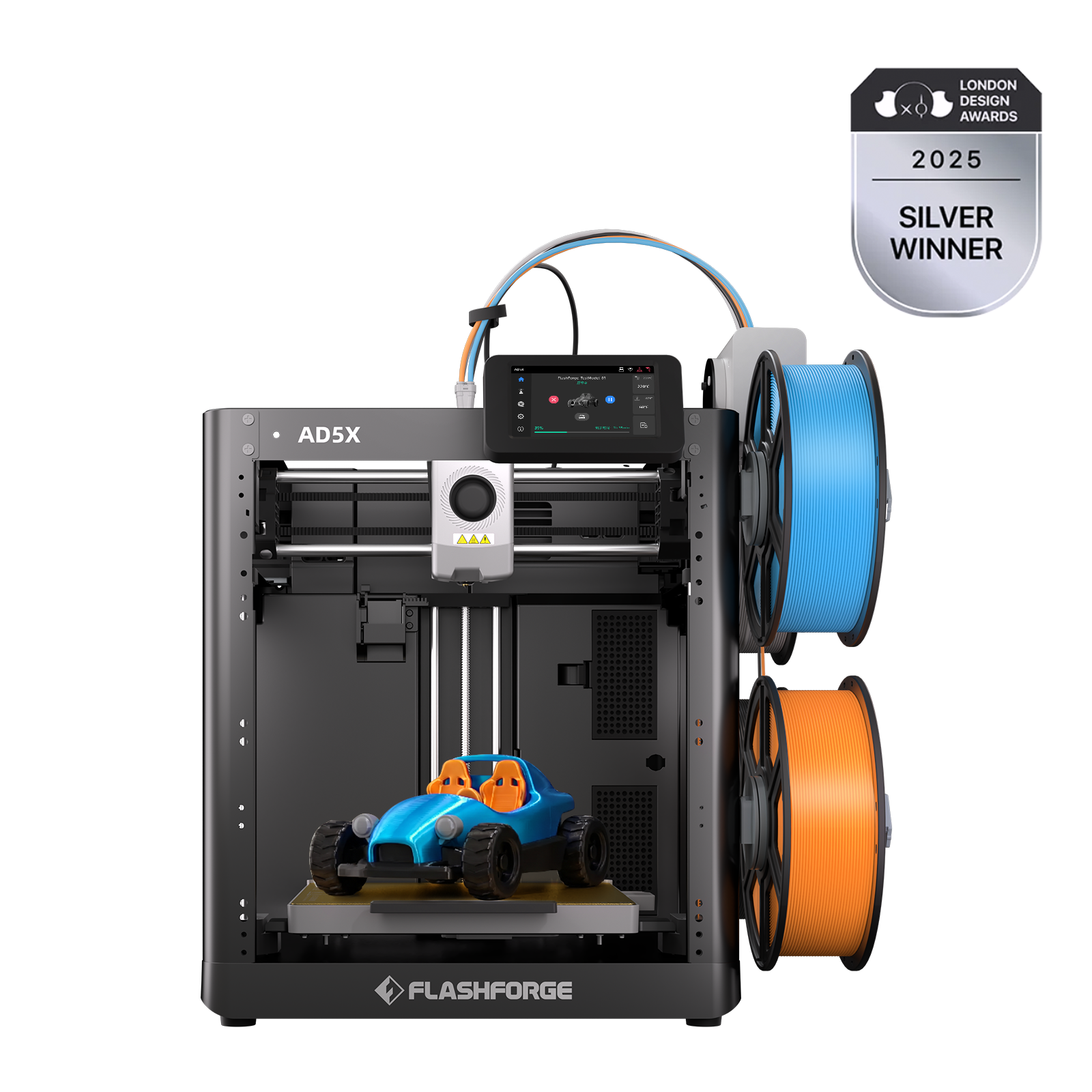
The AD5X offers an accessible path into four-color printing. Its integrated IFS supports automatic filament switching without requiring a separate external module, which helps keep the setup compact and reduces the cost of building a multi-color workflow.
The printer uses one extruder and a shared nozzle. This structure is different from a toolchanger, but it makes multi-color printing easier to access for personalized models, toys, labels, decorative parts, and creative small-batch projects.
Flashforge lists a 220 × 220 × 220 mm build volume, a maximum print speed of 300 mm/s, a maximum travel speed of 600 mm/s, and a maximum acceleration of 20,000 mm/s². The AD5X also supports multi-color printing with flexible TPU (such as 95A and 64D grades).
Tom’s Hardware tested a full plate of 33 two-color articulated models at a 0.2 mm layer height and an average speed of 200 mm/s. The print took 10 hours and 10 minutes. The 23 color swaps generated 11 g of waste filament, while one finished model weighed 9 g. The results show why purge waste and total print time matter when comparing shared-nozzle multi-color systems.
The same review tested TPU drink sleeves at a 0.2 mm layer height and an average speed of 45 mm/s. Each model took 5 hours and 38 minutes, with strong print quality and no visible stringing.
Published test: Tom’s Hardware Flashforge AD5X review
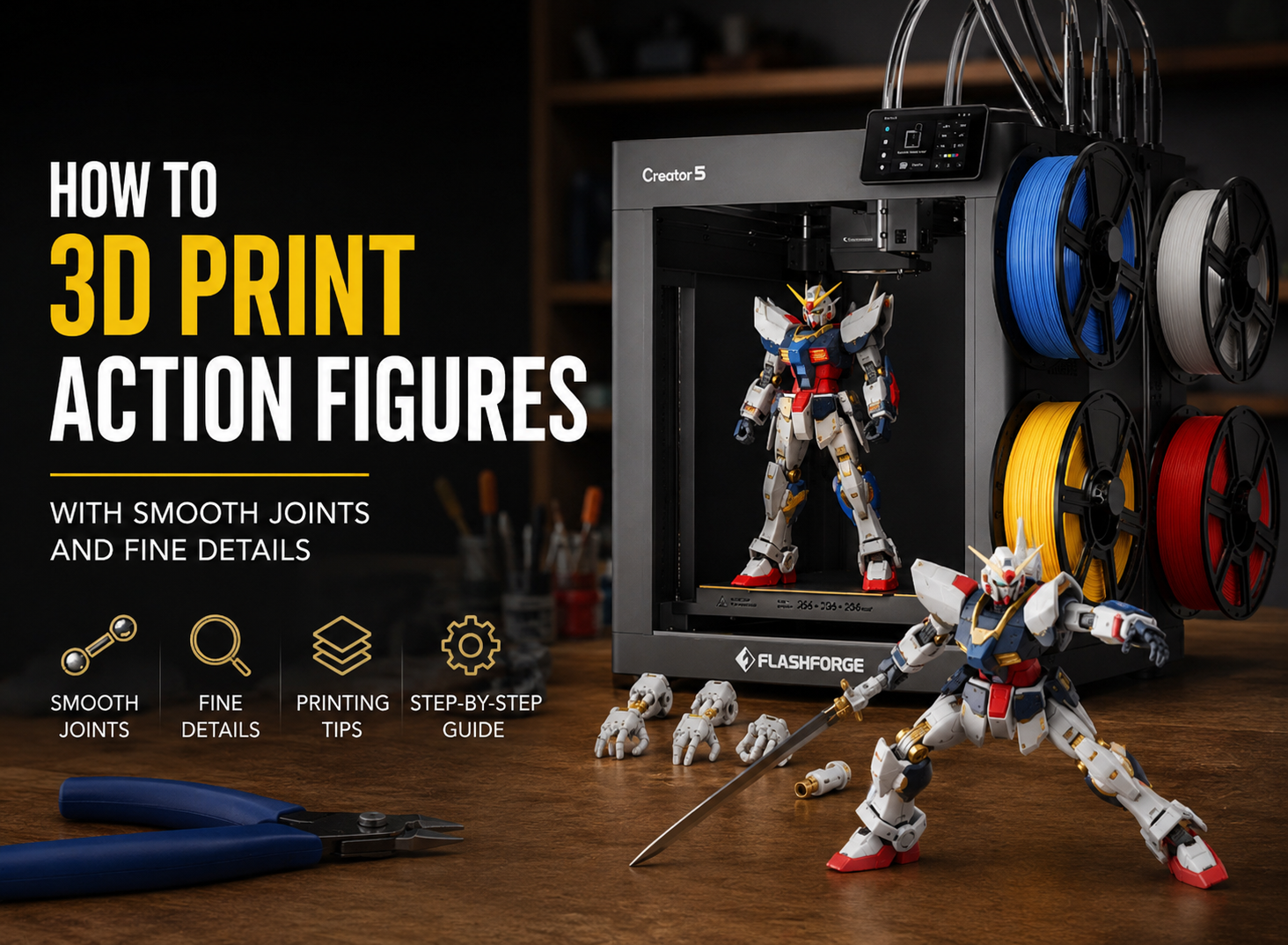
Advanced alternative: Flashforge Creator 5
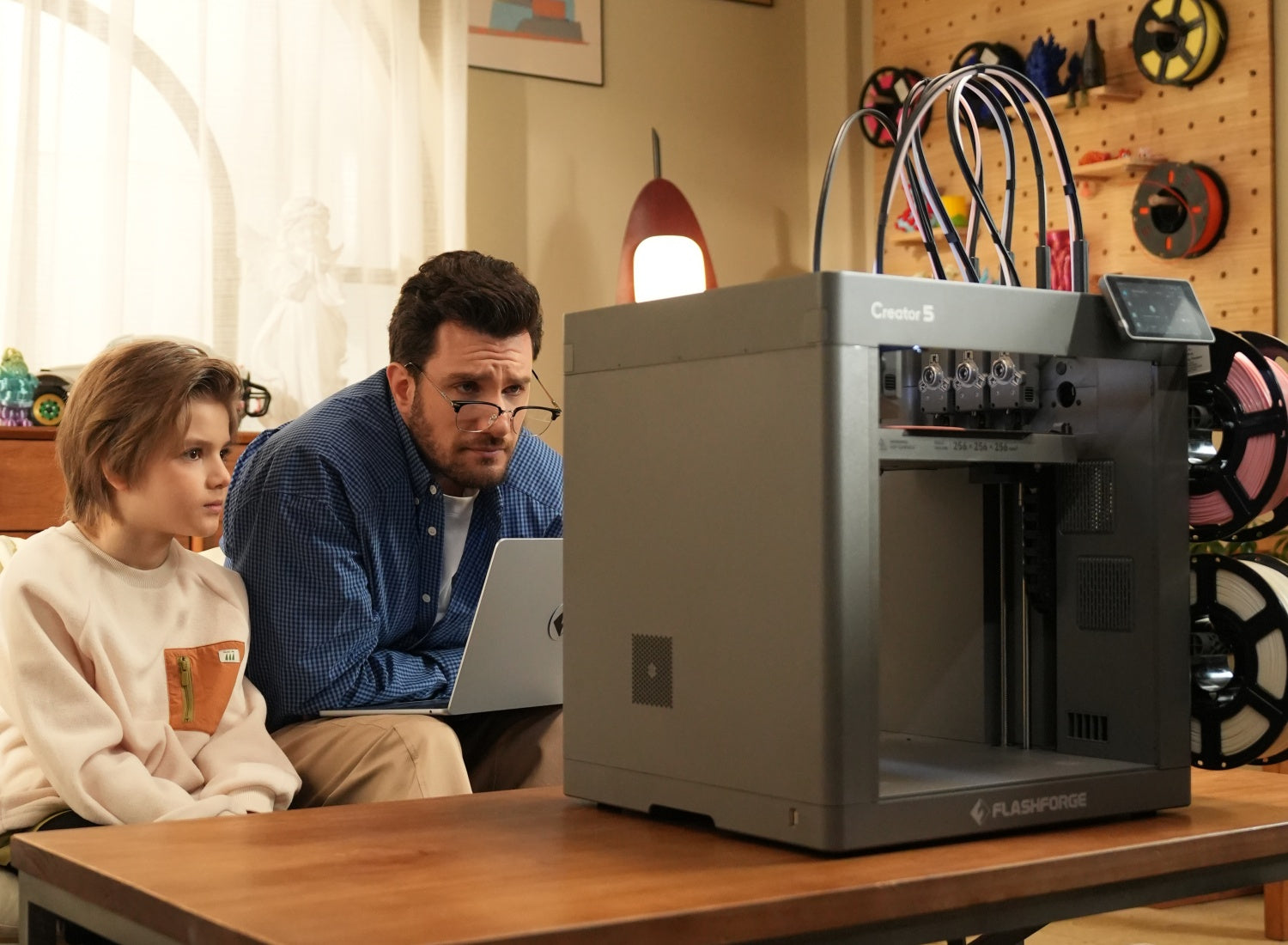
The Creator 5 uses four independent toolheads rather than feeding multiple filaments through one nozzle. A third-party FauxHammer review measured tool swaps at roughly 4 to 6 seconds. The review also noted that the printer still uses a prime tower to stabilize extrusion pressure. The more accurate claim is reduced purge waste, not absolute zero waste in every print.
Published test: FauxHammer Flashforge Creator 5 review
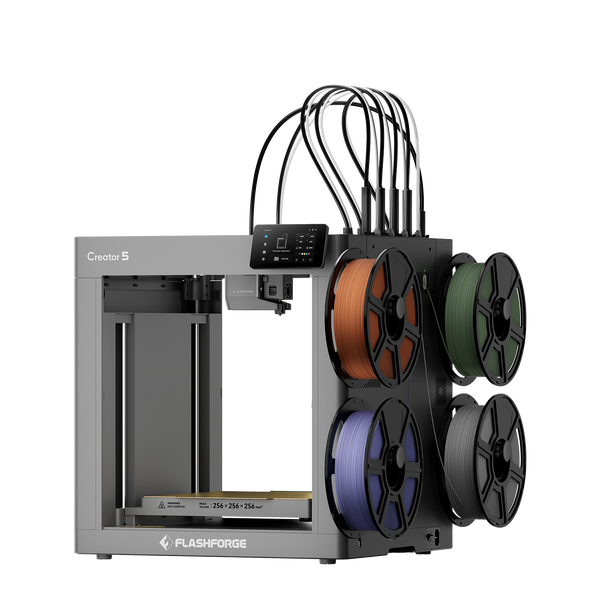
Flashforge Creator 5 4-Toolheads Multi-Color 3D Printer | 500% Faster, Zero Purge Waste
Best for: Multi-color models, personalized products, flexible TPU designs, and creative desktop workflows.
Best High-Speed Professional 3D Printer for Studios and Batch Production
Recommended model: Flashforge Creator 5 Pro
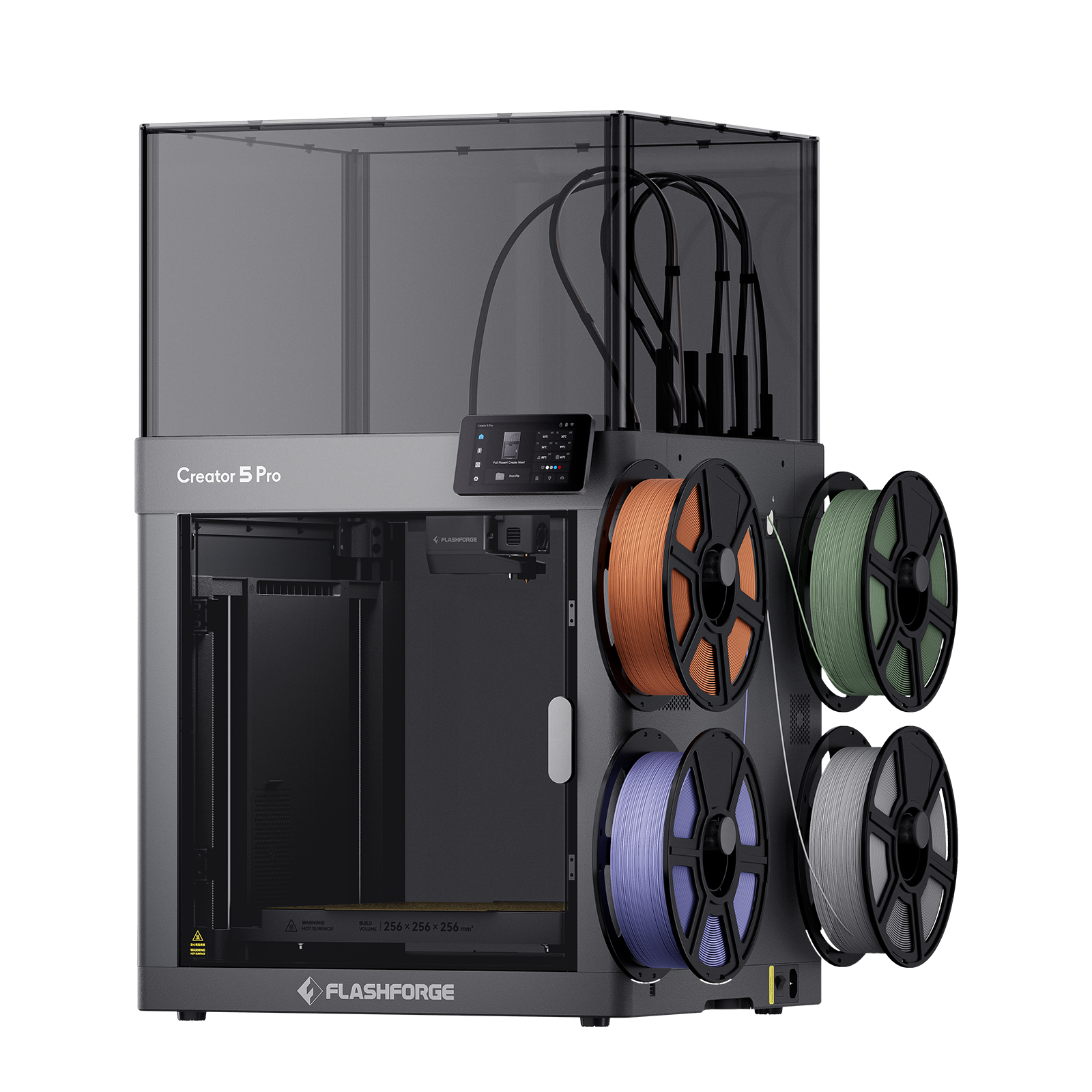
The Creator 5 Pro offers a strong price-to-feature balance for professional desktop workflows. It combines four independent FlashSwap™ toolheads with a fully enclosed rigid frame, automatic multi-toolhead offset calibration, active chamber heating, camera monitoring, and air filtration.
Each toolhead keeps its assigned material ready for printing. This reduces repeated loading, unloading, and purge cycles compared with shared-nozzle systems.
The value comes from consolidating capabilities that would often require multiple machines or costly upgrades. One desktop platform can handle multi-color models, multi-material parts, engineering prototypes, and selected small-batch production tasks, allowing users to cover a wider range of applications without investing in additional equipment. For studios, makerspaces, and growing businesses, this broader workflow coverage can translate into a lower total cost of ownership and stronger long-term value compared with purchasing separate specialized systems.
Its active heated chamber reaches up to 65°C. The enclosed structure supports more controlled workflows with ABS, ASA, PC, PA, PC-ABS, PPS-CF, and fiber-reinforced materials. Current public information for the Creator 5 Pro is based on Flashforge specifications rather than a comparable independent test dataset.
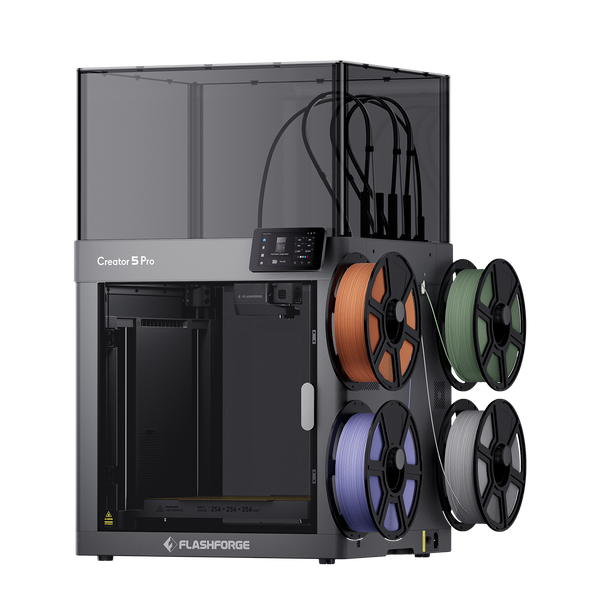
Flashforge Creator 5 Pro 4-Toolheads Enclosed Multi-Color 3D Printer | 500% Faster, Zero Purge Waste
External benchmark: Original Prusa XL
The Original Prusa XL remains a useful external reference for readers comparing larger multi-toolhead platforms. It supports up to five toolheads and has a 360 × 360 × 360 mm build volume. In Tom’s Hardware’s Speed Boat benchmark, the Prusa XL completed the model in 25 minutes and 14 seconds. The result also shows why print quality, cooling, acceleration, and material flow matter alongside maximum speed.
Published benchmark: Tom’s Hardware 3D printer speed hierarchy
Best for: Design studios, engineering prototypes, batch production, and complex multi-material parts.
Best Large-Format 3D Printer for Cosplay, Props, and Samples
Recommended model: Flashforge Guider 3 Ultra
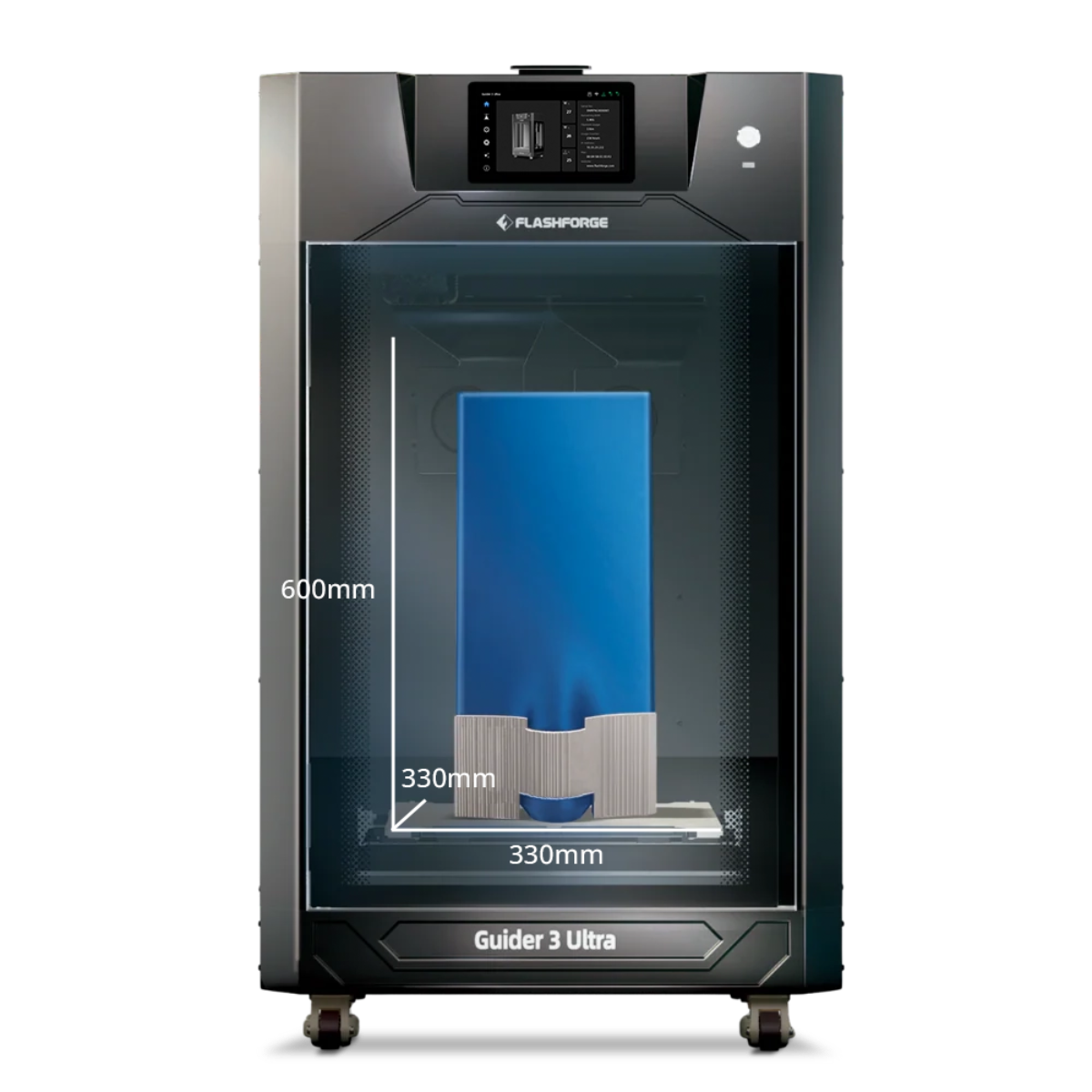
The Guider 3 Ultra is the strongest Flashforge option for tall models and large prototypes. Its CoreXY structure, dual extruders, automatic leveling, hardened steel nozzles, and soluble-support capability suit complex parts.
Flashforge lists a maximum print speed of 500 mm/s, a maximum acceleration of 20,000 mm/s², and a maximum flow rate of 32 mm³/s. Build volume depends on the extrusion mode. The available space is 330 × 330 × 600 mm with one extruder and 300 × 330 × 600 mm with both extruders active.
Flashforge has also published three large-format time comparisons. A 298 × 296 × 328 mm vase took 5 hours and 27 minutes on the Guider 3 Ultra, compared with 11 hours and 57 minutes on the unnamed comparison printer. A fixture took 13 hours and 44 minutes instead of 30 hours and 4 minutes. A gas manifold took 10 hours and 32 minutes instead of 22 hours and 49 minutes.
These figures are manufacturer-reported benchmarks. Flashforge does not identify the comparison printer or publish every slicing condition, so the results should not be treated as a universal speed claim.
Manufacturer-reported benchmark: Flashforge Guider 3 Ultra enterprise page
Best for: Cosplay props, tall prototypes, fixtures, soluble supports, and large-format professional projects.
Best Resin 3D Printer for High Detail
Flashforge currently focuses its primary consumer lineup on FDM printers. Readers who prioritize miniatures, jewelry prototypes, and fine surface details may need a resin printer instead.
The ELEGOO Saturn 4 Ultra 16K is a relevant external option. Hackster.io lists a 211.68 × 118.37 × 220 mm build volume, which is suitable for miniatures, detailed models, and medium-sized resin projects.
Published review: Hackster.io ELEGOO Saturn 4 Ultra 16K review
Resin printing requires a different workspace. NIOSH notes that vat photopolymerization uses liquid resin, followed by washing and UV curing. Some liquid resin chemicals may cause skin irritation or sensitization. Ventilation, gloves, cleaning procedures, and careful waste handling remain important.
Safety reference: NIOSH Approaches to Safe 3D Printing
Best for: Miniatures, jewelry prototypes, detailed models, and resin workflows with dedicated post-processing space.
2026 3D Printer Comparison Table
Advertised speed is useful, but it should not be the only deciding factor. Motion structure, acceleration, cooling, filament flow, material changes, and build volume all affect real print time.
| Evaluation Area | What We Compared |
| Speed | Published print times, practical speed, acceleration, and the difference between print speed and travel speed |
| Accuracy | Surface finish, dimensional consistency, visible ringing, and first-layer reliability |
| Ease of Use | Setup time, leveling, filament loading, nozzle changes, and slicer workflow |
| Reliability | Long-print stability, material compatibility, maintenance requirements, and monitoring features |
| Value | Build volume, enclosure design, multi-color capability, included features, and current price |
Flashforge prices were checked on June 9, 2026. Prices, promotions, shipping terms, and regional availability may change. Check each live product page before publishing or ordering.
Overall, Flashforge offers high value for money across its product range, with practical CoreXY performance, flexible material options, and workflow-focused features at different price levels.

How to Choose the Best 3D Printer in 2026
The right printer depends on the parts you plan to make. Start with the printing process, then narrow the options by structure, material support, and build volume.
FDM vs Resin 3D Printers
FDM printers melt thermoplastic filament and build parts layer by layer. They suit household parts, prototypes, fixtures, toys, and larger functional models. Filament is easy to store, and post-processing is usually limited.
Resin printers use liquid photopolymer resin and UV light. They are better suited to fine details, small features, miniatures, and jewelry prototypes. Resin printing requires washing, curing, ventilation, and careful handling.
Choose FDM for general use and functional parts. Choose resin when fine surface details matter more than workflow simplicity.
Safety reference: NIOSH Approaches to Safe 3D Printing
Open vs Enclosed Printer Designs
Open-frame printers suit PLA and PETG projects in stable indoor environments. They are easier to access and often cost less.
Enclosed printers help maintain a more stable printing environment. This matters when using ABS, ASA, PC, PA, and other materials that are sensitive to temperature changes. An enclosure can also reduce direct contact with moving parts and help manage noise and airborne emissions.
The Adventurer 5M is a suitable open-frame option for PLA and PETG. The Adventurer 5M Pro adds an enclosure and filtration system. The Creator 5 Pro adds active chamber heating for engineering materials. The differences between open vs. enclosed 3D printer designs become more important as material requirements increase.
CoreXY vs Bedslinger Motion Systems
CoreXY printers keep the motors fixed to the frame while the toolhead moves across the XY plane. This can reduce moving mass and support higher acceleration.
Bed-slinger printers move the build plate along one axis. The structure is simple and cost-effective, but the moving bed creates more inertia as speed increases.
The motion system is only one factor. Frame rigidity, belt tension, cooling, filament flow, and calibration still affect print quality.
Single-Color vs Multi-Color Printing
Single-color printers are sufficient for most household parts and beginner projects. They are easier to operate and usually create less waste.
Multi-color systems add flexibility for decorative models, personalized products, labels, toys, and visual prototypes. The AD5X uses one nozzle with an integrated filament-switching system. The Creator 5 Series uses four independent toolheads.
A shared-nozzle design is more accessible. Independent toolheads reduce repeated loading and purging during projects with frequent color or material changes.
Build Volume and Material Compatibility
Build volume determines whether a part can be printed in one piece. A 220 × 220 × 220 mm desktop printer is sufficient for many household projects and prototypes. Props, tall fixtures, and larger samples may require the Guider 3 Ultra.
Material support affects hardware requirements. PLA is a practical starting point. PETG suits tougher functional parts. TPU adds flexibility. ABS, ASA, PC, PA, and composites need more careful hardware selection.
Nozzle temperature, bed temperature, enclosure design, and chamber conditions should match the filament. Understanding common 3D printer filament types helps narrow the options before choosing a printer.
Most Important Features to Compare Before Buying
Once you identify the right printer category, compare the features that affect daily use. Avoid buying a machine based on one marketing number.
Print Speed and Motion Stability
Maximum speed shows the upper limit of the motion system under selected conditions. It does not tell you how quickly the printer can complete every model.
Compare print speed, travel speed, acceleration, flow rate, frame rigidity, and vibration control together. Creator 5 and Creator 5 Pro provide a useful example. Their maximum print speed is 300 mm/s, while their maximum travel speed is 600 mm/s.
[Sources: Flashforge Creator 5 product page and Flashforge Creator 5 Pro product page]
Automatic Bed Leveling and Calibration
Automatic leveling reduces first-layer setup work. It is especially useful for beginners, classrooms, and teams running several printers.
More advanced systems may also include vibration compensation, flow calibration, or multi-toolhead offset calibration. These features reduce manual adjustment and improve consistency across repeated prints.
Filament Ecosystem and Software Experience
A printer should support the materials required by your projects. It should also provide clear slicer profiles for common filaments and nozzle sizes.
Flash Studio Desktop supports the Creator 5 Series, Adventurer 5M Series, AD5X, and Guider 3 Ultra. The software includes remote control and multi-device connectivity. Confirm printer and software compatibility before building a classroom, studio, or print-farm workflow.
Source: Flash Studio Desktop software page
Camera Monitoring and AI Failure Detection
A built-in camera makes it easier to check longer print jobs without standing beside the machine. It can also support remote monitoring and time-lapse recording.
Camera monitoring and AI failure detection are not the same feature. Do not assume that every camera-equipped printer can identify failed prints automatically. Confirm the available functions for each model before buying.
Noise Levels and Workspace Requirements
A printer should fit the room where it will operate. Open-frame desktop printers need a stable surface and enough clearance for safe operation. Larger professional printers need more floor space and easier maintenance access.
Noise also matters in homes, classrooms, and offices. An enclosure can help, but fans, movement, material type, and print duration still affect the workspace decision.
Future Trends Shaping 3D Printing in 2026
Consumer 3D printing is moving beyond single-color PLA models. Integrated multi-color systems such as the AD5X IFS make personalized printing easier to access. Tool-changing systems such as the Creator 5 Series reduce repeated filament loading and lower purge waste during more advanced workflows.
Engineering-material support is also expanding. Enclosed printers, higher nozzle temperatures, heated beds, and active chamber heating make desktop systems more suitable for functional prototypes.
Software is becoming more connected. Remote monitoring, multi-device management, mobile control, and improved slicer profiles reduce setup work for households, schools, studios, and small production teams.
Conclusion
The best 3D printer in 2026 depends on your projects, materials, and workspace. Beginners can start with the Adventurer 5M, while the Adventurer 5M Pro offers a balanced enclosed option for home, classroom, and studio use. The AD5X supports creative four-color printing, the Creator 5 Pro fits professional multi-material workflows, and the Guider 3 Ultra suits large-format parts.
Before buying, compare build volume, material compatibility, enclosure design, calibration features, and real workflow needs instead of focusing only on maximum speed.
The most cost-effective choice is not always the printer with the lowest purchase price. It is the model that covers the required projects with fewer upgrades, less manual setup, and fewer workflow interruptions.
FAQ About the Best 3D Printers in 2026
What Is the Best 3D Printer for Beginners in 2026?
The Flashforge Adventurer 5M is a practical choice for beginners. It combines automatic leveling, quick setup, CoreXY motion, quick-detach nozzles, and a 220 × 220 × 220 mm build volume. It is best suited to PLA and PETG projects.
Which 3D Printer Is Best for Multi-Color Printing?
The Flashforge AD5X is a strong option for accessible four-color printing. It uses an integrated IFS and one shared nozzle. For more advanced multi-material workflows with less purge waste, the Creator 5 Series uses four independent toolheads.
Are Enclosed 3D Printers Worth It?
An enclosed printer is worth considering when you plan to use ABS, ASA, PC, PA, or other temperature-sensitive materials. An enclosure also supports a more controlled indoor workflow. The Adventurer 5M Pro is suitable for enclosed desktop printing, while the Creator 5 Pro adds active chamber heating for engineering materials.
What Is the Fastest Consumer 3D Printer in 2026?
There is no single answer based only on maximum speed. Travel speed, print speed, acceleration, extrusion flow, cooling, model geometry, and slicer settings all affect actual print time. Compare usable performance rather than one headline number.
Should You Buy an FDM or Resin 3D Printer?
Choose an FDM printer for household parts, prototypes, larger models, and general functional printing. Choose a resin printer for miniatures, jewelry prototypes, and projects that need finer surface details. Resin printing also requires washing, curing, ventilation, and careful material handling.