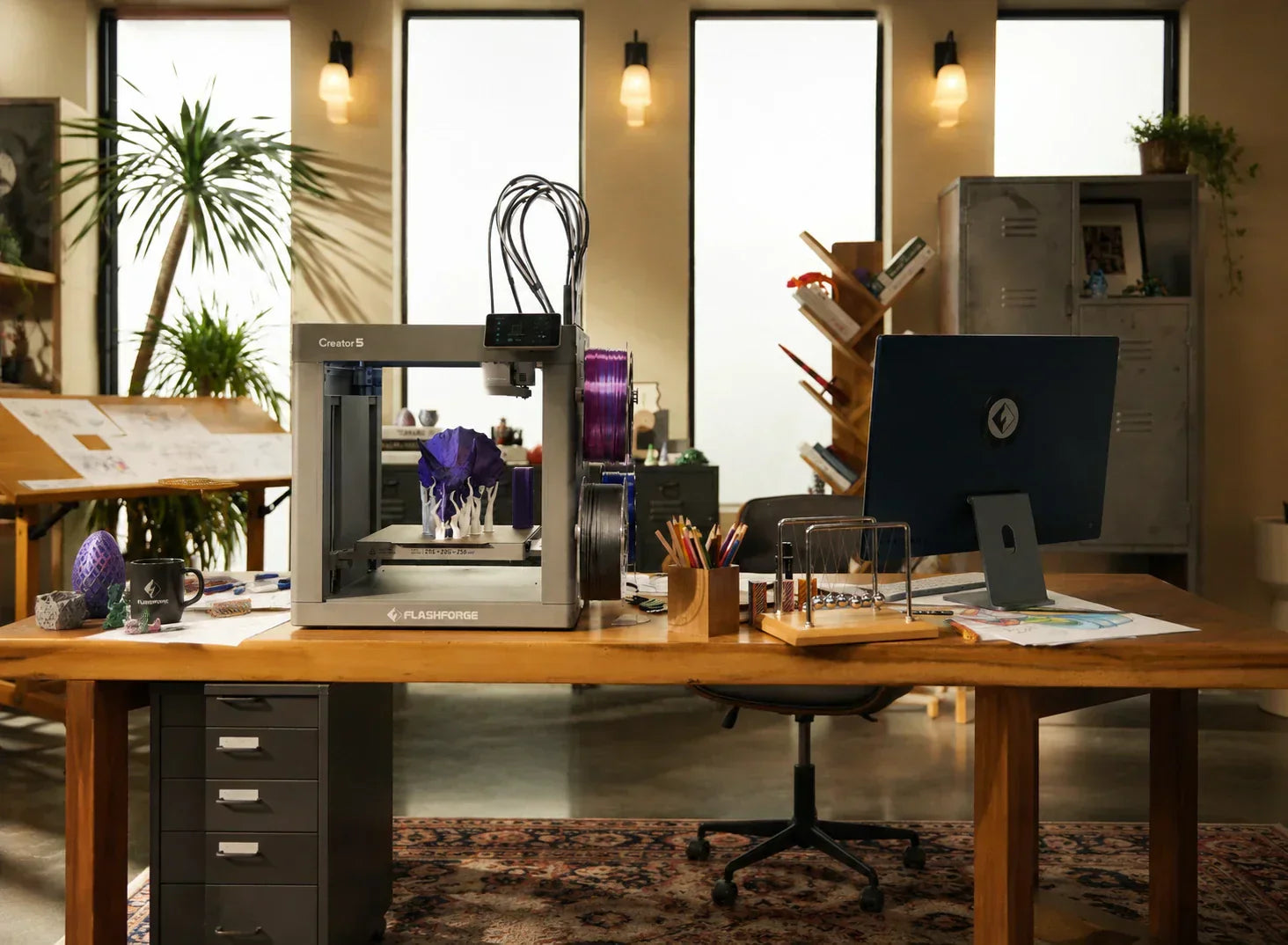
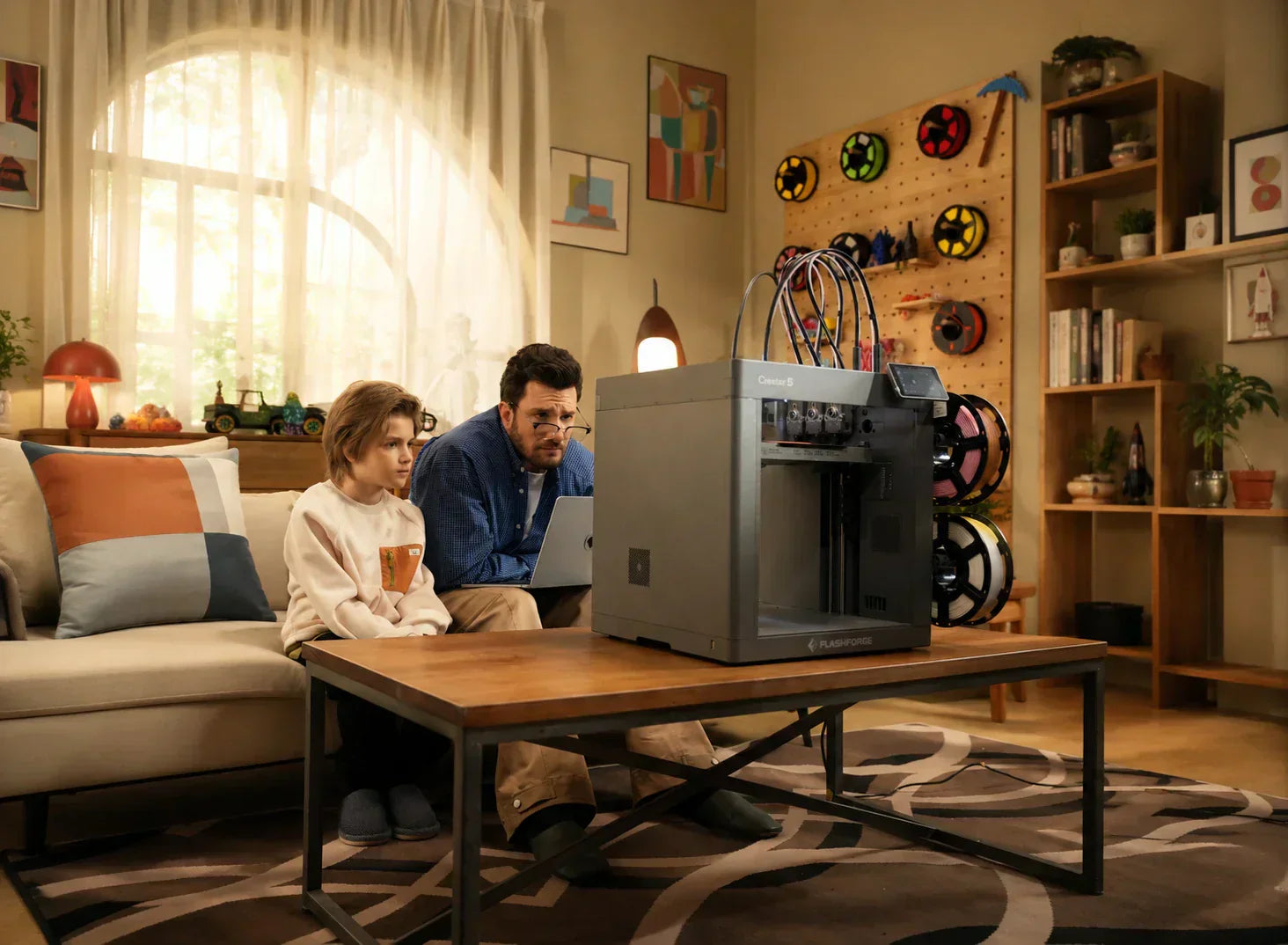
In 2026, the real first step in choosing a 3D printer is deciding whether you need an enclosed or an open-frame model. This architectural difference directly determines which materials you can print reliably, whether the machine fits in a living room or classroom, and how much noise, odor, and safety risk you will manage daily.
In this guide, we will break down the definitions, structural differences, and five core performance metrics. Using real data and common user pain points, we aim to turn the debate over enclosure into a clear decision-making path for you.
What Is the Difference Between Enclosed and Open 3D Printers?
By 2026, 3D printing is no longer just about making an object. It is about the environment, the material, and the consistency of the result. The core difference between enclosed and open-frame printers is essentially a controlled box. This box regulates temperature, airflow, odors, and safety boundaries. Let’s start with the basic definitions and structural foundations to clarify how these two categories work.

What Is an Enclosed 3D Printer?
An enclosed 3D printer features a casing, side panels, and a door surrounding the build plate and nozzle. This creates a sealed chamber where the printing process happens in a controlled environment. The main advantage is stable chamber temperature. This reduces the cold shock from ambient airflow on high-shrinkage materials and physically isolates hot or moving parts to lower the risk of accidents.
The value of an enclosed chamber is most obvious with engineering materials. For high-shrinkage materials like ABS and ASA, rapid cooling in an open space causes uneven internal stress, leading to severe warping or cracking. By keeping the chamber temperature between 50°C and 65°C, the machine slows the cooling process and ensures more uniform layer stress. This significantly boosts success rates. This is why many industrial and educational printers are designed as fully enclosed units from the start rather than using DIY add-on cases.
Beyond temperature control, enclosures manage noise and air quality. Fans and mechanical movements create constant noise. Additionally, thermoplastics release volatile organic compounds (VOCs) and particles when extruded at high temperatures. An enclosed shell physically muffles noise and isolates heat. When paired with HEPA or activated carbon filters, it captures most harmful emissions. This is vital for crowded environments like homes, classrooms, or offices.
As the 3D printing market grows, enclosed printers are becoming more accessible. According to market reports, the global 3D printing market is expected to reach $35.79 billion by 2030. Much of this growth comes from desktop FDM 3D Printer with enclosures and multi-material capabilities. These machines target education, home use, small design studios, and small-batch production.
What Is an Open 3D Printer?
An open 3D printer, often called an open-frame 3D printer, lacks a full outer shell. Users have a direct view of the nozzle, platform, and moving parts. Air flows freely from all directions into the printing space. These models became popular in the late 2010s because they are simple, easy to maintain, and affordable. They are ideal for hobbyists and beginners primarily using PLA.
On an open-frame printer, cooling relies on natural convection and the print head fans. This creates the fast-cooling environment needed for materials like PLA, PETG, and TPU. These materials need quick cooling to maintain detail and sharp overhangs. This is a major reason why many beginners prefer open-frame machines for their first prints.
However, the open structure has clear limits. Room temperature, drafts, and fan direction can interfere with the process. This drops the success rate for large prints or high-shrinkage materials. Many users trying to print ABS in an open room see the model edges lift until the entire base detaches. In an enclosed setup, the success rate for the same print often doubles.
Safety and odor control are also concerns. In an open space, the hot end, nozzle, heated bed, and moving arms are exposed. This increases the risk of accidental contact for children or pets. It also allows odors and particles from high-temperature materials to spread freely. In home and school settings, this usually requires extra ventilation or air purifiers. Enclosed models handle these issues by design.
Key Structural Differences

At the hardware level, the difference between enclosed and open printers goes beyond just having a shell. It involves thermal management, airflow, safety, and maintenance.
-
Thermal Design: Enclosed structures maintain a stable chamber temperature. This is perfect for high-shrinkage materials like ABS, ASA, PC, and certain nylon composites. Open structures rely on ambient temperature and fans, making them better for low-temp materials like PLA and PETG.
-
Airflow Design: Enclosed machines usually feature internal circulation paths. They may use active heating or intake adjustment to keep air moving inside while blocking outside drafts. Open machines have simpler airflow that depends on the room environment and the toolhead fan.
-
Safety Design: An enclosure provides a physical barrier to minimize contact with heat sources and moving parts. Adding HEPA filtration can also remove particles and VOCs. Open-frame models require more supervision or external equipment to manage safety and odors.
-
Maintenance and Upgrades: Open structures are easier to maintain and upgrade. Users can easily reach the mechanical parts, stepper motors, and wiring. Enclosed designs must balance safety with accessibility, often requiring more effort to reach internal components for repairs or upgrades.
Enclosed vs. Open 3D Printer: 5 Key Differences Tested
Next, we will compare the real-world performance of enclosed 3D printers and open-frame 3D printers across five key dimensions. This will help you determine which architecture best fits your specific needs.
Temperature Control and Print Stability
Temperature control is a critical factor for print stability. In an enclosed 3D printer, the chamber temperature can stay between room temperature and roughly 65°C. This allows materials to cool slowly and evenly during the printing process. It reduces thermal shrinkage and internal stress, which improves overall dimensional stability and surface consistency.
In an open-frame 3D printer, temperature control relies on the ambient room temperature and cooling fans. While the toolhead fan helps with detail, cooling is often uneven. Rapid temperature swings at night or in the morning can cause poor surface quality, cracking, or layer delamination.
Test data shows a clear gap. When printing a 200 mm x 200 mm ABS part using the same settings:
-
Enclosed 3D printer: Success rate is nearly 90%.
-
Open-frame 3D printer: Success rate drops to 40%–60%. Users often need extra ducts, shields, or manual temperature adjustments to get better results on open-frame 3D printers.
Material Compatibility
Enclosed 3D printers are better for high-shrinkage materials like ABS, ASA, PC, and nylon-based composites. These engineering materials require a stable thermal environment to prevent internal stress during cooling. Open-frame 3D printers excel with PLA, PETG, and TPU. These materials maintain better surface detail and structural strength when printed in cooler temperatures with fast cooling.
A common rule in the 3D printing community is that enclosed 3D printers rarely need extra bed adhesives or brims for ABS or ASA. The stable heat field manages the shrinkage challenge. On an open-frame 3D printer, users frequently rely on draft shields, enclosures, or external heat sources to ensure the 3D print survives.
Safety and User Protection
Enclosed 3D printers provide superior physical isolation. They keep hot ends, moving parts, and high-temperature materials away from accidental contact. This reduces the risk of injury for children or pets in unsupervised areas. Additionally, enclosed 3D printers can use HEPA filters and activated carbon to trap particles and VOCs inside the machine, keeping indoor air cleaner.
Because the hot end, nozzle, and moving arms are exposed on an open-frame 3D printer, users need extra precautions. This might include safety barriers or constant supervision. Open-frame 3D printers also allow odors and particles to spread freely. Over long-term use, this can impact the health of the user in a confined room.
Print Quality and Warping Resistance
Regarding print quality, enclosed 3D printers offer better surface consistency and lower warping when working with high-shrinkage filaments. Open-frame 3D printers produce high detail and sharpness for PLA or PETG. However, they struggle with warping and splitting when using ABS.
To fight warping on an open-frame 3D printer, users often apply special tapes or heavy adhesives to the build plate. In an enclosed 3D printer, the stable heat field makes these extra tools less necessary. This increases printing efficiency and reduces the need for chemicals or extra hardware.
Noise and Environmental Impact
Enclosed 3D printers minimize noise and heat interference for the surrounding area. They are well-suited for home or office use. Open-frame 3D printers usually require a dedicated room with the door closed or extra soundproofing to keep noise levels down.
The fans and mechanical movements of an open-frame 3D printer are exposed directly to the environment. Users have to manage this noise themselves. With an enclosed 3D printer, most of the sound and heat stay trapped within the shell. This results in less disruption and less radiant heat in your workspace.
Pros and Cons of Enclosed vs Open 3D Printers
After understanding the structural differences, we need to analyze their respective strengths and weaknesses. This helps determine which 3D printer architecture fits specific use cases.
Advantages of Enclosed 3D Printers
-
Stable Temperature Control: Ideal for high-shrinkage materials like ABS, ASA, PC, and nylon-based composites.
-
Enhanced Safety: Provides higher isolation to reduce accidental contact with heat sources and moving parts.
-
Noise Reduction: Lowers environmental noise interference, making it suitable for home or office settings.
-
Environmental Protection: Minimizes external factors like drafts, leading to higher 3D print success rates.
-
Long-Term Durability: The enclosure keeps out dust and debris, which can extend the lifespan of the FDM printer.
Limitations of Enclosed Designs
-
Complexity: The structure is more intricate, leading to higher maintenance and upgrade costs.
-
Footprint: These units take up more physical space and require a larger area for placement.
-
Price Point: Generally more expensive, making them a better fit for users with a higher budget.
-
Ventilation Needs: May require extra filtration or airflow management to handle heat and particle buildup over time.
Advantages of Open 3D Printers
-
Simple Design: Easy to maintain and simple to upgrade.
-
Affordability: The price is usually lower, which suits budget-conscious users.
-
Material Performance: Great for PLA, PETG, and TPU, as these materials maintain sharp surface details in an open environment.
-
Visual Access: Provides a clear view of the printing process, which is helpful for education and training.
-
Rapid Cooling: Better for materials that need fast airflow to produce clean layer lines and structures.
Limitations of Open Designs
-
Poor Thermal Control: Prone to issues like warping, delamination, or cracking.
-
Environmental Disturbance: Noise and heat radiate directly into the room.
-
Safety Risks: Requires extra precautions like safety screens to prevent accidental contact with the moving FDM printer parts.
-
Air Quality: Odors and particles spread easily, often requiring separate ventilation systems.
-
Maintenance Frequency: May need more frequent adjustments to maintain consistent 3D print quality over time.
Which 3D Printer Is Best for Your Use Case?
Choosing an FDM 3D printer depends on your workspace, your budget, and your long-term goals. Here are common scenarios and recommendations.
Beginners and Home Users
An enclosed 3D printer is often the better choice for beginners and home users. These 3D printers provide a more stable and safer environment. They fit well in living spaces because they reduce noise and heat interference for everyone else in the house.
Professional and Industrial Applications
Professional settings usually require an enclosed 3D printer. These units offer the thermal stability and high success rates needed for engineering materials and high-shrinkage filaments. They handle long-term production tasks with less environmental impact.
Educational Environments
Enclosed 3D printers are the safer choice for schools. They protect students from accidental burns or moving parts. They also keep classroom noise levels lower, making them easier to use during a lesson.
High-Performance Material Printing
When it comes to high-performance material printing, both the Flashforge AD5M Pro and Creator 5 Pro demonstrate the necessity of enclosed design. The AD5M Pro's intelligent temperature control system maintains chamber temperature stably between 50°C-65°C, achieving nearly 90% success rate when printing ABS, while the same print on an open-frame printer drops to only 40%-60% success rate. The Creator 5 Pro's 4 independent toolheads design, combined with its enclosed chamber, means that printing PC, nylon composites, and other high-shrinkage engineering materials rarely requires extra bed adhesives or brims, significantly improving printing efficiency.
If you plan to work with high-shrinkage or engineering filaments, an enclosed 3D printer is a necessity. The stable heat field prevents warping and splitting. This setup ensures your professional-grade 3D prints turn out correctly while keeping noise and heat contained.
Final Verdict
In 2026, both enclosed and open 3D printers have distinct roles. Enclosed 3D printers favor users who need material versatility, safety, and a quiet environment. Open-frame 3D printers serve those with limited budgets who need easy access and fast cooling for basic materials. You should select the 3D printer that matches your specific workflow. Do not focus only on marketing claims about speed or build volume.