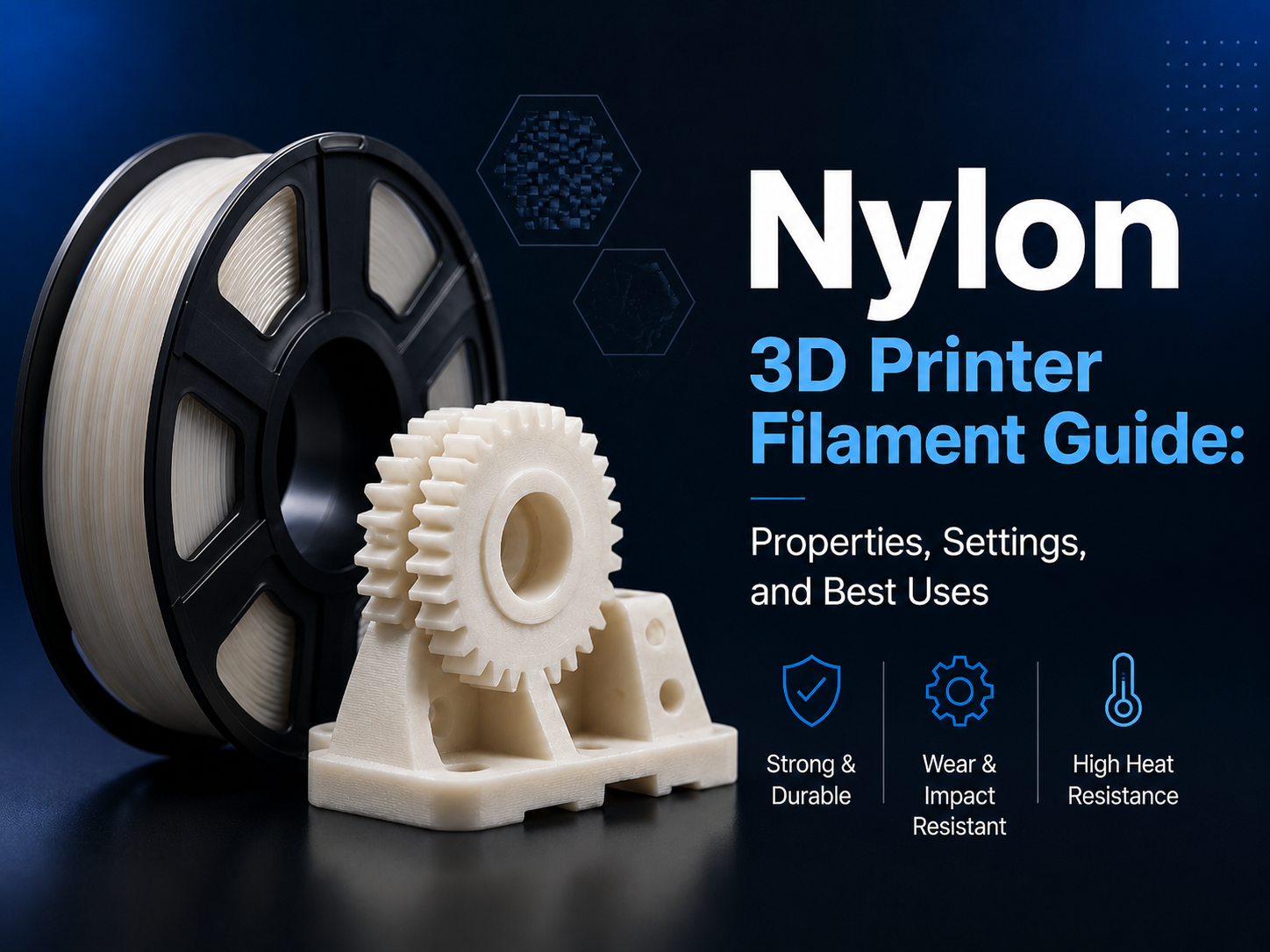
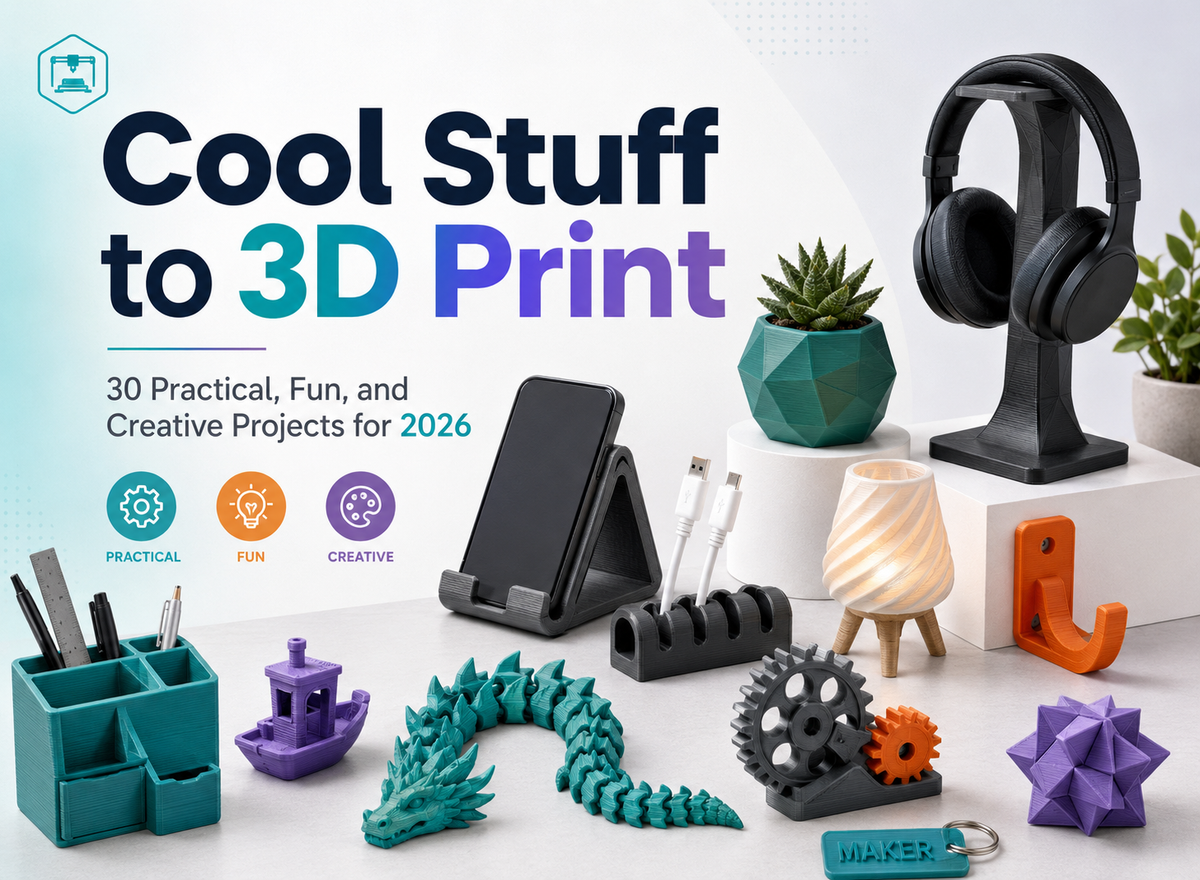
Nylon is one of the most capable engineering materials used in FDM 3D printing. It combines toughness, flexibility, impact resistance, and long-term wear performance—qualities that make it a strong choice for gears, brackets, hinges, jigs, fixtures, and functional prototypes.
Nylon is less forgiving than PLA or PETG. It absorbs moisture quickly, prints at higher temperatures, and shrinks as it cools. Reliable results depend on dry filament, stable temperatures, strong first-layer adhesion, and a profile matched to the specific nylon blend.
What Makes Nylon Different in 3D Printing?
Nylon—also known as polyamide, or PA—is designed for applications where mechanical performance matters more than decorative appearance. For users exploring engineering materials and functional applications, Flashforge 3D printers provide reliable solutions for creating durable parts and prototypes.
High Toughness and Impact Resistance
Nylon balances strength with flexibility, allowing it to absorb impact and flex slightly instead of failing suddenly. Common applications include:
- Gears and moving mechanisms
- Brackets and mounting hardware
- Hinges and clips
- Jigs and fixtures
- Replacement parts
- Mechanical prototypes
Excellent Wear and Fatigue Resistance
Nylon performs well under repeated motion, friction, or loading. Its wear and fatigue resistance make it useful for workshop, prototyping, and low-volume production applications.
High Moisture Absorption
Moisture is the biggest challenge when printing nylon. The material is highly hygroscopic and pulls water from the air. During extrusion, that moisture becomes steam, causing popping, bubbles, stringing, rough surfaces, inconsistent flow, and weaker layer bonding. Dry nylon before printing and store it in a sealed, low-humidity environment.
Warping and Shrinkage
Nylon contracts as it cools. If one area of a print cools faster than another, stress can build between layers and cause corners to lift, walls to warp, or layers to crack. Large models and parts with wide, flat surfaces are especially sensitive.
An enclosed printer—and, for demanding parts, an actively heated chamber—helps maintain a consistent environment.
Different Nylon Formulations Need Different Settings
“Nylon” describes a family of materials. Standard PA, high-temperature nylon, PA-CF, and PA-GF can require different temperatures, drying conditions, speeds, and build-surface preparation. Choosing the right 3D printer filament is an important step before adjusting print settings.
Fiber-reinforced nylons are typically stiffer and more dimensionally stable, but their fibers are abrasive. Use a wear-resistant nozzle and confirm printer compatibility.
Recommended Nylon 3D Printing Temperatures
The filament manufacturer’s specifications should always be your starting point. Exact settings vary by formulation, printer, nozzle size, model geometry, and desired mechanical performance.
| Setting | General starting range | What to watch for |
|---|---|---|
| Nozzle temperature | 250–300°C | Low temperatures can cause weak layer bonding; excessive heat can increase stringing and surface defects. |
| Bed temperature | 70–100°C | Increase within the material’s recommended range if corners lift or first-layer adhesion is poor. |
| Part cooling | Low or off for most of the print | Add limited cooling only when bridges or small details require it. |
| Print speed | Moderate | Slow down if extrusion becomes inconsistent or layer bonding is weak. |
These are starting points, not universal presets. Specialized blends may fall outside them.
Nozzle Temperature
Nylon needs enough heat to flow consistently and fuse between layers. Too little heat can cause weak walls or layer separation; too much can increase stringing, oozing, and loss of detail.
For PA-CF, PA-GF, and other reinforced materials, use a hardened or otherwise wear-resistant nozzle. Standard brass nozzles can wear quickly when exposed to abrasive fibers, changing the nozzle diameter and reducing print consistency.
Bed Temperature and First-Layer Adhesion
A heated bed helps nylon remain bonded as the part cools. Start within the manufacturer’s recommended range, clean the plate, and confirm leveling and first-layer height.
A suitable adhesive can improve hold and release, while a brim can anchor corners on larger parts.
Enclosure and Chamber Temperature
An enclosure limits drafts and slows cooling. Active chamber heating adds control for demanding materials and can reduce warping and layer separation. Choosing 3D printers for engineering materials with stable temperature control can improve consistency when working with nylon and other advanced filaments.
For advanced nylon workflows, the Flashforge Creator 5 Pro combines a fully enclosed design with active chamber heating up to 65°C and a maximum extruder temperature of 320°C. It supports engineering materials including PA, PA-CF, PAHT-CF, and PPA-CF, giving professional users the thermal control and material range needed for functional parts and prototypes.
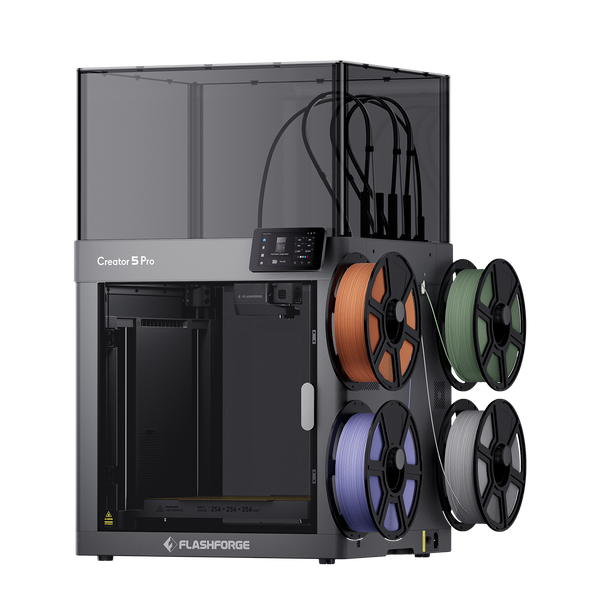
Flashforge Creator 5 Pro 4-Toolheads Enclosed Multi-Color 3D Printer | 500% Faster, Zero Purge Waste
Cooling Fan Settings
Unlike PLA, nylon generally benefits from limited cooling. Too much airflow can weaken layer bonding and increase warping. Start with the fan off or low, adding only what bridges, overhangs, or small features require.

How to Dry Nylon Filament Before Printing
Drying is part of the normal nylon workflow. Even a newly opened spool may have absorbed moisture during manufacturing or shipping.
Signs That Nylon Is Wet
Check for these symptoms during extrusion:
- Popping or crackling at the nozzle
- Steam, bubbles, or foamy extrusion
- Excessive stringing or oozing
- Rough, uneven, or cloudy surfaces
- Inconsistent extrusion
- Weak layers or brittle-looking fractures
If several of these symptoms appear, dry the filament before changing multiple slicer settings. Tuning a wet spool rarely produces a stable profile.
Choose a Controlled Drying Method
A dedicated dryer maintains a controlled temperature. A passive dry box can protect dry filament but may not remove enough moisture from a saturated spool.
Flashforge’s VDS Ventilation Drying System combines active drying and storage and supports temperatures up to 85°C, making it suitable for moisture-sensitive engineering materials that require higher drying temperatures.
Set the Correct Drying Temperature and Time
Always follow the filament manufacturer’s instructions. As a general reference, many standard nylon filaments are dried around 70–80°C for several hours, while reinforced or high-temperature blends may require a different cycle.
Excessive heat can deform the spool or affect the filament, so confirm that both can tolerate the selected temperature.
Keep Nylon Dry During the Print
Nylon starts absorbing moisture again when exposed to humid air. For long jobs, feed it from a dryer or sealed dry box. After printing, return the spool to an airtight container with fresh desiccant.

How to Tune Nylon Print Settings Step by Step
Once the filament is dry and the printer can maintain stable temperatures, tune the profile methodically.
1. Start With a Moderate Print Speed
Start conservatively and increase speed only after confirming clean flow and strong layer bonding. If reinforced nylon under-extrudes, slow down and verify that the hotend can maintain the required flow.
2. Build a Reliable First Layer
Warping often starts at the build plate. Before launching a large print:
- Clean and prepare the build surface
- Confirm bed leveling and first-layer height
- Use an adhesive recommended for the plate and filament
- Add a brim when the model has sharp corners or a small contact area
- Keep the enclosure closed and avoid drafts
A stable first layer creates the foundation for accurate, durable nylon parts.
3. Tune Retraction and Travel Carefully
Nylon can string, but excessive retraction is not always the answer. First confirm that the spool is dry, since moisture is a common source of stringing and oozing. Then adjust retraction distance, retraction speed, travel speed, and nozzle temperature in small increments.
4. Calibrate Flow Before a Large Print
Accurate flow improves wall thickness, surface consistency, and dimensional accuracy. Calibrate whenever you switch nylon types, nozzle sizes, or major temperature settings. For functional parts, learning how to print stronger FDM parts can further improve durability through better material selection and print optimization.
The Creator 5 Pro supports dynamic flow calibration and automatic pressure-advance calibration, helping maintain more consistent extrusion when changing materials or toolheads.
5. Validate Strength in the Intended Orientation
FDM strength varies with orientation. Test a representative sample under its expected load; material, wall thickness, infill, layer bonding, and orientation all affect performance.
Common Nylon 3D Printing Mistakes to Avoid
- Printing wet filament: Dry the spool first; slicer adjustments cannot fully compensate for moisture in nylon.
- Using a brass nozzle with reinforced nylon: PA-CF and PA-GF are abrasive and require a wear-resistant nozzle.
- Using one profile for every nylon: Each formulation may need different temperatures, cooling, speed, and drying conditions.
- Applying too much part cooling: Excess airflow can increase warping and reduce interlayer strength.
- Changing several settings at once: Adjust one variable at a time so you can identify what solved—or caused—the problem.
- Skipping calibration before a large part: A small test can confirm extrusion, adhesion, and temperature settings before you commit more time and material.
- Leaving nylon exposed after drying: Store it in a sealed, low-humidity environment and keep it dry during long prints.
- Ignoring part orientation: Place layer lines with the expected load in mind, especially for structural parts.
Final Takeaway
Nylon can produce tough, wear-resistant parts beyond the capabilities of many standard FDM materials. Start with dry filament, follow the manufacturer’s temperature range, limit cooling, secure the first layer, and tune one setting at a time. For large parts or reinforced nylon, a high-temperature enclosed printer with active chamber control can provide the stability needed for consistent results.
Still comparing materials? Read the Flashforge FDM 3D Printer Filament Guide to see how nylon compares with PLA, PETG, ABS, TPU, PC, and other common options.
Frequently Asked Questions
Is nylon stronger than PLA or PETG?
Nylon is generally tougher and more fatigue-resistant than PLA, which makes it better suited to parts exposed to impact, repeated movement, or flexing. The comparison with PETG depends on the exact formulations and part design, but nylon is often selected for more demanding mechanical applications. Print orientation and layer bonding can matter as much as the material name.
Are nylon 3D prints waterproof?
Nylon parts can resist short-term water exposure, but the material itself absorbs moisture. An FDM print may also contain microscopic gaps between extrusion lines, so it should not be assumed to be waterproof without appropriate design, process validation, and post-processing.
Can nylon prints be sanded, drilled, or machined?
Yes. Nylon parts can generally be sanded, drilled, tapped, or machined. Use sharp tools, control heat buildup, and support the part properly to avoid deformation.
What parts are best suited to nylon 3D printing?
Common applications include gears, hinges, brackets, clips, bushings, jigs, fixtures, mechanical prototypes, and replacement components that benefit from toughness, wear resistance, or repeated flexing.
What happens if nylon filament gets wet?
Moisture turns to steam in the hotend, causing popping, bubbles, rough surfaces, stringing, inconsistent extrusion, and weaker layer bonding. Drying the filament at the manufacturer’s recommended temperature and storing it in a sealed environment can restore consistent printing in many cases.