









Table of Contents
For most households, the power consumption of a desktop FDM 3D printer is quite low. Generally, it is equivalent to a computer or a small appliance. The electricity cost is much lower than the cost of filaments. In this 2026 power usage guide, you will see authoritative data and real-world measurement cases. We will clarify exactly how much power a 3D printer uses, how it compares to other household appliances, and what your long-term electricity bills might look like. We also provide practical methods to lower energy consumption through machine selection and settings. This will help you feel confident about starting the hobby rather than being scared off by power costs.
Quick Answer: Do 3D Printers Consume a Lot of Power?
Many users preparing to start 3D printing have the same first thought: This thing runs for hours or even dozens of hours at a time, so is it going to be a power hog? To answer this, we will use a few key figures to give you an intuitive sense of 3D printer wattage and electricity costs. In the following sections, we will break these numbers down by individual components, different materials, and various printing scenarios.
Typical Power Range of FDM 3D Printers
Average power consumption for mainstream desktop FDM 3D printers during a print job typically ranges from 50 to 250 watts. Most small to medium models used by hobbyists stay within the 50 to 150-watt range.
To put these numbers into perspective, here is how 3D printers compare to common household electronics and appliances based on 2025 and 2026 data:
|
Device
|
Typical Power Consumption (Watts)
|
|
3D Printer (PLA Printing)
|
50: 100 W
|
|
3D Printer (Average Load)
|
100: 150 W
|
|
Desktop Computer (High Load)
|
200: 400 W
|
|
Microwave
|
1,000: 1,200 W
|
|
Hair Dryer / Space Heater
|
1,500 W
|
Average Electricity Usage per Print
What really affects your electric bill is the total power used per print. In a 2025 real-world test, a reviewer used a power meter to monitor a desktop FDM printer. A four-hour print job had an average power draw of around 95 watts, using 0.38 kWh total. At an average US electricity rate of about $0.16 per kWh, the cost for the entire print was only around $0.06, which is less than 0.5 RMB. Another calculation gives an even clearer example. A typical desktop printer set to 205 degrees Celsius for the nozzle and 60 degrees Celsius for the heated bed uses about 70 watts. Printing continuously for 10 hours uses about 0.7 kWh. At $0.13 per kWh, the total cost is about $0.09. Enthusiast long-term data confirms this. A UK user tracked an early model, the Flashforge Adventurer 3C, over a year and 87 print jobs. Total power used was 8.65 kWh for 1495 grams of PLA models. This cost only about two British pounds. The average electricity cost per 100 grams of finished model is just pennies, essentially negligible.

Key Takeaways for Home Users
Based on these calculations and real-world cases, electricity costs for home 3D printer users typically range from $0.01 to $0.05 per hour. Total annual expenses usually fall between $10 and $50. The real costs lie in the filaments and the machine itself. Therefore, if you are already willing to buy a 3D printer for your kids or yourself for long-term use, power consumption will not be the deciding factor in whether or not to pursue the hobby.
Power Consumption by Component (Hotend, Heated Bed, Motors)
From a structural standpoint, the power consumption of an FDM printer primarily comes from the hotend heater, the heated bed, stepper motors, and the fans/motherboard electronics. Early tests on open-source FDM printers show that the system pulls only about 15 to 20 watts while idle. This base load is mainly from the fans and control board. Stepper motors add about 10 watts when holding a position, while the extra power used during actual movement is surprisingly small.
The real heavy hitters are the heating elements. A hotend typically has a heating power of 30 to 50 watts. However, because the nozzle is small and well-insulated, the average power required to maintain temperature after the initial heat-up is not very high. In contrast, the heated bed has a large surface area and heats up slowly. It is often designed for 120 to 300 watts or more. During the initial heating phase, it will pull maximum power, making it the primary source of the machine's peak wattage. Multiple energy guides state clearly that the heated bed is the most power-hungry component in an FDM printer.
Wattage Differences Between 3D Printer Types
Another major source of power variation is the printing technology itself. Sinterit compared the energy consumption of various industrial and desktop devices. The data shows that desktop FDM printers average between 60 and 250 watts, while industrial FDM equipment often ranges from 300 to 800 watts. Desktop resin printers (SLA/DLP/LCD) generally run between 40 and 150 watts. Selective Laser Sintering (SLS) and metal printers jump to the kilowatt level. For home users, most machines are desktop FDM or resin models. Their power draw is roughly equivalent to a computer and monitor setup, which is far lower than industrial equipment.

Energy Usage Per Hour and Per Print
Wattage differences from a user perspective, the most practical metrics are energy use per hour and per print. When printing PLA at moderate speeds for small to medium models, a desktop FDM machine averages about 0.05 to 0.15 kWh per hour (50 to 150 watts). For high-temperature materials like ABS, which require higher bed temperatures, the average power may rise to 100 to 200 watts, or 0.1 to 0.2 kWh per hour.
Take a typical 6-hour medium-sized PLA print as an example. If the power averages 90 to 120 watts, the total energy used is 0.54 to 0.72 kWh. At an electricity rate of $0.15 to $0.25 per kWh, the cost is roughly $0.08 to $0.18. For most residential electricity rates, this cost is far lower than the price of the filament used for the same model. It usually costs less than a small cup of coffee.
What Factors Affect 3D Printer Energy Consumption?
Why do some users claim a night of printing costs next to nothing, while others feel that large projects make the electric meter spin? In the real world, the difference in power consumption does not come from mysterious brand optimizations. Instead, it depends on physical factors like temperature, time, volume, and mechanical efficiency.
Print Temperature and Material Type
Material and temperature directly determine how much work the heating system must perform. Data guides show that low-temperature materials like PLA typically require nozzle temperatures of 190 to 210 degrees Celsius and bed temperatures around 50 to 60 degrees Celsius. This keeps power draw relatively low during both the heating and maintenance phases. In contrast, materials like ABS or PETG often require higher nozzle temperatures and bed temperatures between 80 and 100 degrees Celsius. Many machines also require an enclosed chamber for these materials to prevent warping, which significantly increases average power use throughout the process.
Print Duration and Model Size
The second factor is how long you print and how large the model is. One study tracked an enthusiast over a year, covering 87 print jobs and 1495 grams of filament. The total electricity used was 8.65 kWh. The cost per piece was extremely low because most models were moderate in size and had limited print times. Conversely, if you frequently print large, high-infill models that take 12 to 24 hours, the total energy use increases linearly even if the average wattage stays the same. Because of the geometric nature of 3D printing, many small prints and a few massive prints result in completely different electric bills. It is not that a machine suddenly becomes less efficient; it is simply doing more work.
Enclosed vs. Open Printer Design
The impact of enclosed versus open-frame designs is more subtle. Theoretically, enclosed models retain heat better. When using a heated bed and high-temperature materials, an enclosure reduces the need for the heating system to constantly kick in to maintain the temperature. This lowers the average wattage. Additionally, enclosed structures help control airflow and temperature gradients. This improves the print success rate and helps you avoid reprinting due to warping or cracking, which saves both electricity and filament.
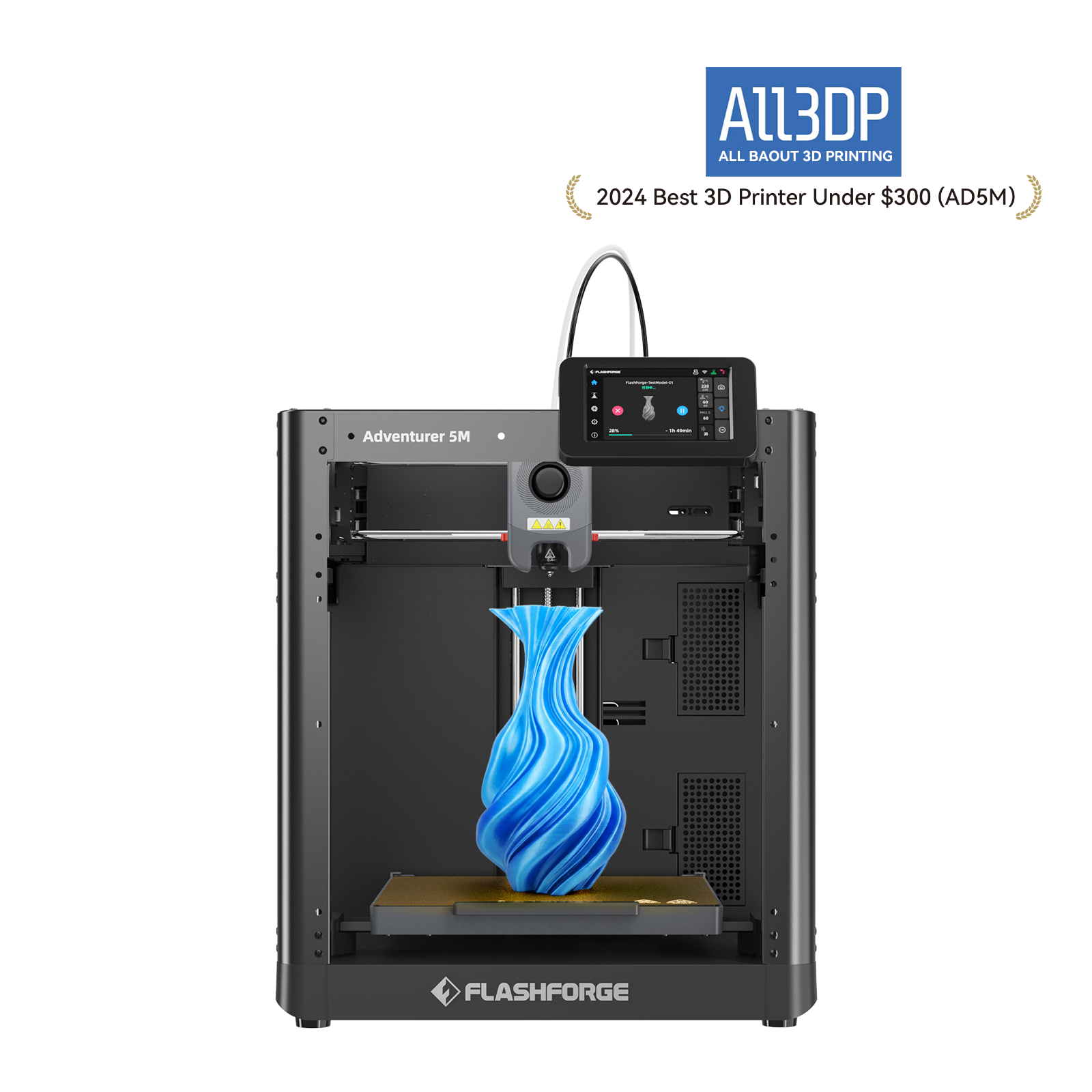
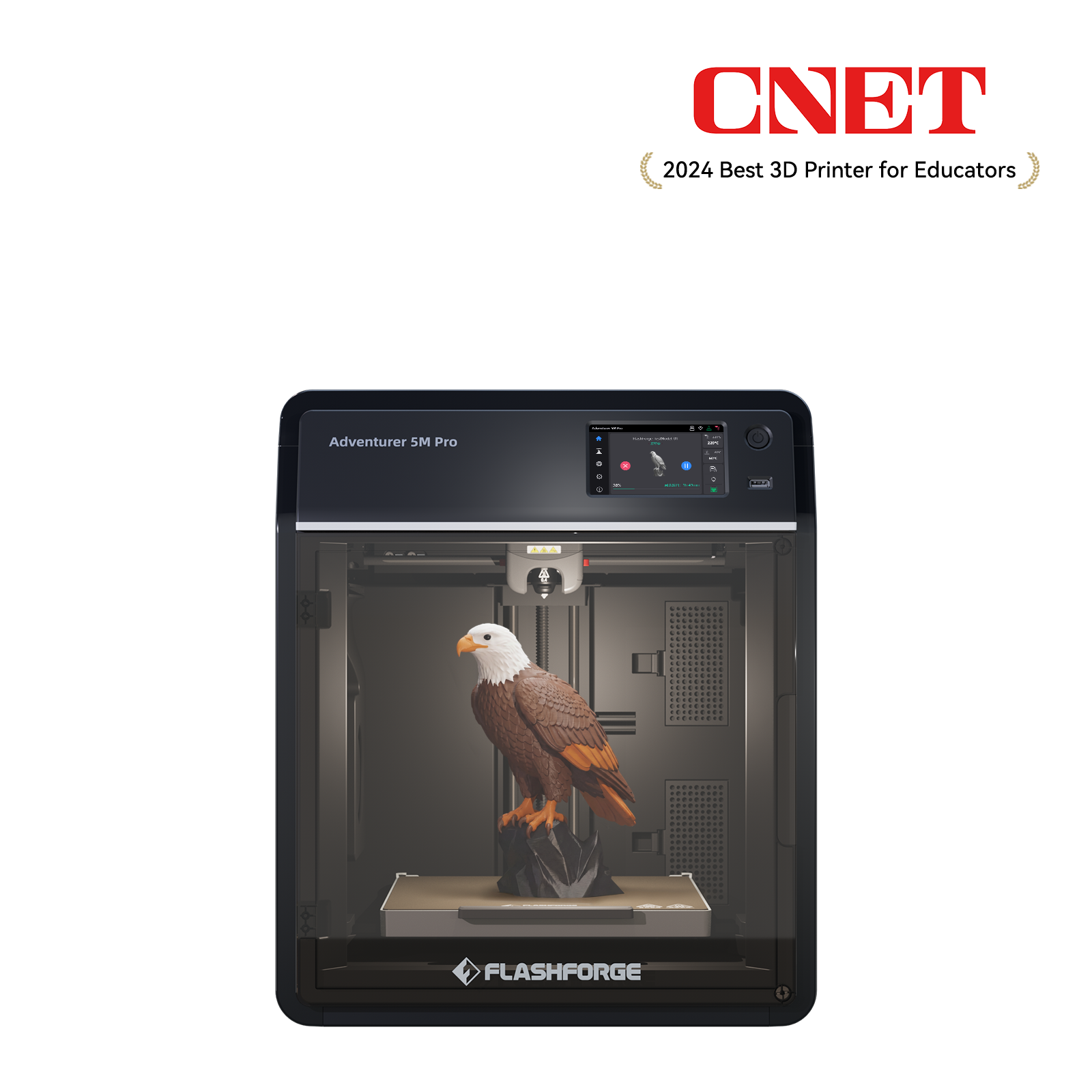
This is why many home and educational models use enclosed designs with insulation and filtration modules. For example, the Flashforge Adventurer 5M Pro combines an enclosed chassis with high-efficiency cooling and filtration. This setup maintains chamber temperatures more steadily while ensuring safety and air quality. For home users who run long prints but want to keep their utility bills in check, this design offers a better energy experience.
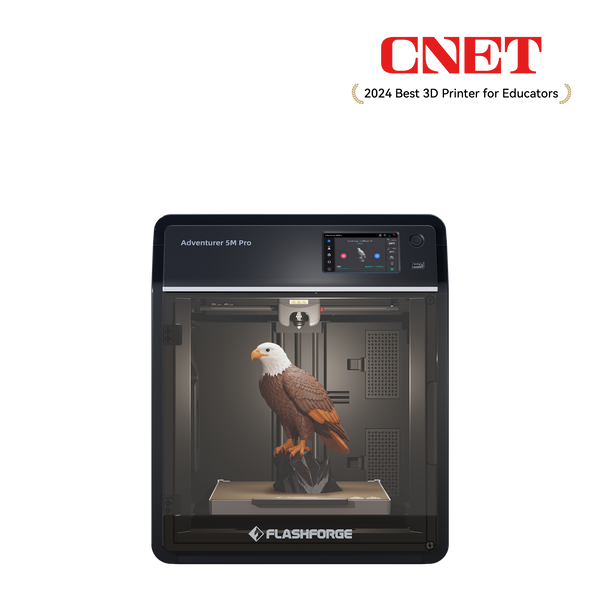
Adventurer 5M Pro
$449.00
$599.00
Oversize Work Station
9% Auto Incline
Superior Shock Absorption
High Quality78
Energy Usage Per Hour and Per Print
Wattage differences from a user perspective, the most practical metrics are energy use per hour and per print. When printing PLA at moderate speeds for small to medium models, a desktop FDM machine averages about 0.05 to 0.15 kWh per hour (50 to 150 watts). For high-temperature materials like ABS, which require higher bed temperatures, the average power may rise to 100 to 200 watts, or 0.1 to 0.2 kWh per hour.
Take a typical 6-hour medium-sized PLA print as an example. If the power averages 90 to 120 watts, the total energy used is 0.54 to 0.72 kWh. At an electricity rate of $0.15 to $0.25 per kWh, the cost is roughly $0.08 to $0.18. For most residential electricity rates, this cost is far lower than the price of the filament used for the same model. It usually costs less than a small cup of coffee.

Comparison with Common Household Appliances
To help you better understand the impact of a 3D printer on your household electricity bill, the table below compares appliance wattage and hourly costs. It provides a unified perspective by looking at common device power ranges:
|
Device Type
|
Typical Power Range
|
Typical Hourly Cost (at $0.16/kWh)
|
|
3D Printer (Desktop FDM Avg.)
|
100–150 W
|
$0.016–$0.024
|
|
Desktop Computer
|
200–400 W
|
$0.032–$0.064
|
|
Gaming Console
|
150–200 W
|
$0.024–$0.032
|
|
32" LED TV
|
20–60 W
|
$0.003–$0.010
|
|
Microwave
|
1000–1200 W
|
$0.160–$0.192
|
|
Hair Dryer / Space Heater
|
1500–1800 W
|
$0.240–$0.288
|
As shown in the table, the power draw and hourly cost of a 3D printer are in the same ballpark as a computer or gaming console. These costs are much lower than high-power appliances like microwaves or space heaters. For most households, a 3D printer functions more like a hobby device than a heavy energy consumer.
How to Reduce 3D Printer Power Consumption
Even though 3D printers do not use much power, many eco-conscious users still want to save where they can. The good news is that lowering energy consumption does not require complex skills. You can keep electricity use at an optimal level by making rational adjustments to settings, machine choice, and usage habits without sacrificing print quality.
Optimizing Print Settings for Efficiency
The first area to improve is the print parameters. Energy analysis shows that print duration and heated bed temperature are the two core variables affecting total power use. The longer a print takes, the more energy the bed and nozzle consume to maintain their temperatures. Many guides suggest that increasing layer height, reducing excessive infill percentages, and avoiding overly slow speeds or conservative temperatures on non-precision models can significantly shorten print times and cut total energy use.
Engineering comparisons also point out that optimizing internal infill structures, such as using honeycomb or gyroid patterns, can achieve the same strength with less material and time. This saves both filament and power. For home users, a simple strategy is to use a 0.2 to 0.28 mm layer height, 15% to 20% infill, and reasonable print speeds for non-functional parts. This naturally finds the balance between material, electricity, and time.
Using Energy-Efficient 3D Printers
The most direct way to lower energy use from the start is to choose a model with an efficient structure and smart thermal management. Printers with insulated chambers, high-efficiency power supplies, and advanced stepper drivers often complete the same tasks with lower average wattage. This has been a key focus for hardware engineers in recent years.
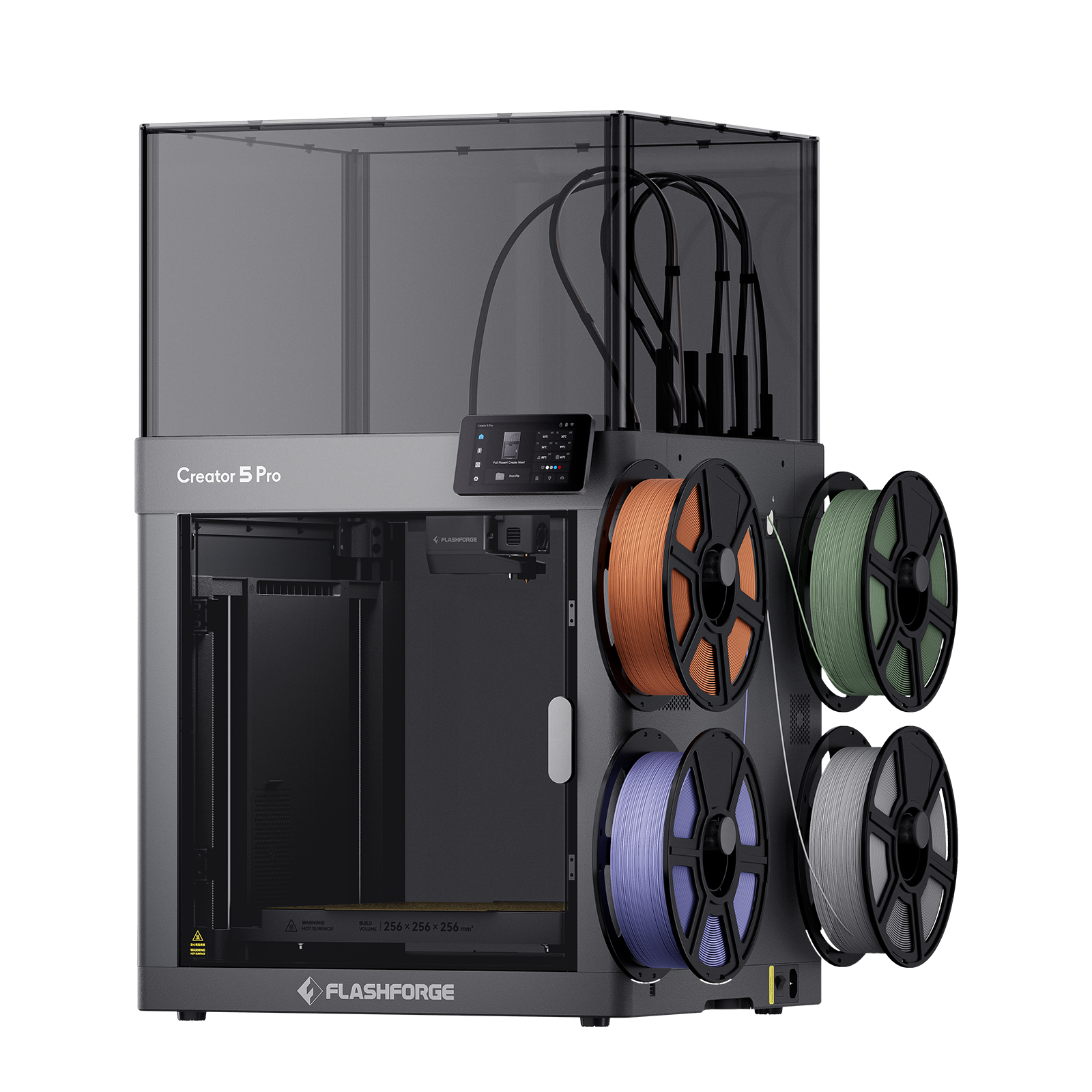
The Multi-tool head Flashforge Creator 5 3D Printer exemplifies this direction. Its 700W high-efficiency power supply, combined with precision stepper drives and innovative 4-toolhead zero-waste switching technology, allows for print speeds over five times faster than standard models. This reduces the completion time and total energy for complex multi-color tasks to one-fifth of traditional methods. Its design also incorporates smart thermal management to prevent unnecessary heat loss. Whether for a home desktop or a small studio, choosing the right machine makes saving energy simple.
Minimizing Idle and Heating Time
Many users unknowingly spend money on electricity while the machine is just waiting. This happens when a printer preheats long before a job starts or stays powered on after a print finishes, leaving the bed to idle at high temperatures. We recommend that you shorten the gap between preheating and the start of a print. You should also turn off the heating elements or the entire machine as soon as a job ends.
Practical Tips for Lower Electricity Bills
To keep the impact of 3D printing on your electric bill to a minimum, you can turn these principles into a few daily habits. Prioritize low-temperature materials like PLA and moderate bed temperatures. Avoid using high-temperature materials when they are not necessary. If you are unsure which to pick for a specific project, comparing petg vs pla which filament is best for your 3d prints can help you find a balance between structural strength and energy efficiency. Plan your print queue effectively by combining multiple small parts into a single job to reduce frequent heating and cooling cycles. Finally, use timer or remote control functions to avoid long periods of unattended idling.

Conclusion
Based on data and case studies, the power consumption of a desktop FDM 3D printer in a home setting is comparable to that of a computer. It is far from being a power hog. The hourly electricity cost usually ranges from a few cents to a couple of dimes. In fact, the total annual cost is typically lower than what you spend on filament, and often less than a yearly coffee budget. What really drives your electric bill is how often you print, the size of your models, and the temperatures required for your materials. By choosing the right machine and optimizing your settings, you can keep these factors under control.
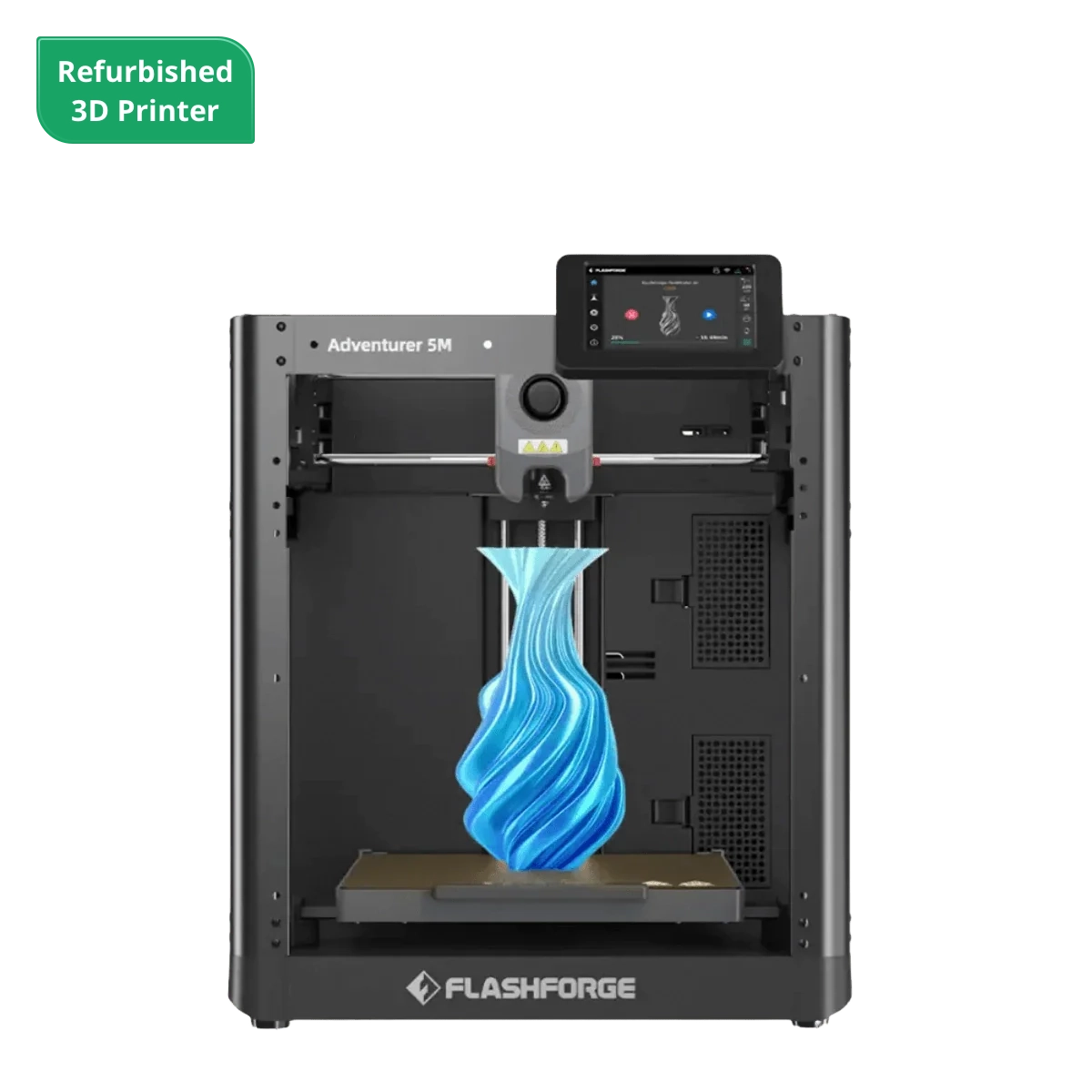
If you pick a model with high energy efficiency and a solid build, such as the Flashforge Adventurer series, which focuses on enclosure and thermal management, you can print with confidence. When paired with smart printing habits, 3D printing brings the joy of creation and a great learning experience for kids without causing stress when the monthly bill arrives.