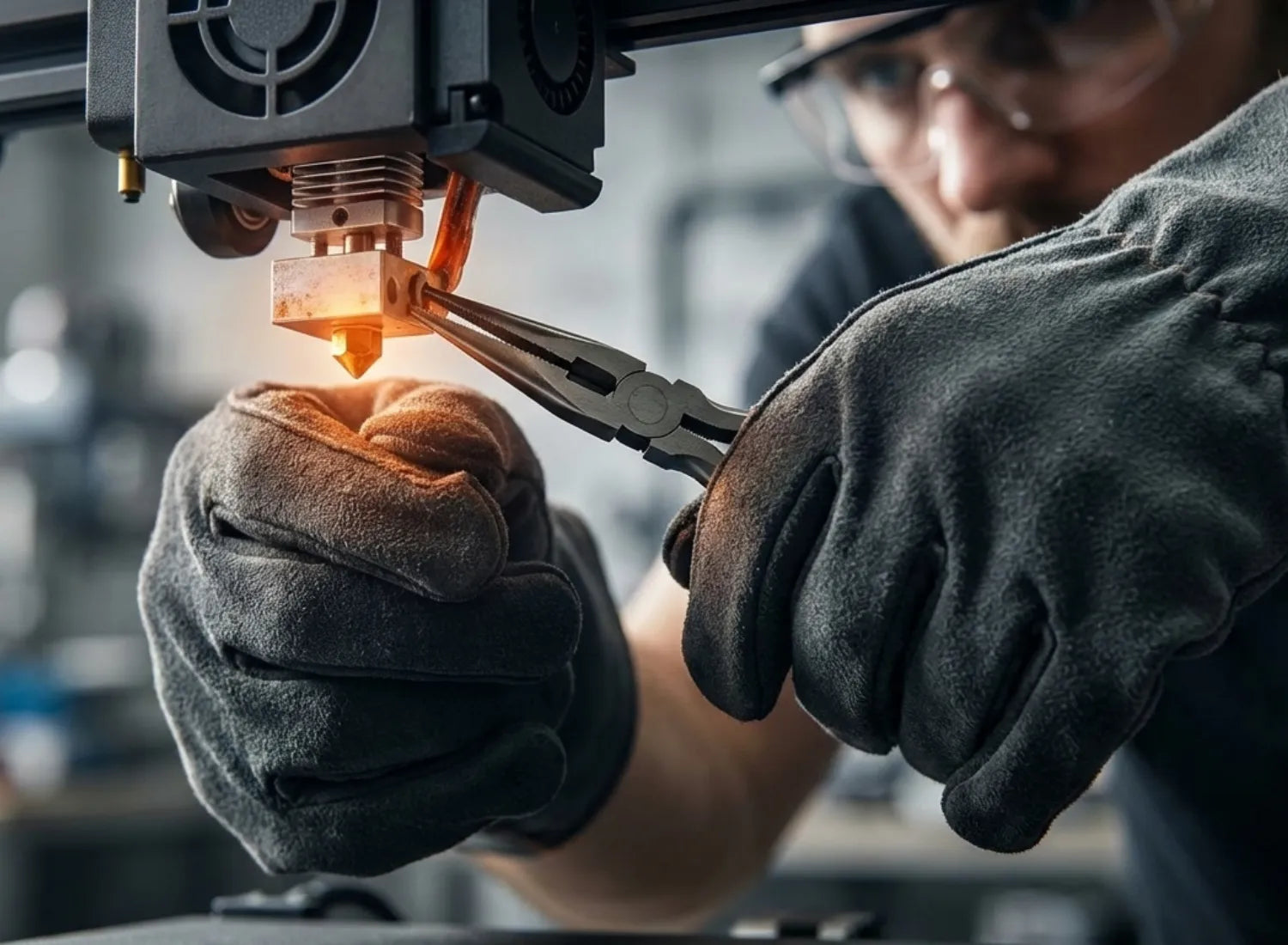
For most families and schools, a 3D printing pen for kids serves as a better low-barrier tool for creative enlightenment, while a children's 3D printer is better suited for kids ready to systematically dive into STEM and engineering design. This article will examine the core differences between these two product categories across working principles, safety, educational value, budget, and real-world usage scenarios to help you make a smarter choice based on age and interest.
What Is a 3D Printing Pen for Kids?
To a child, a 3D printing pen for kids is a lot like a hot glue gun that can draw a 3D world. By inserting plastic filament that heats up once powered on, kids can draw lines in mid-air, turning flat sketches into small models they can actually hold. Compared to a full 3D printer, a 3D pen requires no modelling software or slicing programs. Children can start creating the moment they pick it up. This what you see is what you get approach is particularly appealing to children aged 6 to 10.

How 3D Pens Create Objects by Hand
In practice, the working principle of most 3D pens is similar to
FDM (Fused Deposition Modeling) 3D printing. A motor pushes plastic filament into a heating chamber where it reaches its melting point and is extruded from the nozzle. It cools and solidifies rapidly, forming fine plastic lines in space. These segments are then layered into 3D structures through a child's hand-eye coordination. While traditional adult 3D pens often use PLA or ABS filaments requiring high temperatures of 170–230 degrees Celsius, this presents obvious burn risks and organic vapor concerns for children. Consequently, products specifically designed for kids in recent years more commonly use PCL (polycaprolactone), which has a melting point of around 60 degrees Celsius. This makes the nozzle feel warm to the touch rather than scalding.
At an operating temperature of 60–65 degrees Celsius, PCL releases almost no detectable volatile organic compounds, making it a much more suitable creative material for children's close-range use than PLA or ABS. This means that with reasonable parental supervision, a 3D pen using PCL can transition from a high-alert activity to a tabletop creative tool that a child can control relatively independently.
Key Features of Kid-Friendly 3D Pens
3D pens truly suited for children usually feature significant optimizations in materials, safety, and ergonomics. First, regarding materials, choosing low-temperature, non-toxic, and biodegradable filaments like PCL is much better for a child's use case than sticking with high-temperature PLA or ABS. Product descriptions will also clearly state a melting point of around 60°C and the absence of harmful plasticizers or heavy metals. Second, there are temperature controls and protective designs. High-quality children's 3D pens use enclosed nozzle structures, overheat protection, and auto-sleep functions to prevent the tip from overheating or being touched accidentally.
In terms of feel and control, pens for children aged 6–10 are generally designed with thicker, rounded shells and low-speed settings to accommodate their developing fine motor skills. Safety guides also emphasize that easy-to-replace filament compartments, intuitive button layouts, and clear indicator lights can significantly lower the learning curve for both children and parents. This reduces the frustration of a failed first attempt and keeps kids motivated to keep creating.
Typical Use Cases for Creative Play and Crafts
In actual use, a 3D pen for kids functions more like an advanced art tool. Common uses include 3D doodling, making small accessories and keychains, adding 3D outlines to paper drawings, and repairing broken toy parts. Many parents report that their children will trace flat shapes on regular drawing paper with the 3D pen, then peel them off the paper to create 3D cartoon characters or animals that can stand on a desk. This direct transition from 2D to 3D is excellent practice for spatial imagination and hand-eye coordination.
In school art or integrated practice classes, teachers also use 3D pens to quickly build scene models or art installations, allowing students to participate in set design and detailing. However, the focus remains on free creation and experiencing the joy of making rather than strict dimensional accuracy or mechanical fit. For children just starting to explore the three-dimensional world, a 3D pen provides an entry point to feel 3D shapes by hand.
What is a kids' 3D Printer?
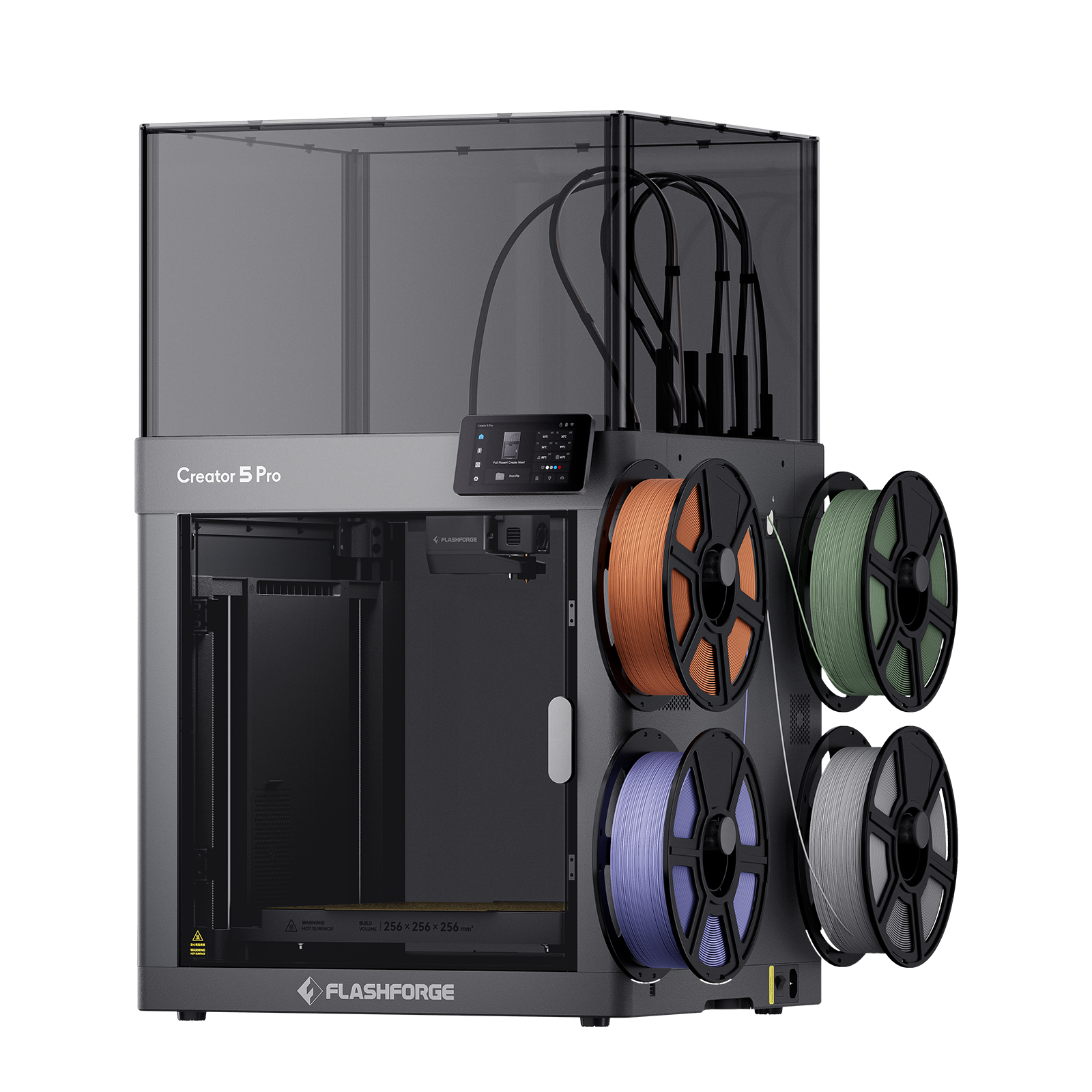
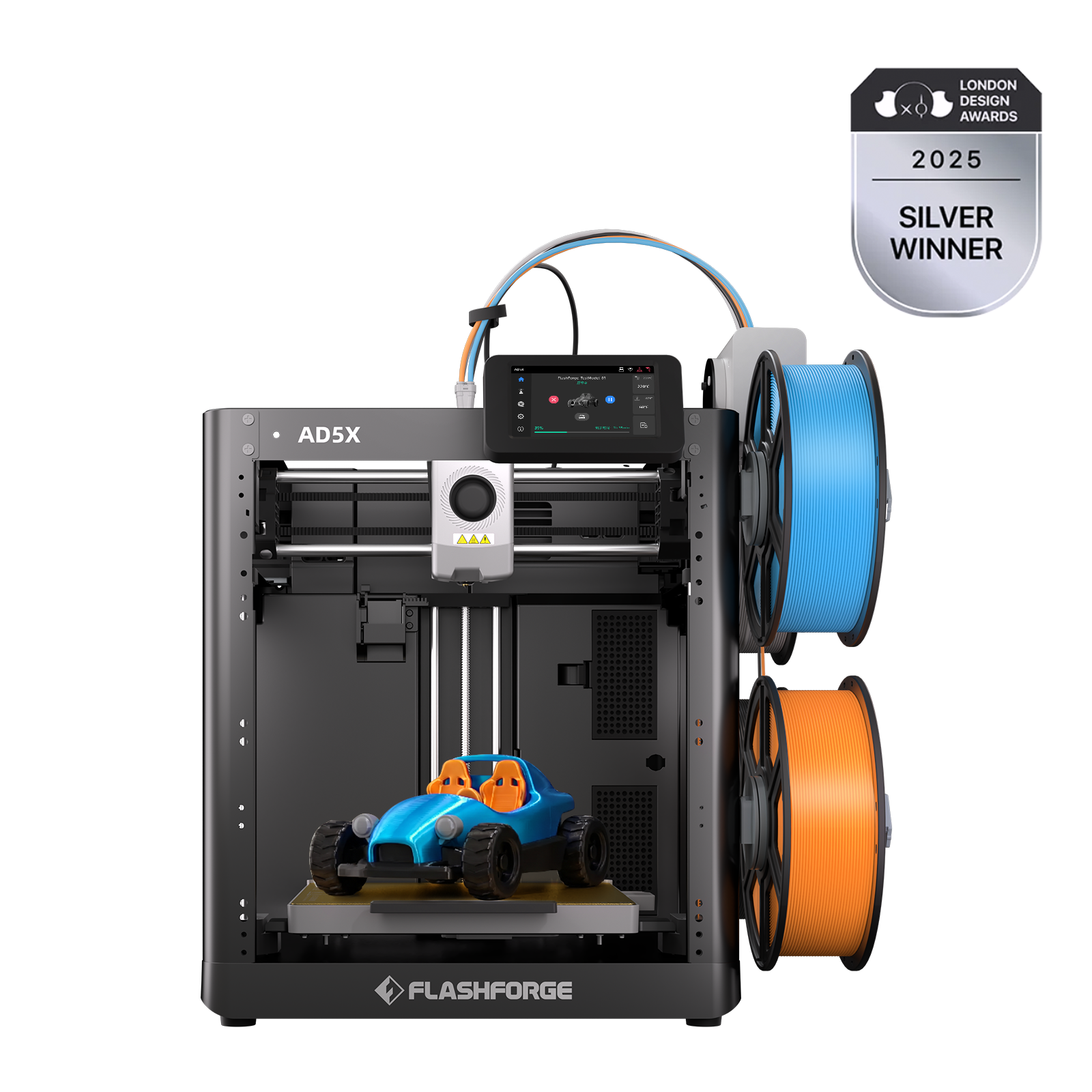
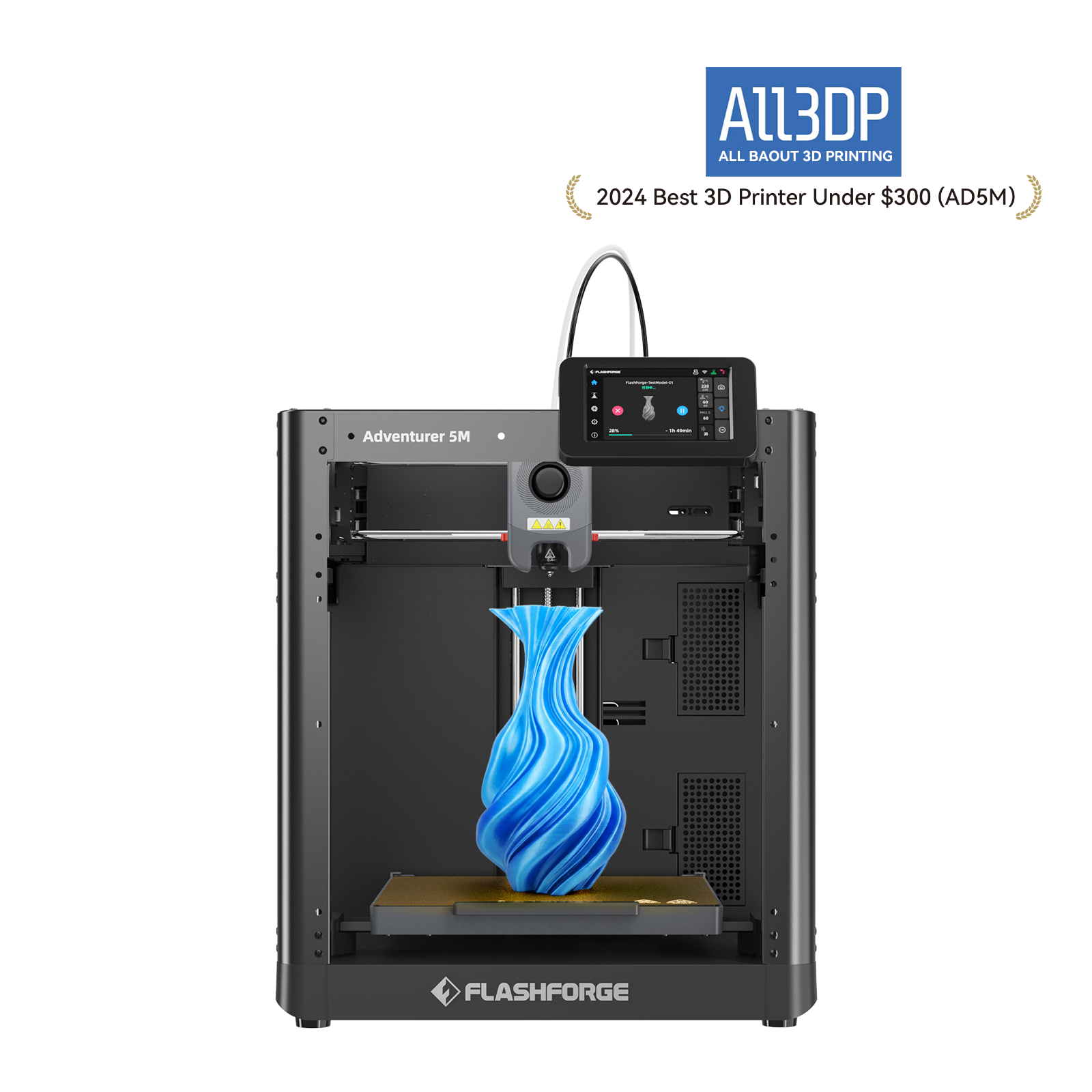
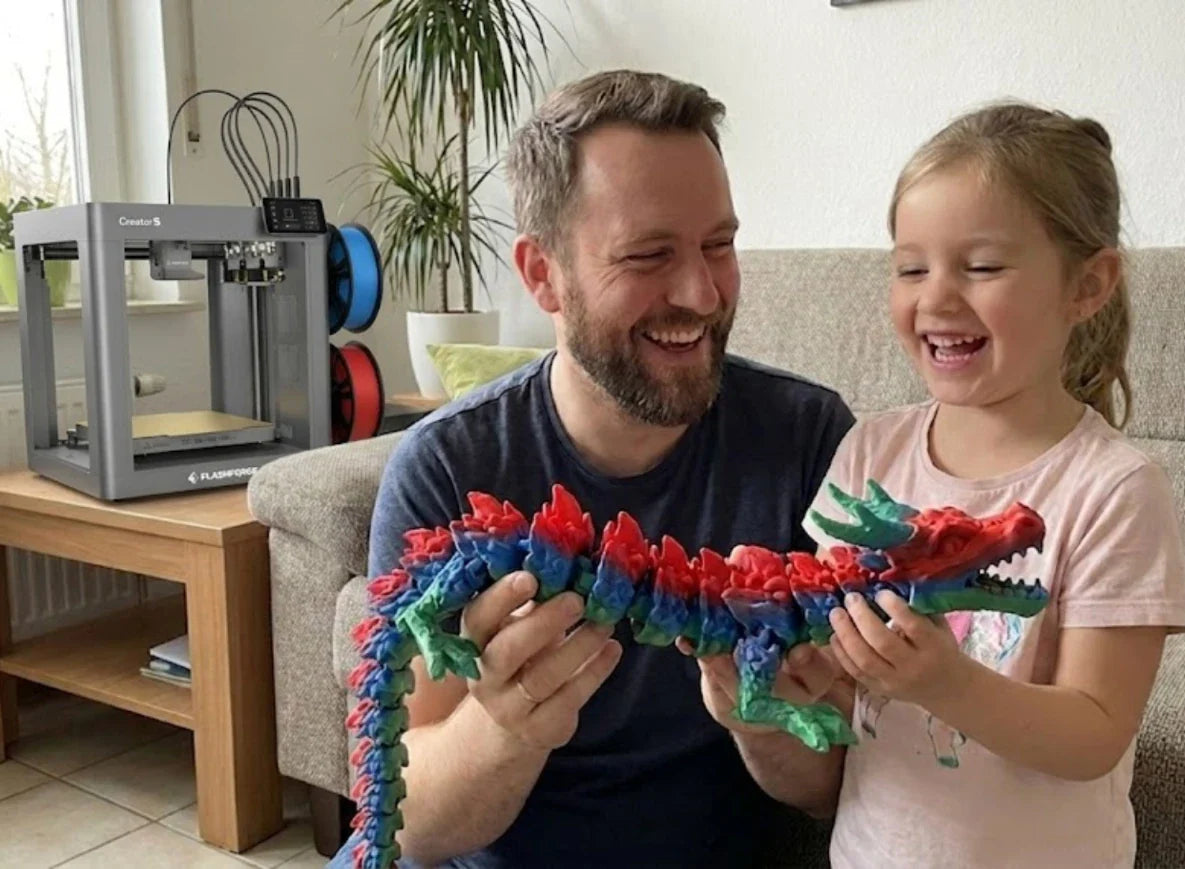
Unlike a handheld 3D pen, a child 3D printer is a full-scale desktop digital manufacturing device. Typically based on FDM technology, it uses 3D models created on a computer or tablet to automatically handle heating, extrusion, and layering, eventually producing high-precision 3D objects. Compared to the role of a 3D printing pen for kids, it is no longer just an art tool. Instead, it serves as a core platform for STEM education, engineering design, and prototyping. These machines are commonly found in makerspaces, science labs, and school libraries.
How 3D Printers Build Objects Automatically
Most mainstream 3D printers for kids and education use Fused Deposition Modeling (FDM) technology. The printer feeds plastic filament, usually PLA, from a spool into a heated nozzle. Once heated to between 190 and 220 degrees Celsius, the plastic is extruded as a fine thread. The nozzle moves along a set path on the X-Y plane to draw the first layer of the object on the build plate. Then, the plate moves slightly down the Z-axis, and the next layer is added on top. This cycle repeats until the entire object is built up layer by layer. This whole process is controlled by G-code generated by slicing software. Kids just need to pick or design a model in the software and set basic parameters like layer height and infill, though beginners can just use presets.
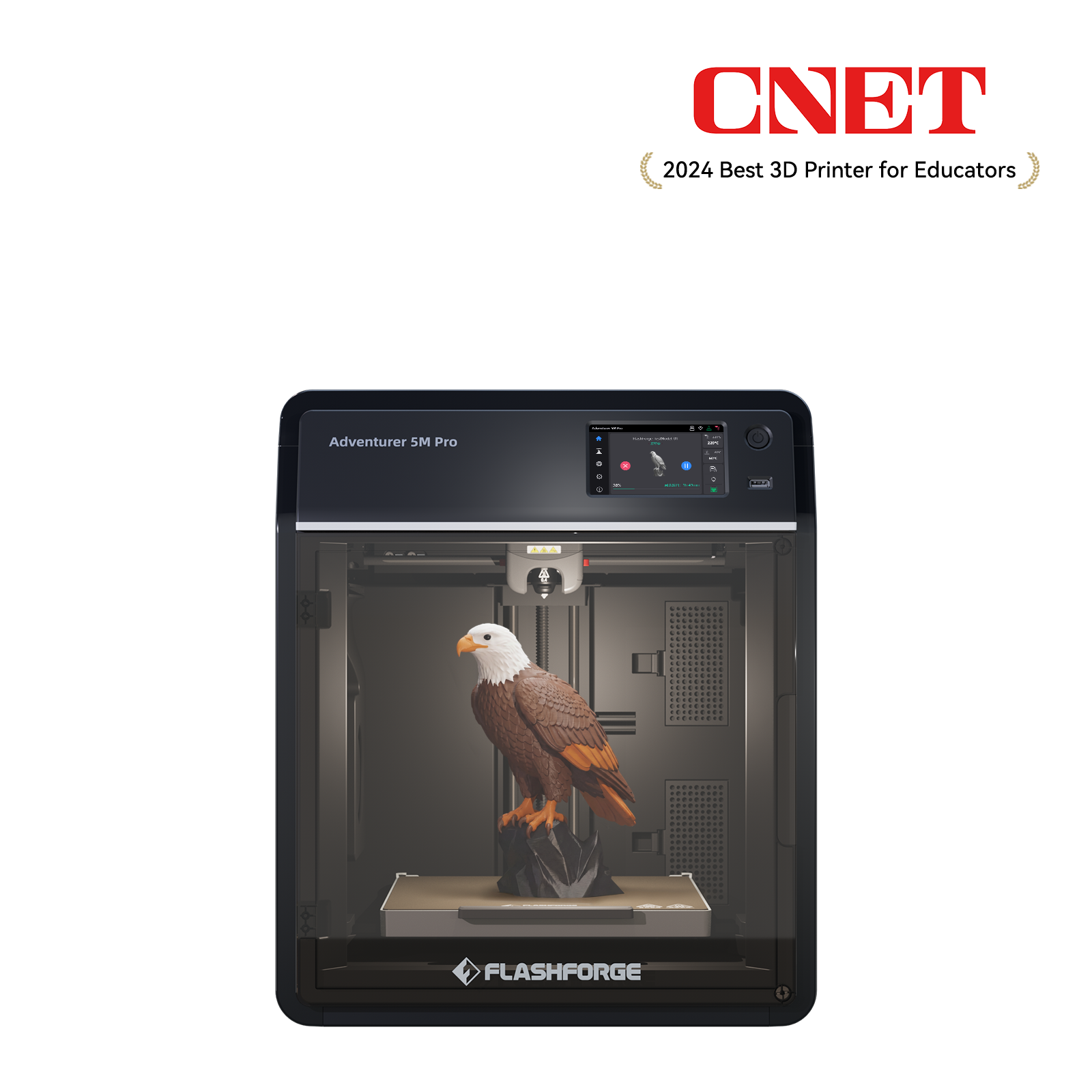
In educational settings, we promote entry-level 3D printer like the
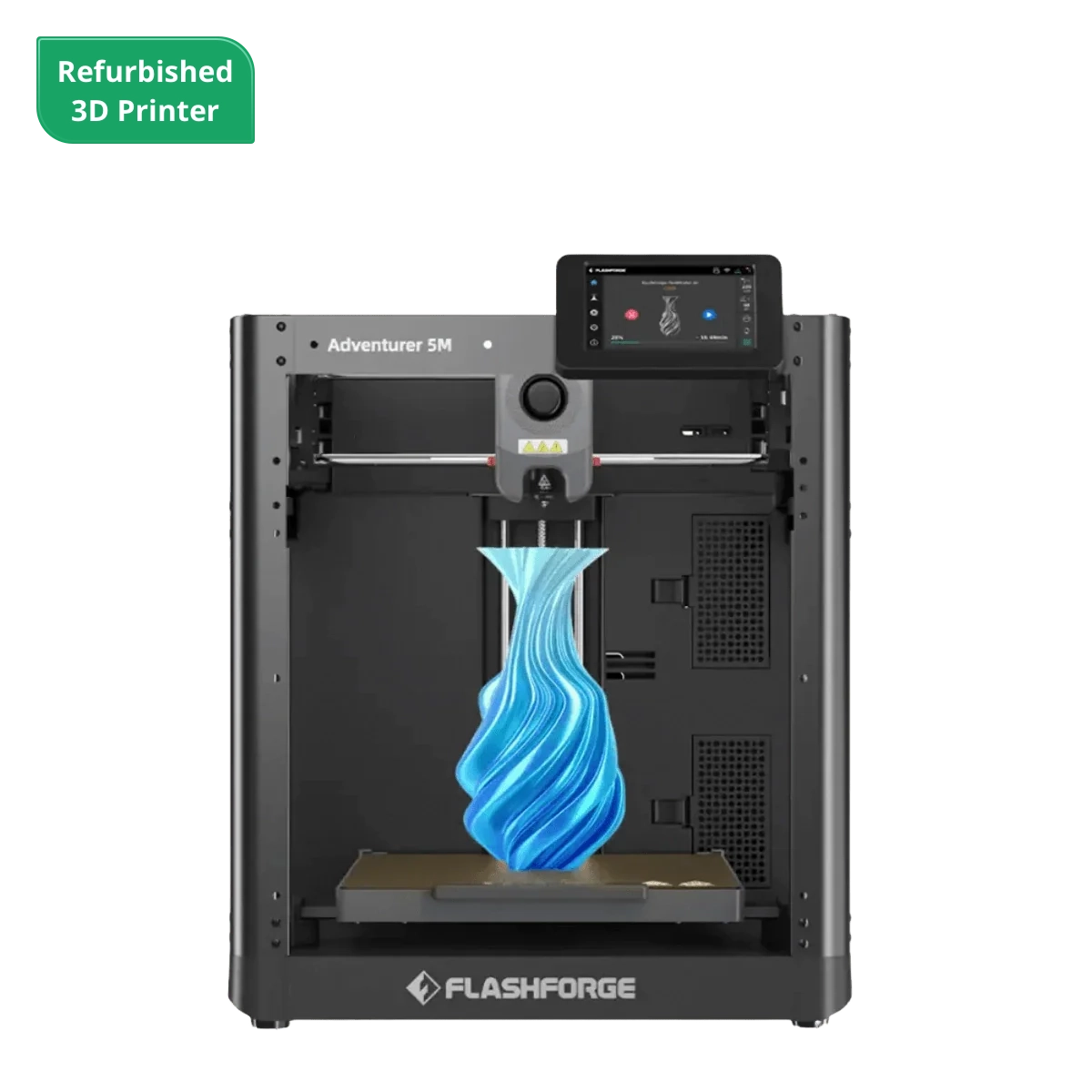
Flashforge AD5M Pro 3D printer because they are plug-and-play and feature auto-leveling. This means teachers and parents do not have to waste hours learning tedious steps like bed calibration or nozzle height adjustment. These machines can be set up and leveled in under 10 minutes. A child only needs to select a model and load the filament, and the printer handles the rest inside a closed chamber, which significantly lowers the learning curve and the chance of a failed print.
Features of Beginner-Friendly 3D Printers
3D printers that are truly right for kids and beginners share a few common design and functional traits. First is a fully enclosed chassis and door-sensor design. This keeps high-temperature nozzles and heated beds out of reach to prevent accidental burns during printing, while also helping to contain particles and odors. Second are fail-safe features like auto-leveling, filament run-out detection, and power-loss recovery, which help beginners avoid common printing pitfalls.
Noise levels and physical size are also top priorities for home and school users. Research in the desktop 3D printing market shows that more families and educators want printers they can leave running in a corner of a study or classroom. Because of this, there is a clear demand for compact sizes, quiet operation, and easy maintenance.
Common Uses in STEM Learning and Projects
In an educational environment, the value of a kids' 3D printer goes way beyond just making toys. 3D printing helps students visualize geometric shapes and function graphs in math, create cell models or molecular structures in science, and build prototypes like bridges, gears, or robotic arms for engineering projects. It turns abstract concepts into physical objects that they can hold and test.
From a market perspective, the 3D printing in the education sector was valued at about 1.23 billion dollars in 2025 and is expected to grow at a compound annual rate of around 13.6% through 2033. Another deep-dive report on the education segment predicts the market will grow by roughly 1.36 billion dollars between 2024 and 2029, with a growth rate of
14.8%. The main drivers are the rising demand for hands-on tools in STEM education and the drop in equipment costs. Behind these numbers are thousands of classrooms where kids gather around desktop 3D printers to discuss designs, check for errors, and refine their ideas.
3D Printing Pen vs. Kids 3D Printer: Key Differences
What really drives your decision is the differences in learning curves, creative freedom, precision, speed, cost, and the amount of effort required from parents or teachers. Below, through qualitative analysis and quantitative data, we bring the real-world user experience of both paths together for a side-by-side comparison.
To make things easier, the following table compares the features of a 3D printing pen for kids versus a children's 3D printer across several key dimensions, helping you quickly grasp the core differences.
|
Feature
|
3D Printing Pen for Kids
|
Kids 3D Printer
|
|
Learning Curve
|
Pick up and draw. No software is needed; ages 6–8 can start instantly.
|
Model-Slice-Print. Requires software skills; best for ages 8–10+.
|
|
Creativity vs. Precision
|
High freedom. Perfect for freestyle art, but lacks dimensional accuracy.
|
High precision. Built for STEM and engineering; requires a planned design.
|
|
Speed & Volume
|
Fast for small doodles. Quick for tiny items, but big projects are manual and tiring.
|
Slow but automated. Takes longer per piece but runs unattended for class batches.
|
|
Cost Structure
|
Low upfront cost. Cheap device, but small filament packs get pricey over time.
|
Higher upfront cost. Machine is an investment, but bulk filament is much cheaper.
|
|
Safety
|
Low risk. Low-temp PCL is safe for desks; minimal supervision needed.
|
Managed risk. High-temp parts require an enclosed case and adult oversight.
|
Ease of Use and Learning Curve
From the perspective of entry barriers, 3D printing pens are much closer to traditional brushes. A child can understand the relationship between buttons, extrusion, and solidification within minutes. Even without reading a manual, they can quickly mimic the process through demonstration.
In contrast, a 3D printer requires understanding at least three concepts: 3D models, slicing software, and the printing process. This generally comes with a certain learning curve, especially regarding parameter adjustments and troubleshooting failed prints, which requires more time investment from adults or teachers.
However, as desktop 3D printing technology has matured, models oriented toward the children and education markets have seen a qualitative leap in ease of use. The Flashforge Adventurer series, for instance, hides technical details inside the machine through fully automatic leveling, preset material profiles, and one-click printing workflows. This allows children and teachers to focus more on what to design and the final print results rather than getting stuck on mechanical details. Therefore, if your goal is long-term use at home or school, the difficulty of getting started with a children's 3D printer is actually significantly lower than traditional impressions suggest.
Creativity vs Precision and Accuracy
Looking at the balance between creativity and precision, the 3D printing pen undoubtedly offers higher freedom. Children can change the direction, thickness, and rhythm of lines at any time, just like drawing. The works are full of handmade randomness and personality, but this also makes it difficult to control dimensions precisely or create parts that fit tightly or involve complex moving structures. While this is an advantage for activities centered on artistic expression and free imagination, the 3D pen falls short once you enter STEM projects requiring precise coordination, such as gearboxes, bridge load tests, or robot components.
Children's 3D printers swap most of that manual feel for precision. Parts designed through CAD or graphic modeling tools can be accurately formed with layer heights of 0.1 to 0.2 mm. As long as the design parameters are reasonable, the fit between multiple parts will be smooth during assembly. This provides a rare opportunity to understand engineering tolerances and structural design. For teenagers who have already shown an interest in engineering, this experience of using digital control over reality can be more rewarding than pure hand-drawing.
Speed of Creation and Output Quality
If considering only the speed from idea to finished product, the 3D printing pen is clearly faster. Just like using a regular paintbrush, a child can finish a small 3D flower or animal within minutes of picking up the pen. A 3D printer requires modeling, slicing, and printing; even with a ready-made model, printing a palm-sized object often takes anywhere from 30 to 90 minutes. However, regarding the continuous production of multiple items, a printer can run automatically at night or while the child is doing other things, whereas every line from a 3D pen must be completed by the child manually, requiring more time and physical effort.
In terms of output quality, 3D printers win almost across the board. Even entry-level educational models can print geometric models with relatively smooth surfaces and stable structures, which can be used long-term as toys, teaching aids, or functional parts after simple sanding. 3D pen works are better suited as ornaments and art; their slender structures are prone to deformation or breaking, and they have poor strength and durability. Therefore, if your expectation is for the child to make parts that are truly usable, a printer is the essential choice.

Cost and Ongoing Material Expenses
From an investment perspective, 3D printing pens are relatively inexpensive, making them suitable for seeing if a child is interested first. However, during long-term high-volume creation, PCL filament is priced by the meter, meaning the material cost per work is not cheap. The initial equipment investment for a children's 3D printer is significantly higher, but consumables like PLA are sold by the kilogram, making the average material cost per piece very low. This is especially ideal for printing large numbers of models for a classroom or siblings over the long term.
Required Supervision and Setup Complexity
There are also clear differences in supervision and environmental requirements. Low-temperature PCL 3D printing pens allow for short creative sessions on a regular desk, provided a parent is present. The main focus is preventing accidental ingestion, avoiding prolonged contact with freshly extruded hot material, and controlling usage time. A 3D printer, however, involves high-temperature nozzles that can reach over 200°C, moving mechanisms, and electrical systems. It must be placed on a stable desk or cabinet, paired with an enclosed chamber and good ventilation. Throughout the printing process, children must avoid opening the chamber door or reaching inside to touch internal structures.
This is why entry-level models designed for children emphasize safety features like fully enclosed designs, door-open-stop sensors, filtration systems, and parent control modes. For families willing to build a long-term learning environment for their children, the sensible approach is to reserve a fixed spot for the 3D printer in a common study area with simple rules and power management, rather than moving it frequently or placing it in a child's bedroom.
Safety Considerations for Kids
Whether you eventually choose a 3D printing pen or a child-friendly 3D printer, safety is always the top priority. Education market reports repeatedly emphasize that air quality, burn risks, and electrical or mechanical safety are the three primary concerns for schools when deploying 3D printing equipment. For home users, these considerations are just as relevant, the scale simply shifts from a lab to a study room.
Heat and Burn Risks in 3D Pens
When traditional 3D printing pens use PLA or ABS, nozzle temperatures can reach 180–230°C, posing a significant burn risk if a child accidentally touches them. Because of this, safety guidelines for children generally recommend prioritizing kid-specific 3D pens that use PCL material with a melting point of about 60°C. This ensures that even if a child accidentally touches the tip, the temperature is closer to that of a hot water bottle rather than a dangerous level that causes burns.
Even when using PCL, parents still need to establish basic rules, such as keeping the workspace tidy while creating, avoiding drawing directly on the skin, and immediately unplugging the device to let it cool before storage. For younger children aged 6–8, we suggest that 3D printing pens should always be used within an adult's line of sight to gradually instill the fundamental concept that tools involve risks and require rules for use.
Moving Parts and High Temperatures in 3D Printers
3D printer nozzles and heat beds reach temperatures far higher than those of 3D pens, and both the nozzle and platform move continuously during the printing process. Without a protective cover, a curious child reaching inside could easily suffer burns or pinch injuries. Consequently, most child-friendly printers feature a fully enclosed chamber, transparent door panels, and a door-open sensor design that immediately pauses heating and movement when the door is opened, only resuming once it is closed.
From a standards and certification perspective, education market reports indicate that an increasing number of schools and institutions now treat electrical and material safety certifications such as CE, FCC, and RoHS as mandatory requirements to ensure long-term operational stability and compliance. While home users may not follow a procurement process as rigid as a school's, they should still prioritize products that have passed mainstream certifications and offer comprehensive safety design documentation, rather than choosing extremely low-priced equipment that lacks clear certification sources.

Fumes, Ventilation, and Material Safety
Another often overlooked safety aspect is the potential for ultrafine particles and volatile organic compounds (VOCs) generated during the printing process. Because of this, school teachers or administrators should prioritize air quality management when deploying printers. This includes choosing safer PLA materials, operating equipment in well-ventilated rooms, and using enclosed models with built-in filtration systems whenever possible. For families, the best practice is to place the printer in a well-ventilated space like a study or a corner of the living room, keeping a window open or using the internal filter during operation. We strongly advise against running a 3D printer overnight in a closed bedroom.
In contrast, children's 3D printing pens using PCL filament operate at around 60°C and produce almost no detectable harmful emissions, making them a relatively safe tabletop tool under normal ventilation. However, whether using a 3D pen or a printer, it is important to remind children not to chew on the filament or put uncured material in their mouths to avoid the mistaken impression that these are edible toys.
Age Recommendations and Supervision Needs
There is a general consensus on the recommended age and supervision required for different devices. Children aged 6–8 are best suited for using low-temperature PCL 3D pens under close supervision, while those aged 8–12 can gradually increase their independent creative time once clear rules are established. In contrast, a full 3D printer is better as a tool for children aged 8–10 and up with adult assistance. Truly independent operation and maintenance are usually not considered safe until after age 12 or 13.
In school settings, it is standard for teachers or lab administrators to handle printer maintenance and operation, while students focus on modeling and inspecting the printed results. For home use, it is recommended that parents take on basic equipment management tasks, such as loading filament, cleaning nozzles, and monitoring print status, while children gradually learn how to prepare models and check print quality.
Which Option Is Better for Different Age Groups?
Once you understand the differences in safety and experience, layering in the age dimension makes it much easier to identify the optimal choice for each stage of a child's development. Because cognitive levels and interests shift as they grow, you can view the 3D pen and 3D printer as different steps on a continuous path of growth.
Best Choice for Younger Kids (Ages 6–10)
For younger children aged 6 to 10, the priority is fostering curiosity about the 3D world and developing hands-on skills, rather than forcing them to master complex software and technical parameters. At this stage, a low-temperature PCL 3D printing pen is usually the better entry point. it allows kids to see their ideas grow right out of the air in minutes, providing powerful instant feedback for their creativity.
This does not mean a 3D printer has no place here. For kids in the 8 to 10-year-old range, if parents or teachers are willing to manage the equipment, most research and industry practices suggest they are fully capable of participating in the simple workflow of picking a model, starting the print, watching the process, and checking the results. This experience helps children build a foundational understanding of how digital commands control the physical world. However, at this level, a 3D printer functions more as a family or classroom tool driven by adults with child participation, whereas a 3D pen is a personal creative tool that a child can truly control on their own.

Best Choice for Pre-Teens (Ages 10–13)
Pre-teens aged 10–13 are at a critical junction. On one hand, they still enjoy intuitive hands-on creating; on the other, they are already capable of understanding simple modeling software and engineering concepts. At this stage, a 3D printing pen can continue to serve as a medium for artistic and stylistic expression, while a kids 3D printer can officially join the ranks of everyday learning tools. Its help with conceptual understanding is especially direct in math geometry, physics, and science projects.
Many practical cases in schools show that systematically introducing 3D printing courses starting in fifth or sixth grade can significantly boost student interest and confidence in STEM. Numerous schools have found that after integrating 3D printing into the curriculum, students show a marked increase in scores on science and engineering attitude scales, and teachers are more inclined to keep using these tools in future units. For families, if you notice your child has a lasting interest in Lego, building models, or Scratch programming, investing in an entry-level 3D printer like the fully enclosed, auto-leveling Flashforge Adventurer 5M Pro at this age offers more long-term value than buying more toys.
Best Choice for Teens Interested in Engineering
For teenagers who have developed a clear interest in engineering, programming, or design, a kids 3D printer is practically a must-buy item, while a 3D printing pen serves more as a supporting tool for quick sketches. An increasing number of high schools and universities are deploying desktop 3D printers in makerspaces to help students complete projects in robotics, drones, science competitions, and product design. This type of experience has a positive impact on both future career choices and innovation skills.
At this stage, choosing a desktop 3D printer with higher print speeds, broader material compatibility, and more stable performance allows teens to truly experience the engineering workflow of iteration, validation, and improvement.
How to Choose the Right Option for Your Child
The final decision should be based on a balanced consideration of your child's interest, your budget and time commitment, and the home or school environment. Thinking through these three points is more important than getting hung up on single specs like maximum build size or print speed.
Matching Tools to Your Child’s Interests
If your child currently prefers drawing, crafts, and physical modeling but shows little interest in digital software, starting with a safe 3D printing pen is a gentle and fun entry point. It acts as a natural transition from 2D drawing to 3D shapes. If your child is already building with blocks, working with robots, or doing simple modeling on a tablet and is curious about designing their own parts, then investing in a kids 3D printer offers a deeper and more long-term outlet for that curiosity. The rapid expansion of 3D printing in education stems from how well it fits the learning preference of modern students who enjoy hands-on work and want to see their ideas become real. This creates new entry points into traditionally difficult subjects like math, science, and engineering. Matching the right 3D tool to your child's interest essentially builds the foundation for their future learning style.
Considering Budget and Learning Goals
From a budget perspective, you can view a 3D printing pen as an entry-level cost to test the waters of interest, while a kids 3D printer is a medium-to-long-term investment in learning infrastructure. If you are still waiting to see if your child will get bored after a few uses, you can start with a high-safety PCL 3D pen and a small amount of filament. Once you see a sustained desire to invest time and explore 3D creation, you can consider upgrading to a printer to avoid a large upfront investment in equipment that might sit idle.
Evaluating Available Supervision and Support
Finally, you need to honestly evaluate the level of supervision and support you can provide. A 3D printing pen requires relatively fragmented adult time, mostly focused on early demonstrations and establishing safety rules. Afterward, a child can use it independently for short periods while working near you. A kids 3D printer demands more consistent adult support for things like setup, filament management, simple maintenance, and monitoring print jobs.
If you have some experience with engineering or digital tools, or if the school has specialized IT teachers and makerspace mentors, the value of a printer far outweighs a 3D pen when a support system is in place. If the adults are very busy and cannot commit to learning and maintaining the equipment, starting with a simple 3D printing pen and upgrading once the family or school rhythm adjusts is the more realistic choice.
Conclusion
Regarding the choice between a 3D printing pen versus a child-friendly 3D printer, a relatively clear conclusion is that if you want to spark a child's curiosity about the 3D world with the lowest possible barrier to entry, a safe 3D printing pen for kids is an excellent starting point. However, if you view 3D printing as a core tool for a child's systematic study of STEM and engineering design over the next 3–5 years, an easy-to-use and safe child-friendly 3D printer will be a more worthwhile long-term investment. Market data, school case studies, and practices in home maker spaces all show that 3D printing is evolving from a cool gadget into a foundational skill for the next generation. The earlier it is introduced with the right methods and tools, the better children can gain a head start in their future education and career paths.
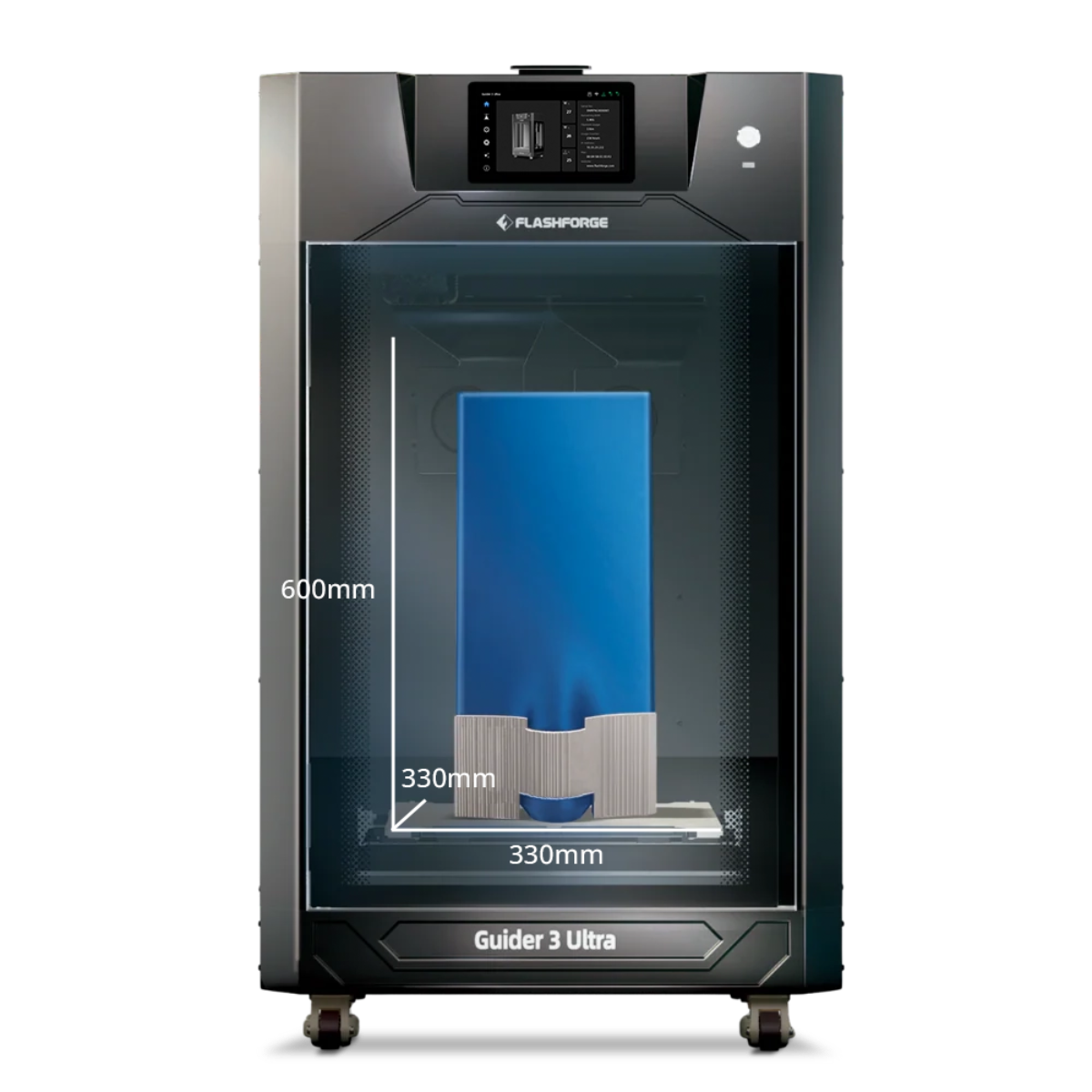
If you are looking for a 3D printer truly suited for a child's introduction and growth at home or school, we have extensively refined the Flashforge kids 3D printer for different age groups and usage scenarios. From the Adventurer 5M series designed for families and elementary schools to advanced configurations for teenagers to explore deeply, all models feature fully enclosed chambers, auto-leveling, and user-friendly interfaces to balance safety with playability.
FAQ
Are 3D printing pens safe for kids?
Specific kids' 3D printing pens are generally considered relatively safe creative tools as long as you choose models that use low-heat, non-toxic materials like
PCL and ensure adult supervision. The key is to manage usage time, avoid direct contact with freshly extruded hot material, and prevent children from ingesting the filament.
Can a child use a 3D printer independently?
Children aged 8–10 can participate in basic operations with adult assistance, such as selecting models, loading filament, and observing the printing process. However, truly independent completion of modeling, slicing, and equipment maintenance typically requires waiting until they are 12–13 or older, and should be paired with fully enclosed models featuring robust safety designs and clear usage rules.
Which is better for STEM education?
From a systemic STEM education perspective, children's 3D printers offer higher overall value because they encompass the entire workflow of geometric modeling, structural design, material experimentation, and engineering projects. In contrast, 3D printing pens lean more toward 3D art and spatial imagination training, making them better suited as an entry-level tool or supplement.
Is a 3D pen just a toy or a learning tool?
While a 3D printing pen certainly has toy-like attributes, it becomes an effective learning tool for training spatial imagination, fine motor skills, and basic engineering intuition when paired with appropriate tasks (such as building simple geometric shapes, reinforcing paper model structures, or creating 3D labels for science projects). The key lies in how adults design the activities, rather than the toy label of the tool itself.