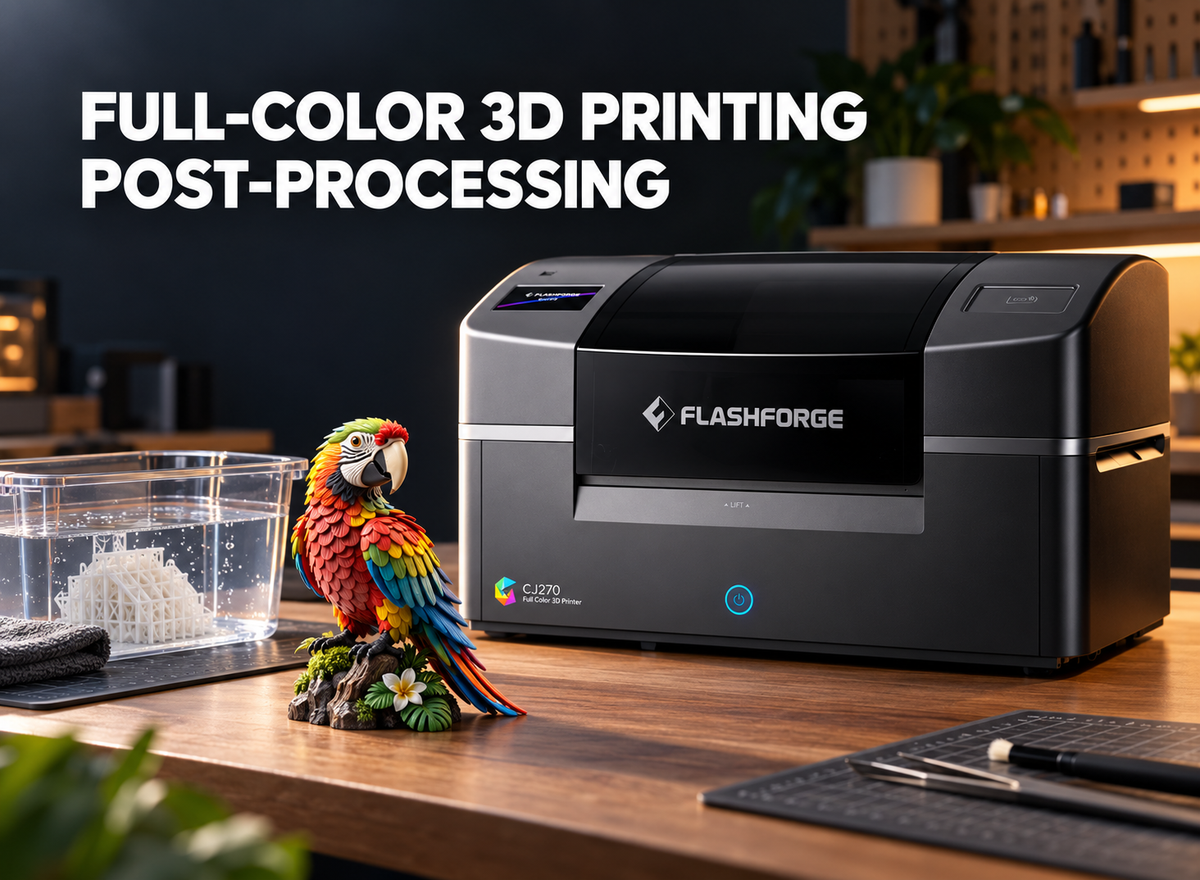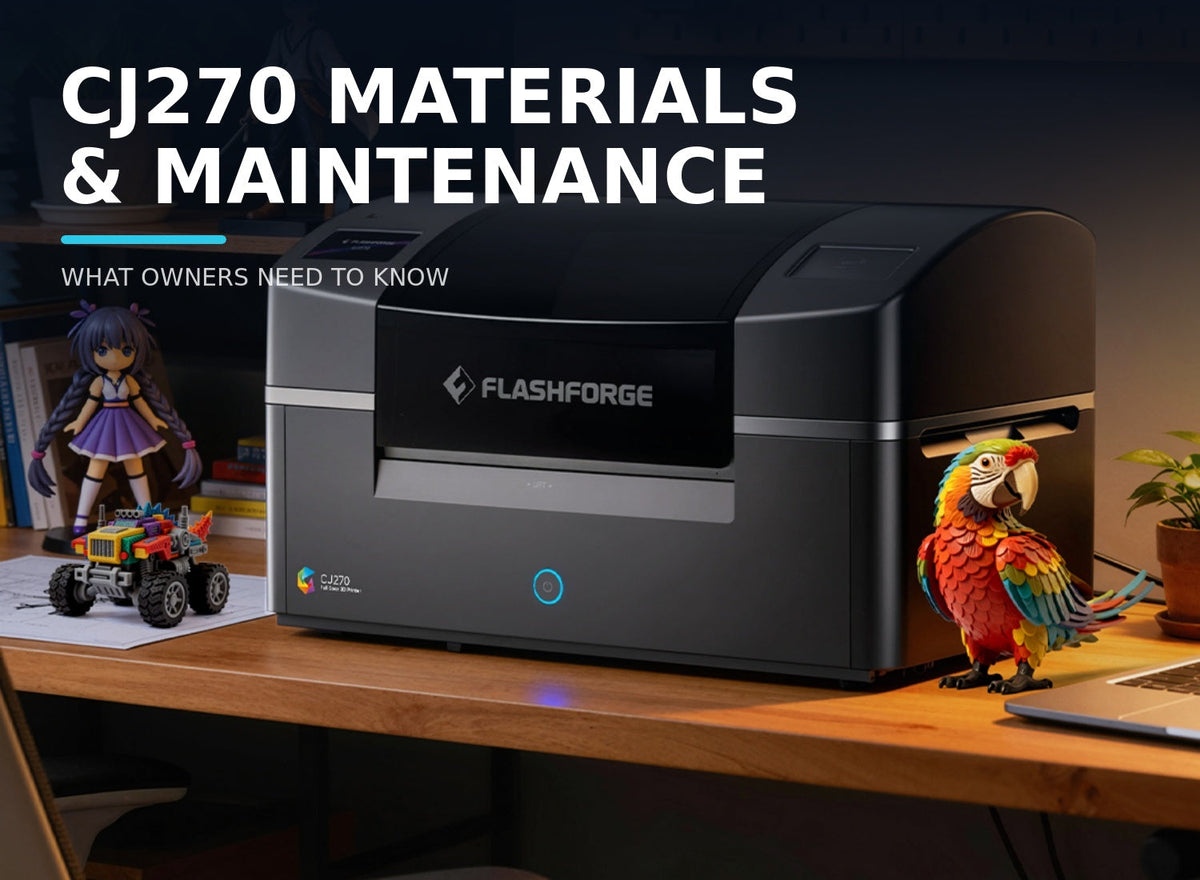
Owning a full-color 3D printer involves more than importing a model and starting a job. Materials must be stored and loaded correctly, supports removed, and space reserved for cleaning and finishing. Care between jobs also matters, particularly before an extended shutdown.
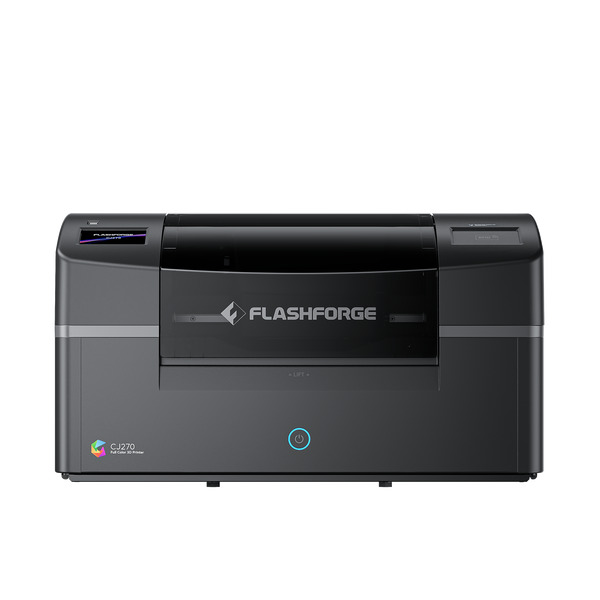
The Flashforge CJ270 uses MJP material jetting to build a model with UV-curable color materials and a separate support material. This guide explains what each material does, how to manage it, what post-processing is still required, and which maintenance decisions should be confirmed with Flashforge support. It is intended for studios, creators, and prospective owners who want a realistic view of the workflow after the printer arrives.
What Materials Does the Flashforge CJ270 Use?
The CJ270 uses six build materials—cyan, magenta, yellow, black, white, and clear—plus a separate water-soluble support material. Together, these UV-curable color materials allow the printer to produce detailed visual models with color, tonal variation, and selected transparent effects.
CMYK, White, and Clear Materials for Full-Color Models
Cyan, magenta, yellow, and black provide the main color information. White helps control light areas and opacity, while clear material creates selected transparent or translucent details. Because these materials are deposited during the build, color becomes part of the print rather than paint applied afterward.
This suits figurines, pet models, art toys, and presentation pieces that depend on gradients, markings, or surface graphics. Flashforge’s guide to UV printing and UV-curable 3D printing explains how material jetting builds an object with UV-cured droplets.
Water-Soluble Support Material
The seventh material supports overhangs, raised limbs, clothing, tails, and similar features. After printing, it can be removed with water or an ultrasonic cleaner.
Support use varies with pose, orientation, and geometry. A compact pet figure may require less than a character of the same height with an extended arm or cape, so support belongs in every cost estimate.
Why the CJ270 Requires Dedicated Materials
The CJ270 currently supports Flashforge dedicated materials only. Third-party alternatives are unsupported and may damage the printer. Using the specified material system also ensures that ColorPrint, the printer, and the recorded material balance work together as intended.
| Material | Purpose | What Owners Should Know |
|---|---|---|
| Cyan | Base color material | Used with the other color materials to reproduce the model’s mapped colors |
| Magenta | Base color material | Contributes to mixed colors, gradients, and tonal transitions |
| Yellow | Base color material | Combines with the other channels to build the required color range |
| Black | Dark tones and contrast | Supports shadows, outlines, and darker color combinations |
| White | Light areas and opacity | Helps create lighter tones and more solid-looking color areas |
| Clear | Transparent effects | Intended for selected clear or translucent model details |
| Support | Temporary structural support | Water-soluble and removed after the print is complete |
In practice, owners manage the color and support materials as one coordinated system rather than as interchangeable supplies. Unlike a filament 3D printer, the CJ270 does not use 3D printer filament.
The quantities consumed will not be equal on every job. The model’s colors determine demand across the build channels, while its pose and orientation influence support use. Reviewing both parts of the estimate is more useful than judging consumption from the model’s height alone.
How Should You Store and Load CJ270 Materials?
Material management starts before a pack is opened. Check its remaining shelf life, identify each material correctly, and follow the 3D printer’s loading prompts instead of relying on color alone.
Check Shelf Life Before Opening a Pack
Unopened materials have an 18-month shelf life. After opening, Flashforge recommends using them within about two months. Check the date before opening a pack and record when it was first used.
Avoid opening more material than the expected workload requires, particularly when the printer is used only occasionally.
Each 1 kg set contains ten 100 g bags: one each of cyan, magenta, yellow, black, and clear; two white bags; and three bags of support material. Each material card is for one-time activation. After its full balance is transferred to the printer, the card becomes invalid and cannot be reused.

Load Each Material Into the Correct Position
Confirm the label and loading position before transferring material. Follow the CJ270 interface and official instructions because the seven channels serve different functions and cannot be exchanged freely.
Keep bags, labels, and cards organized until loading is complete. In a shared studio, record the material type, opening date, and activation status.
What to Do if You Load the Wrong Material
If the wrong material is loaded, use the printer’s ink-path cleaning function to remove it before loading the correct one. Do not continue printing and hope the problem clears itself.
If the interface does not match the documented procedure or the material cannot be cleared normally, contact Flashforge support rather than improvising a flushing or disassembly process.
What Maintenance Is Needed After a Print?
Full-color printing can reduce manual painting, but it does not produce a sale-ready model without any work. Every job should allow time for support removal, drying, inspection, and any finish required by the intended presentation.
Remove the Water-Soluble Supports
CJ270 support can be removed by soaking the model in water or using an ultrasonic cleaner. Complex areas may need more cleaning time than open surfaces.
Handle thin fingers, tails, and accessories carefully during removal. Flashforge’s CJ270 review explains why water-soluble support helps with detailed figurines and varied layouts.
Dry and Finish the Model
After support removal, let the model dry fully and inspect recessed areas. Printed color reduces painting, but the piece may still benefit from light surface finishing.
Depending on the desired appearance, use light sanding, polishing, or a compatible gloss coating. Match the work to the customer’s standard or display requirement.
Clean the Work Area and Check for Material Residue
Prepare a stable, ventilated workspace with enough room around the desktop 3D printer for normal operation and maintenance. A separate area for support removal, drying, and finishing keeps wet cleaning work away from material loading and electronic equipment.
After each job, check for visible residue and organize cleaning tools. Follow official maintenance instructions; general resin-printer advice is not a substitute for CJ270-specific procedures.
Maintenance guidance for an enclosed 3D printer or a multi tool head 3D printer does not apply to the CJ270 because those machines use different materials and hardware.
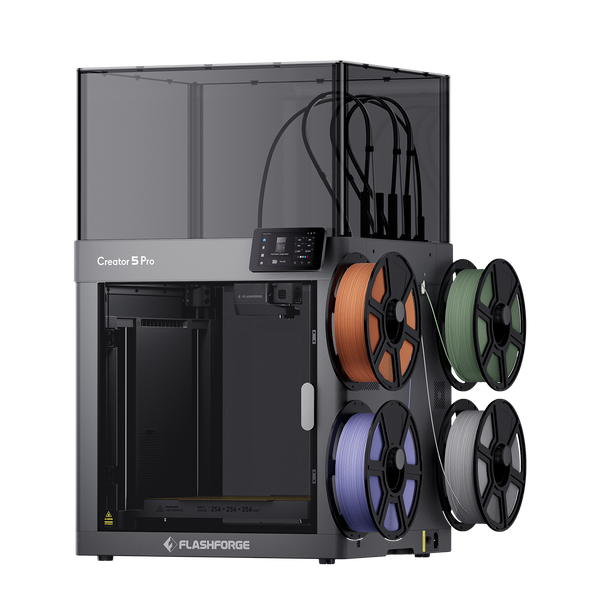
Flashforge Creator 5 Pro 4-Toolheads Enclosed Multi-Color 3D Printer | 500% Faster, Zero Purge Waste
How Do You Maintain the CJ270 Between Prints?
Care depends on more than print count. Consider how long materials remain loaded and whether the printer will stay ready for the next job.
Keep Up With Routine Checks and Cleaning
Routine maintenance is required even without daily printing. Before the next job, check the workspace, material status, and printer notices. Resolve visible residue or loading issues first.
Use Flashforge’s instructions for service tasks. Do not dismantle printheads, flush internal paths, or invent an unconfirmed maintenance schedule.

Plan for Periods When You Are Not Printing
A short gap differs from a planned shutdown. Consider opened-material shelf life, the next print date, and routine care during the idle period.
A production calendar can align material opening with upcoming orders and reduce the risk of exceeding the recommended period.
Contact Support Before an Extended Shutdown
If the printer will be powered off for more than one week, contact Flashforge support first and confirm the correct shutdown procedure. This is the specific boundary provided for the CJ270 and should not be replaced with an unverified cleaning sequence.
Explain the expected shutdown length and follow the instructions given for the machine’s condition.
How Do Materials and Maintenance Affect Ownership Costs?
The cost of a CJ270 print includes more than the build material visible in the finished model. Support, cleaning, finishing, rejected parts, material shelf life, and operator time all affect the cost per usable item.
Estimate Material and Support Use in ColorPrint
Import the model into ColorPrint, set its final size and layout, and review its material-use estimate. Include both build and support material.
Two models of the same height may cost differently. A compact pet figurine may need less support than a character with a raised arm and flowing clothing. Layout also changes consumption.
Include Cleaning, Finishing, and Maintenance Time
Include support removal, drying, inspection, finishing, routine cleaning, material handling, and unsuccessful prints that consume material.
For a custom figurine business, a useful cost record separates preparation, printing, post-processing, and maintenance. This makes it easier to see whether a higher cost comes from the model itself, its support needs, or the finishing standard.
Compare Costs Using Your Actual Printing Frequency
Regular production spreads maintenance and equipment costs across more finished pieces, but it can also increase material use and operator time. Occasional printing reduces throughput and may make the two-month recommendation for opened materials more important.
Compare costs over a realistic month or batch rather than using an ideal maximum capacity. A studio producing weekly pet figurines should calculate differently from an owner printing one display model every few months.
Conclusion
CJ270 ownership depends on disciplined material handling and a planned post-processing workflow. Use Flashforge dedicated CMYK, white, clear, and water-soluble support materials; check shelf life before opening; and confirm every loading position before transferring material.
After printing, allow time for support removal, drying, inspection, and the finish required by the model. Keep up with verified routine care, and contact Flashforge support before any shutdown expected to last more than one week. These steps help owners estimate costs more accurately and keep the workflow predictable between jobs.
Frequently Asked Questions
The following answers summarize the material and maintenance points owners are most likely to need during regular operation.
Can I Use Third-Party Materials With the CJ270?
No. The CJ270 currently supports Flashforge dedicated materials only. Third-party materials are not supported and may damage the printer.
How Long Can CJ270 Materials Be Stored?
Unopened materials have an 18-month shelf life. After opening, Flashforge recommends using them within about two months for the best performance.
Can I Remove Supports With Water?
Yes. The CJ270 uses water-soluble support material that can be removed with water or an ultrasonic cleaner. More complex models may require additional cleaning time.
Does a Full-Color Print Still Need Post-Processing?
Yes. Full-color printing can reduce hand painting, but the model still needs support removal, drying, inspection, and any sanding, polishing, or coating required for the desired finish.
What Should I Do if I Will Not Use the CJ270 for More Than a Week?
If you plan to power off the printer for more than one week, contact Flashforge support first to confirm the correct shutdown procedure. Do not substitute an unverified cleaning or flushing process.