












Table of Contents
Finding the best 3D printer for starters is not a difficult task, but it often turns out to be so since beginners are not aware of the mistakes that are going to cost them money, time, or the quality of prints.
The thing is that these mistakes can be easily avoided, provided that you are aware of what to look into, particularly when comparing entry-level-friendly 3D printers. We shall go through the pitfalls in order for you to make your choice with confidence.
Prioritizing Price Over Your Actual Needs
Many new users get stuck since they follow price first, value second. That usually results in frustration rather than creativity.
Buying the Cheapest Option Without Research
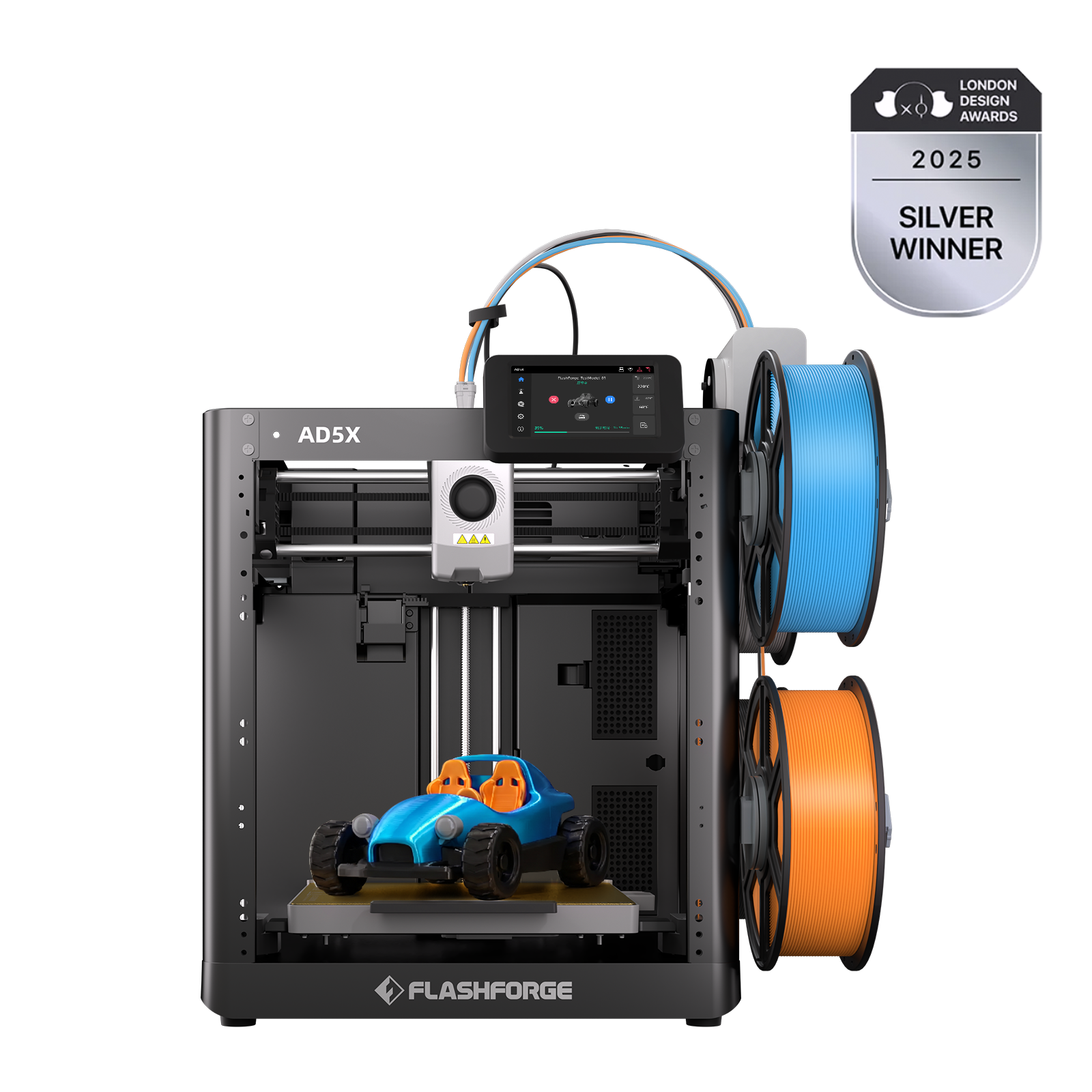
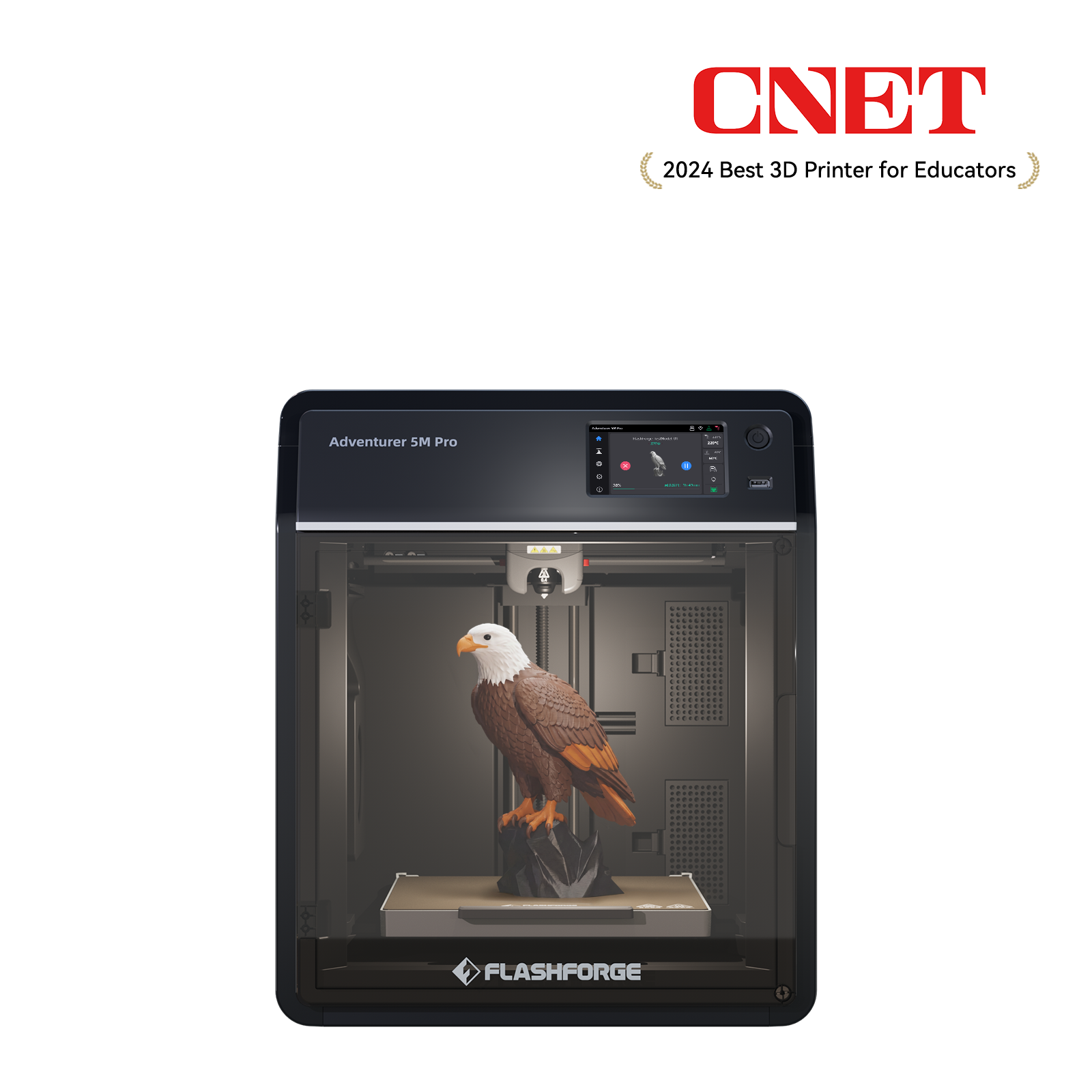
The majority of budget printers appear to be very attractive, but beginners tend to buy printers that need extensive modification, leveling manually, or suffer from inconsistent print quality. A starter printer should reduce friction, not add to it. Here is where an AD5M Pro comes in, with easy setup with auto-leveling, and also begins to print within several minutes. The AD5M Pro is a true bargain for beginners.

Overpaying for Professional Features You Won't Use
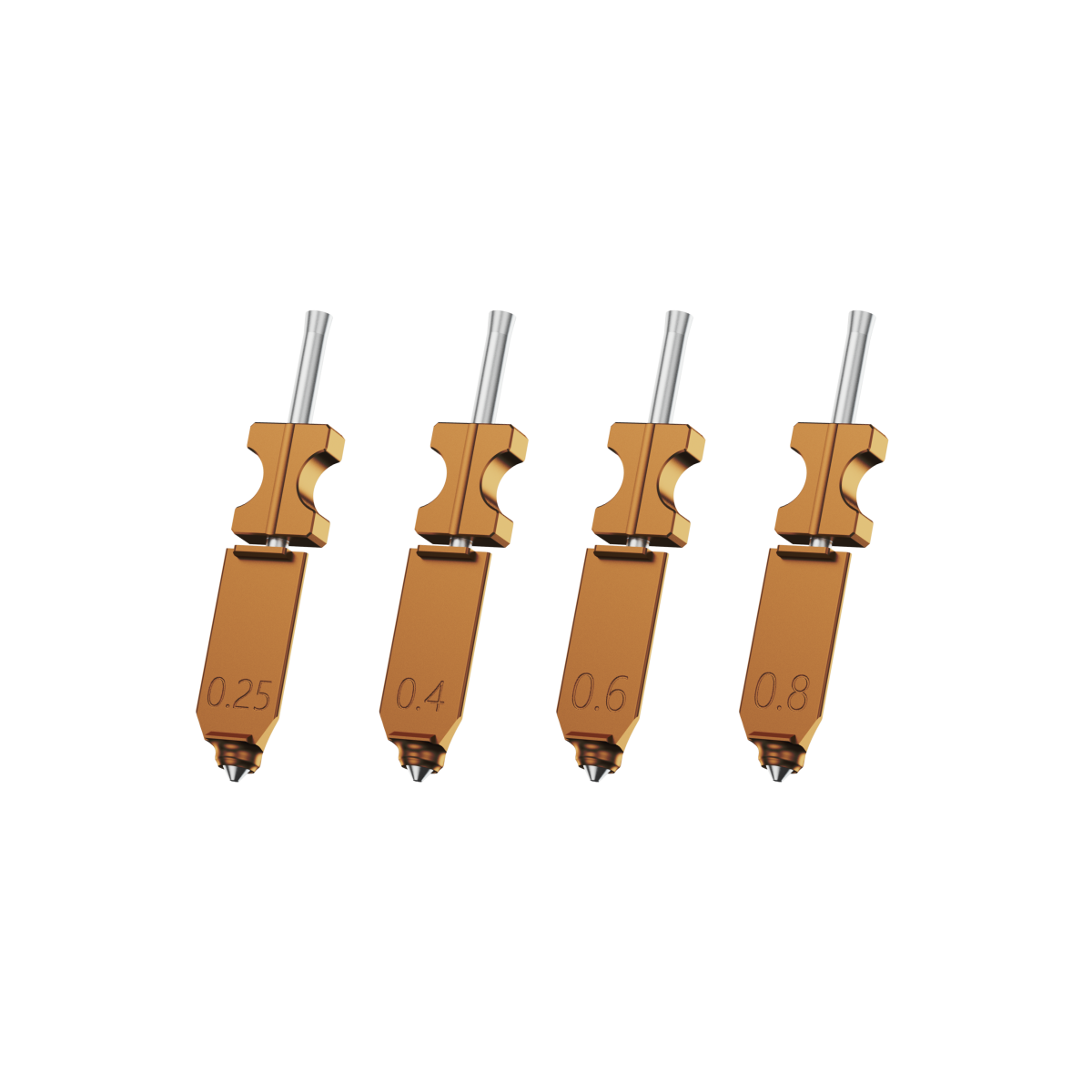
On the other hand, some buyers think that an expensive product means superiority. An intermediate choice with intelligent options, such as vibration-compensating features, nozzles that can be detached in a moment, and an average of 220 x 220 x 220 mm build area, is a middle-ground device that is not overly complicated.
Ignoring the Total Cost of Ownership
It is not just about the price of the 3D printer. You also have:
-
Filament costs per project, especially if you run multiple test prints.
-
Replacement nozzles or maintenance parts.
-
Software or accessory purchases (like enclosure kits).
The best 3D printer for starters, such as the AD5M Pro, minimizes most of the hidden expenses, given that it comes with a guided software, is pre-assembled, and uses easily accessible PLA and PETG.
Neglecting the Learning Curve and Community Support
A beginner can do a lot, but only if they have clear guidelines and a community that helps them troubleshoot.
Choosing a Printer with Poor Documentation and Tutorials
When the instructions about setting up a printer are not clear, you will feel it. Flashforge addresses this with an extensive knowledge base available at all times at Flashforge Wiki. It includes all aspects of setup to maintenance to ensure beginners are never lost.

Overlooking the Importance of a Strong User Community
The value of community support is immense. Problems are simple to find when thousands of individuals utilize the same machine. Flashforge maintains a popular subreddit at r/FlashForge, where users can ask questions, post files, and learn from the experiences of others.

Underestimating the Time Required for Calibration and Maintenance
The majority of new users do not understand that manual calibration can consume a lot of time. The AD5M Pro reduces the need for manual calibration and ensures more stable and accurate prints due to the equipment of an auto-leveling system and vibration-compensated motion system. Fewer tinkering implies increased printing.
Misunderstanding Key Technical Specifications
Specs are important, so when you are starting off, it is easy to get distracted by the wrong ones.
Obsessing Over Maximum Print Speed
Most novices tend to think that the faster, the better, but high-speed printing does not work effectively unless it is supported by the structure of the machine. The AD5M Pro has a CoreXY all-metal frame with vibration compensation such that its 600 mm/s performance is usable and not chaotic. Speed becomes only significant when it can be controlled by the machine, but it is not the only factor.
Confusing Build Volume with Practical Print Size
A large volume build size is attractive until you notice that most prints are smaller than the palm of your hand. The 220 x 220 x 220 mm size of the AD5M Pro accommodates almost all of the beginner projects, figurines, toys, tools, cases, and prototypes without taking additional space on the desk.

Not Knowing the Difference Between Open and Closed Ecosystems
There are printers that put you in proprietary filaments and slicers. To those who are new, that is also quite costly. Flashforge is compatible with slicers such as FlashPrint 5, Orca Slicer, and FlashMaker, and the printer can process most brands of PLA and PETG. This flexibility allows new people to learn without being confined to a box.
Overlooking Printer Safety and Usability
Safety and usability are of particular importance when choosing a 3D printer, especially if you are working and living in the same place.
Ignoring Heated Bed Requirements for Materials Like ABS
A heated bed is essential to prevent warping and guarantee adhesion during printing when working with ABS. Otherwise, the first few layers of ABS might not stick well, leading to failed prints or deformation of the object.
Therefore, if you are planning to use ABS, it’s vital to choose a printer with a heated bed, such as the AD5M Pro, equipped with a heated bed and an enclosed print area to control temperature and avoid issues such as warping or cracking. It is secure and more stable to be used at home.
Choosing an Enclosed Printer for a Home with Children or Pets
Open printers work well in a controlled studio, but in homes, it is a different story. For those requiring additional protection, AD5M Pro keeps hot materials out of reach and also assists in maintaining the temperature of more sensitive materials, reducing the risks of burns or accidents.

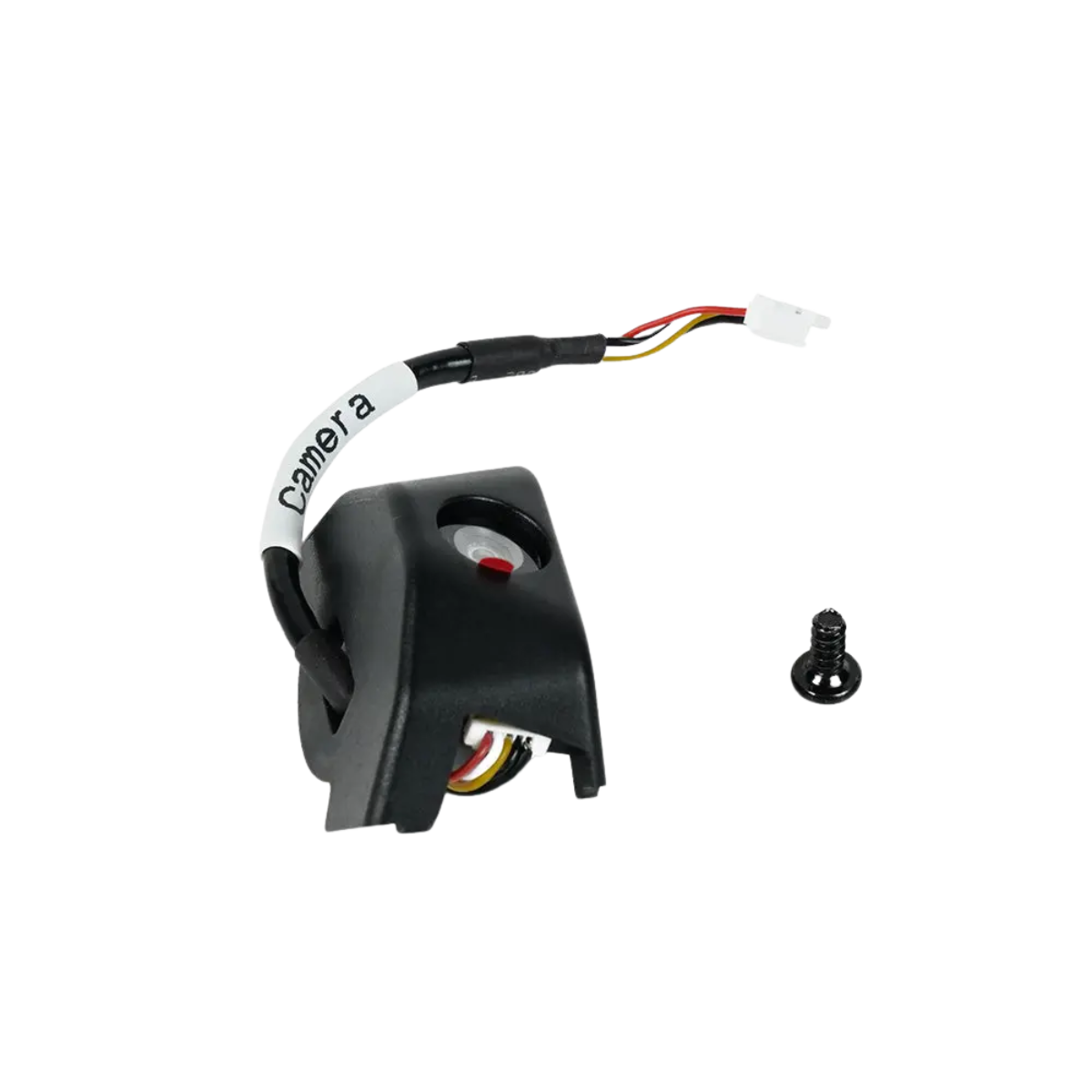
With the equipment of a large, 4.3-inch touch screen, the AD5M Pro provides easy navigation, a high-resolution camera for remote monitoring of prints; it also features an advanced filamen sensor and upgraded dual-axis linear rail system, offering smoother, quieter operation and more accurate printing. All the features make the AD5M Pro an excellent 3D printer for families with children or pets who want to enjoy 3D printing at home while chasing safety and high quality.
Disregarding Noise Levels for Your Workspace
Most low-cost printers are noisy, and this may be an inconvenience if you are resting in a bedroom or office. The Adventurer line is designed to operate more quietly and can therefore be left alone at night to print or work on long projects without disruption.
Conclusion
To get the best 3D printer for starters, the wisest thing to do would be to ensure you do not commit the usual errors, which beginners often get caught up in. Do not purchase by price alone, do not forget to research functionality that is really important, and do not undervalue how much easier your life is when well supported and using quality hardware.

An entry-level printer such as the Flashforge AD5M Pro will provide sufficient performance, usability, safety, and longevity to cover the sticker shock of a new acquisition, all in a single package that beginners require to have the confidence to proceed with the first print. Choose the machine that will position you to be successful, rather than to get frustrated. Find what you like to use, and you will definitely appreciate the printing experience.