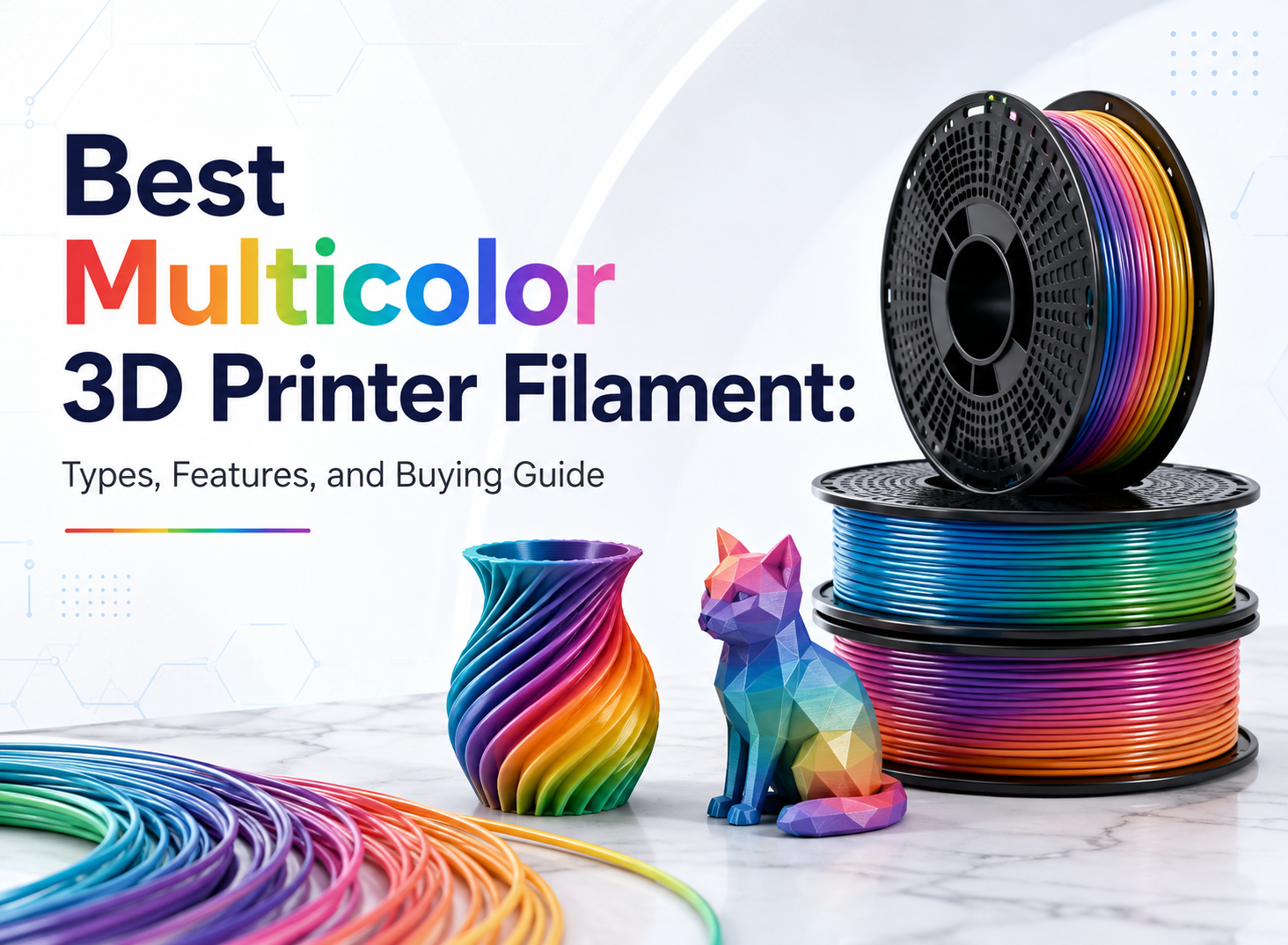
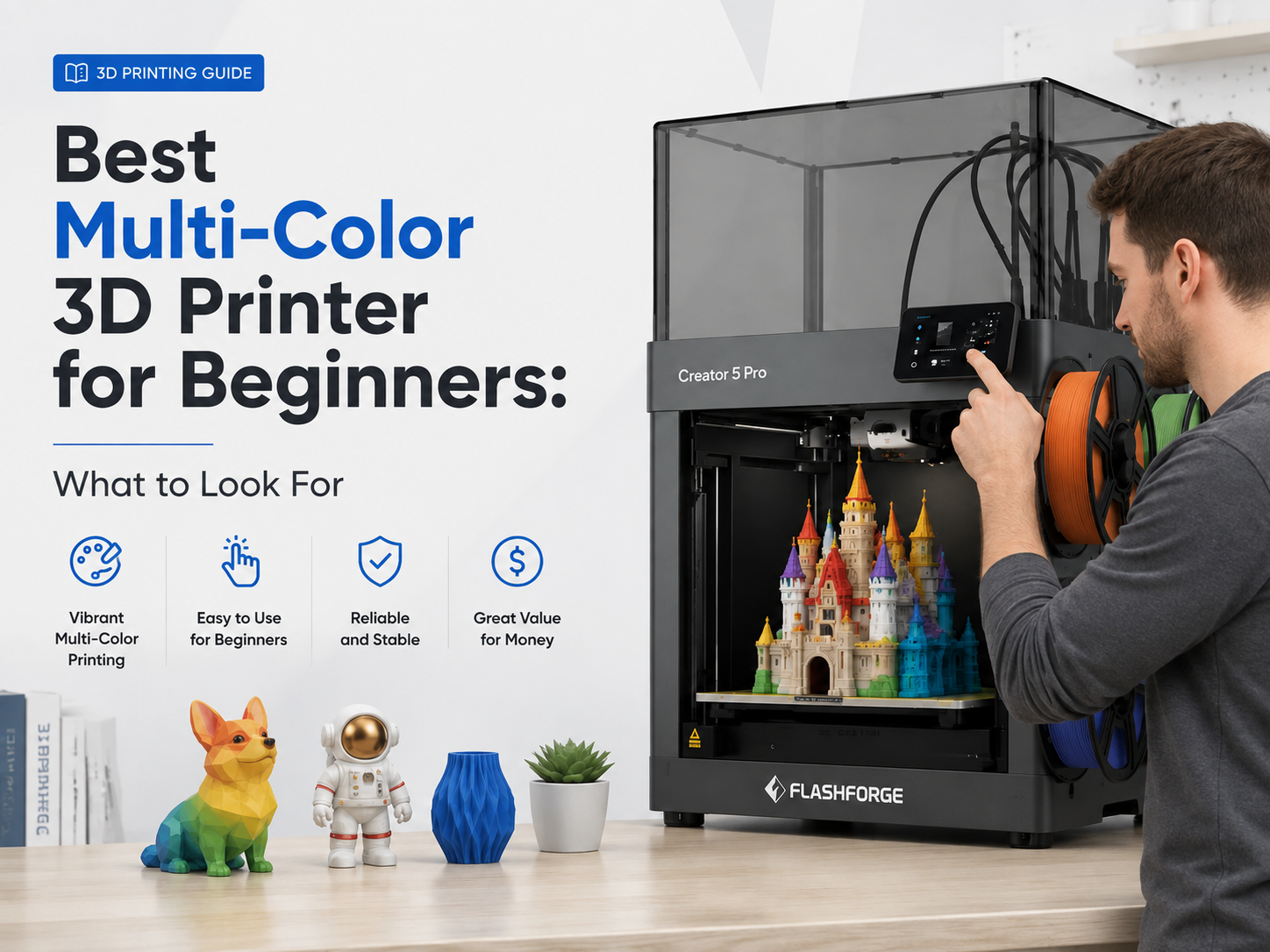
Multi-color 3D printing has become much more affordable, but a low purchase price does not always mean a low total cost. Among the three Flashforge models compared here, the AD5X offers the lowest-cost entry into four-color printing, while the Creator 5 focuses on lower purge waste and the Creator 5 Pro adds broader engineering-material support. This guide compares all three based on upfront price, filament waste, material compatibility, and long-term value.
Key Factors for Choosing a Budget Multi-Color 3D Printer
Before comparing prices, focus on the workflow. A machine that reduces setup, purge waste, or failed prints may be cheaper to own over time.
Multi-Color System and Number of Supported Colors
When comparing a 3D printer, check how many colors it supports and how those colors are managed. Many affordable multi-color 3D printers use a shared nozzle, while others use independent toolheads. For most toys, signs, decorations, and personalized models, four-color printing is already practical.
Filament Switching Method and Purge Waste
Color changes can increase filament use. Shared-nozzle systems often need to purge old material before printing the next color, while independent toolhead systems can reduce repeated unloading and flushing. If you print multi-color models frequently, purge waste can significantly affect operating cost.
Automatic Calibration and Filament Detection
Features such as automatic bed leveling, filament runout detection, and feeding-error detection help reduce failed prints and manual setup. These functions are especially useful for beginners and longer multi-color jobs where a failure can waste both time and filament.
Software Compatibility and Ease of Control
A good budget multicolor 3D printer should work with reliable slicing software, such as Flash Studio Desktop, that makes color assignment and print preparation easier to manage. The Flashforge models compared below support established slicing workflows through Orca-Flashforge and OrcaSlicer, while material estimates and printer profiles help users preview filament use, color changes, and print time before starting a job.
How Does Multi-Color Printing Affect Project Cost?
The printer is only the first expense. Color changes, purge volume, model design, print duration, and failed swaps all affect what each finished part really costs.
How Does the Multi-Color System Affect the Printer Price?
Shared-nozzle systems are generally simpler and can keep the initial price of a budget multi-color 3D printer lower. Independent-toolhead systems use more hardware, but they can reduce repeated filament switching and improve efficiency on frequent multi-color jobs.

How Do Color Changes Increase Filament Waste per Print?
Each color change may require extra filament to clear the previous color from a shared nozzle. Models with frequent switches can therefore use noticeably more material than their finished weight suggests. Independent toolheads can reduce this purge waste because each color stays loaded in its own extrusion path.
How Does Color Complexity Affect the Cost of Each Model?
A four-color model is not automatically expensive. Cost increases mainly when colors alternate frequently across many layers. More transitions mean more purge material, longer print times, and potentially larger prime structures, so complex color patterns usually cost more than designs with a few large color areas. Before printing, compare the slicer’s estimated model weight, purge material, and total print time to estimate the real cost of a multi-color print.
How Do Failed Color Changes Increase Reprint Costs?
A failed feed, filament runout, or incorrect color transition can ruin a long print and force a complete reprint. Features such as filament detection and automatic feeding help reduce this risk, making reliability an important part of the long-term cost of multi-color 3D printing.
Best Budget Multi-Color 3D Printers
No single printer is the cheapest choice for every user. The best option depends on whether you want to minimize purchase price, recurring material waste, or future upgrade costs.
Best Budget Multi-Color 3D Printer Overall
A first multi-color printer should make color printing easier without pushing the entry cost too high. Flashforge AD5X fits that role with an integrated IFS for four-color printing, automatic filament feeding, automatic leveling, and filament detection. A beginner could, for example, print a two-color desk nameplate one day and a four-color board-game piece the next without manually changing filament at every transition. That simpler workflow also makes the AD5X practical for beginners choosing a multi-color 3D printer for signs, toys, decorative parts, and personalized projects. At the time of writing, the AD5X costs $349 after the current checkout discount.
Best Low-Waste Multi-Color 3D Printer
Frequent color changes can make a low-cost printer expensive to run if every transition consumes extra purge filament. Flashforge Creator 5 takes a different approach: four independent FlashSwap toolheads keep separate colors or materials ready instead of repeatedly unloading them through one shared nozzle. That difference becomes more meaningful when producing batches of multi-color keychains, branded tags, figurines, or other designs that switch colors across many layers. For creators and small production setups, lower purge requirements can matter more over time than simply choosing the printer with the lowest purchase price. Flashforge currently lists the Creator 5 at $799 with a $100 automatic cart discount, bringing the effective price to $699.
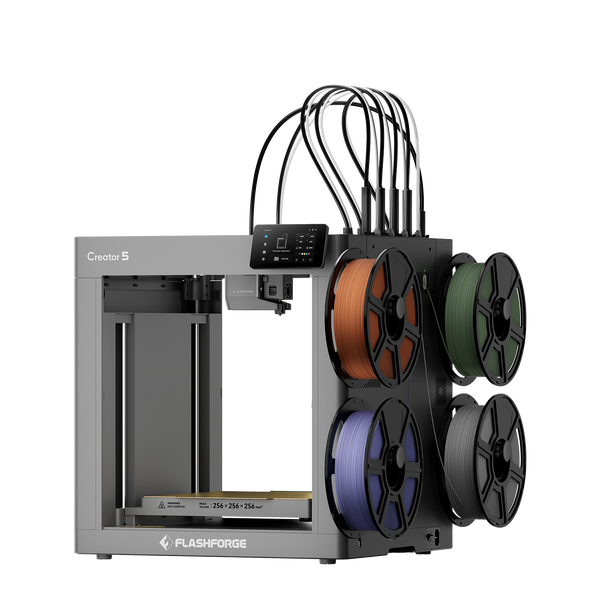
Flashforge Creator 5 4-Toolheads Multi-Color 3D Printer | 500% Faster, Zero Purge Waste
Best Value Multi-Color 3D Printer for Engineering Materials
The Flashforge Creator 5 Pro makes more sense when multi-color printing moves beyond decorative PLA projects. Alongside its four independent toolheads, the fully enclosed design adds active chamber heating up to 65°C, a 320°C nozzle, and a 120°C heated bed for more controlled printing with materials such as ABS, ASA, PA, PC, and fiber-reinforced filaments. In practice, that matters for projects such as a heat-resistant equipment bracket, a fitted prototype enclosure, or a functional jig where warping or cracking can make an otherwise finished part unusable. The higher upfront price is therefore easier to justify for users who need broader material compatibility rather than simply more colors.
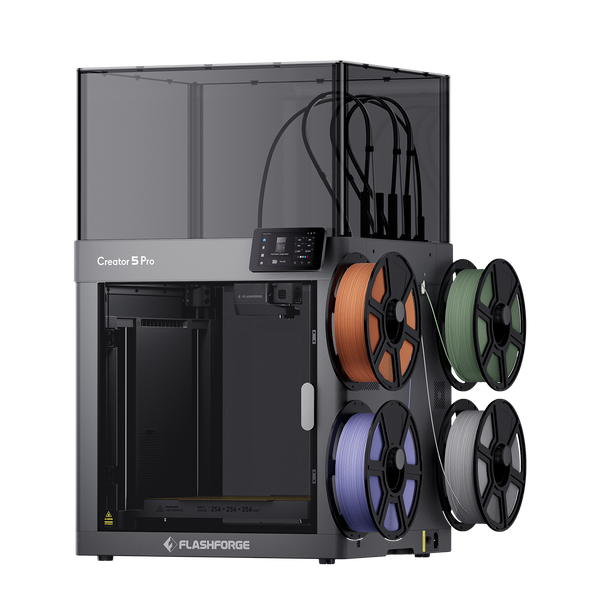
Flashforge Creator 5 Pro 4-Toolheads Enclosed Multi-Color 3D Printer | 500% Faster, Zero Purge Waste
Quick Comparison: AD5X vs. Creator 5 vs. Creator 5 Pro
The biggest differences are switching architecture, recurring material waste, enclosure design, and material range.
| Product | Multi-Color System | Best For | Current Price |
|---|---|---|---|
| Flashforge AD5X | Single nozzle with integrated four-color IFS | Beginners printing toys and decorative models | $349 |
| Flashforge Creator 5 | Four independent toolheads | Frequent multi-color printing and small batches | $699 |
| Flashforge Creator 5 Pro | Four independent toolheads | Engineering prototypes and multi-material parts | $849 |
The AD5X is the better fit for keeping upfront costs low and simplifying the printing process, while the Creator 5 makes more sense for frequent multi-color printing where long-term filament costs matter. The Creator 5 Pro goes a step further, adding the temperature control needed for more demanding engineering and multi-material applications.

What Other Costs Should You Consider Beyond the Printer Price?
A realistic budget should include the costs that continue after checkout. Long jobs, multiple open spools, replacement parts, and optional accessories can all influence total ownership cost.
Electricity Costs for Long Print Jobs
Multi-color models can take longer than comparable single-color prints because of color changes and additional tool movements. Longer print times can increase electricity use, especially when heated beds or active chamber heating remain in use for extended periods.
Regular Filament and Storage Costs
Filament is usually one of the largest recurring expenses for regular users. Multi-color printing also means keeping several spools available at once. Moisture-sensitive materials such as TPU, PA, PVA, and BVOH require more careful filament storage, which may include sealed dry storage or a filament dryer to maintain reliable print quality.
Replacement Nozzles and Wear Parts
Wear costs depend heavily on the materials you print. Standard filaments place relatively little stress on the nozzle, while carbon-fiber and glass-fiber blends are more abrasive and can shorten the life of both nozzles and other contact surfaces. If engineering materials will be part of your regular workflow, replacement nozzles and build surfaces should be treated as recurring consumables rather than unexpected expenses.
Maintenance and Repair Costs
Maintenance tends to increase as the printing system becomes more complex. A multi-color setup may include extra filament paths, sensors, feeders, or tool-changing components, all of which need occasional inspection and cleaning. For someone running several multi-color jobs each week, easy access to spare parts can reduce downtime and make repair costs easier to manage.
Optional Accessories and Software Costs
Accessories such as filament dryers, additional nozzles, cameras, and storage systems can increase the initial setup cost. Some advanced monitoring or AI-based failure-detection services may also involve additional fees, so check which features are included before comparing the total cost of ownership.
Conclusion
The best budget multi-color 3D printer is not simply the model with the lowest price. AD5X is the strongest entry-level choice for affordable four-color printing and easy operation. Creator 5 is more attractive for frequent multi-color work where reduced purge waste can lower recurring costs. Creator 5 Pro costs more but adds the enclosure and temperature control needed for a broader multi-material workflow.
Before buying, compare purchase price with filament waste, material support, automation, maintenance, and future project requirements. A machine that better matches your actual workflow can deliver better value than the cheapest option on day one.
FAQ
How Many Colors Can a Budget Multi-Color 3D Printer Use at Once?
Many affordable systems support four colors at once, including AD5X and the Creator 5 Series. Some competing systems can expand beyond four colors, although doing so may require additional hardware and more material-switching steps.
Do You Need a Filament Dryer for Multi-Color Printing?
Not always. PLA and PETG can often be stored successfully in dry conditions, but moisture-sensitive materials such as nylon, TPU, PVA, and BVOH benefit much more from controlled drying and sealed storage.
Can You Use Different Filament Materials in One Multi-Color Print?
Yes, if the printer supports the required temperatures and the materials are compatible. Multi-toolhead systems are particularly useful because separate toolheads can keep different materials ready without repeatedly passing them through one nozzle.
Do All Filaments in a Multi-Color Print Need to Be the Same Material?
No. Different materials can be combined, but their printing temperatures, adhesion, shrinkage behavior, and slicer settings must work together. Simply being able to load two materials does not guarantee that they will form a reliable part.
Do Multi-Color 3D Printers Require More Maintenance?
They can require more maintenance than comparable single-color printers. Additional filament paths, sensors, switching components, or toolheads create more points to inspect. Routine cleaning and calibration help prevent feeding errors and protect long multi-color jobs from avoidable failures.